How to Batch Create Social Media Content in Figma Fast
Learn how to batch create social media content in Figma fast. Use master files and workflow automation to build a 30-day content calendar in two hours.
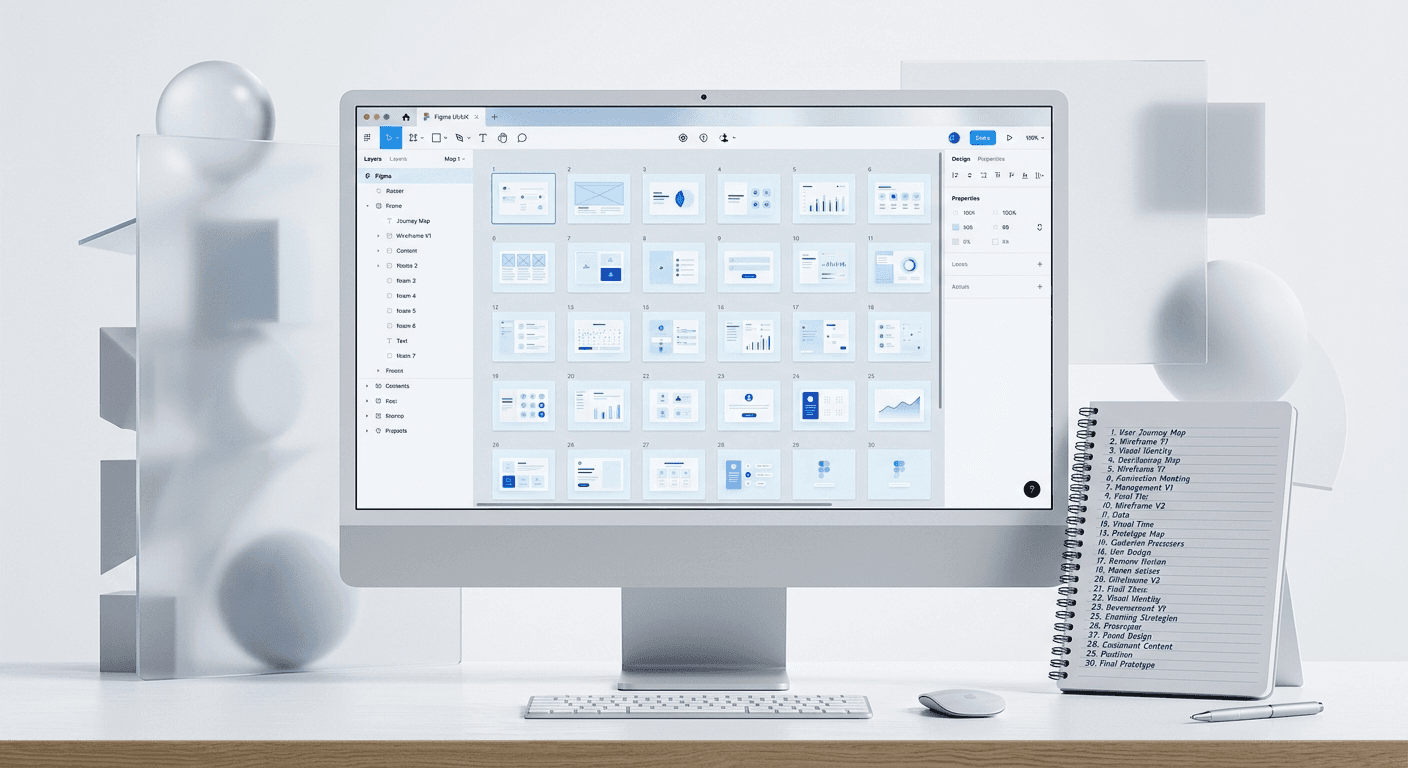
To batch create social media content in Figma, you must move from manual slide creation to a master file system utilizing auto-layout and components. This approach allows you to generate 30 days of high-quality visual content in a single two-hour block by separating the content writing phase from the design execution phase.
What is a content scaling system in Figma?
A content scaling system is a structured framework within Figma that uses reusable components and global styles to produce high volumes of visual assets. Instead of designing individual posts one by one, we build a logic-based architecture where updating a single source element changes every related post instantly. This transition from creative design to systematic production is essential for founders who need to maintain a presence on LinkedIn or Instagram without a dedicated design team.
Efficiency in digital marketing relies on the transition from manual execution to systematic production. A study on marketing productivity found that high-performing teams are 60% more likely to use standardized templates for their visual assets compared to underperforming teams (HubSpot, 2023). By implementing a centralized design system, operators eliminate the repetitive decision-making process that usually precedes every social media post. This structural approach allows a single creator to maintain a publishing frequency that would otherwise require a full-time design hire. The primary benefit is not just speed but the preservation of brand equity through visual consistency across all touchpoints. When a startup uses a systematic approach to design, they reduce the time spent on minor adjustments by nearly 50%, allowing the team to focus on high-level strategy and customer acquisition. This shift from creating to assembling is what defines a modern content operation.
Content scaling systems rely on the separation of data and design. You prepare your copy in a spreadsheet or document first, then flow that text into pre-built Figma frames. This prevents the cognitive switching that happens when you try to write and design at the same time.
Why should you batch create social media content?
The primary reason to batch create social media content is to recover the deep work time lost to daily creative tasks. Designing a single post every morning creates a recurring bottleneck that prevents you from focusing on product development or sales. By consolidating this work into one session, you benefit from the state of flow and achieve a lower per-unit time cost for every graphic produced.
Research indicates that marketers who use documented workflows and systems are 331% more likely to report success than those who do not (CoSchedule, 2023). This performance gap exists because systematic batching allows for better strategic alignment across a full month of content. When you see 20 or 30 posts side by side in a Figma canvas, you can easily identify gaps in your messaging or visual repetition that would be invisible if you worked on one post at a time. Content marketing costs 62% less than traditional marketing and generates about 3 times as many leads, but these efficiencies are only realized when the production process is optimized (HubSpot, 2023). Batching ensures that your output remains high even during busy product launch weeks or travel schedules. It turns social media from a daily chore into a managed business process.
We find that batching also improves the visual quality of your feed. Consistency is the foundation of brand trust. If your typography and spacing shift slightly every day, your brand looks amateur. Batching in a single Figma file ensures that every post follows the exact same grid and color logic.
How do you set up a master Figma file for batching?
Setting up a master Figma file for batching requires a layout grid and a library of batch design templates. Start by creating a frame at 1080x1350 pixels for portrait posts or 1080x1080 for squares. Use a 4-column or 8-column grid to ensure all text elements remain aligned across different slide types.
Auto-layout in Figma is a layout engine that allows you to create designs that grow or shrink as you change the content inside them. This is the most critical feature for batching. When you apply auto-layout to a slide, you can paste in a paragraph of text, and the background, buttons, and icons will move automatically to accommodate the new length. This eliminates the need to manually resize boxes for every different post.
How do you use sections to organize content pillars?
Figma Sections are a feature used to group related frames together on the infinite canvas. We recommend creating a Section for each of your content pillars, such as Founder Lessons, Product Updates, or Industry Tips. By placing your batch design templates inside these sections, you can quickly navigate between different styles of content without getting lost in your file.
Using sections also makes it easier to track your monthly progress. You can see at a glance if you have five posts for your first pillar and zero for your second. This visual organization is the backbone of a successful content operation for SaaS founders and agency owners.
How can batch design templates transform your workflow?
Batch design templates function as the architectural blueprint for your social media presence. These templates are not static images but dynamic components where you can swap colors, toggle icons, and change text in seconds. Instead of starting with a blank white square, you start with a proven layout that already looks professional.
We build our Figma design templates using these exact modular principles to ensure you can scale your output instantly. By using components, any change you make to the master template—like updating a font or a brand color—reflects across every slide in your 30-day batch. This ensures that you never have to manually update dozens of frames one by one when your brand identity evolves. High-performing content teams rely on these systems to maintain a 1.92% engagement rate on platforms like LinkedIn, where visual clarity is a key driver of reach (Socialinsider, 2024). A template-driven approach removes the friction of design, allowing you to spend more time on the quality of your insights. This is the difference between a founder who posts once a week and one who stays top-of-mind every single day.
You should aim to have 5-10 core templates. These might include a quote template, a listicle template, a chart template, and a testimonial template. Having this variety prevents your feed from looking repetitive while keeping the production time low.
How do social media workflow automations function in Figma?
Social media workflow automations in Figma primarily involve the use of local variables and plugins to handle repetitive data tasks. Variables allow you to store specific values for colors and text that you can apply to your entire design. If you want to switch a 10-slide carousel from a light mode to a dark mode, you can do it in one click by switching the variable mode.
Figma Variables are a feature that allows you to store reusable values for colors, numbers, and strings that can be applied across your entire design system. For a founder, this means you can test different color palettes across an entire month of content in seconds. Automation is not about replacing the human element of content; it is about removing the manual labor from the design process. Digital marketing studies show that 91% of B2B marketers use content marketing to reach customers, but the main challenge remains the time required to produce visual assets (Content Marketing Institute, 2024). By using variables and component properties, you reduce the time spent on design by up to 70%. This allows you to scale your content volume without scaling your headcount. Systematic automation is the only way to compete in an environment where volume and quality are both required for growth.
Another powerful automation tool is the use of plugins like Content Reel or Google Sheets Sync. These plugins allow you to pull text directly from a spreadsheet into your Figma frames. This is the ultimate way to batch create social media content because it removes the need to type into Figma entirely.
What is the professional marketing agency content creation process?
A professional marketing agency content creation process is built on a factory-style assembly line. Agencies do not wait for inspiration; they follow a series of repeatable steps: Research, Scripting, Design System Application, and Review. This systematic approach ensures that they can manage multiple clients without losing quality or missing deadlines.
Workflow Phase | Manual Approach | Agency-Style Batching |
|---|---|---|
Ideation | Daily brainstorming | Monthly sprint session |
Design | Unique per post | Component-based assembly |
Review | After each post | Bulk approval at month-start |
Export | One by one | Automated bulk export |
Agencies prioritize systems over individual artistry because systems scale. They use shared libraries in Figma so that any designer on the team can jump into a project and understand the rules immediately. This level of organization is what allows agencies to produce hundreds of assets per month while maintaining a cohesive brand identity for their clients.
You can adopt this agency mindset even as a solo founder. By treating your own brand as a client and setting aside a recurring "production day," you move from a reactive state to a proactive one. This shift is what enables consistent growth and lead generation through social media.
How do you use figma bulk export for multi-channel distribution?
To use figma bulk export effectively, you must utilize proper naming conventions for your frames. If you name your frames using a slash (e.g., LinkedIn/Post-01), Figma will automatically create folders for you during the export process. This keeps your desktop organized and makes uploading to scheduling tools much faster.
Visual content is increasingly important across all platforms, as posts with images get 2.3 times more engagement than those without images (HubSpot, 2023). However, different platforms require different aspect ratios and file sizes. Using the export settings in Figma, you can set multiple export scales—such as 1x for LinkedIn and 2x for high-resolution Pinterest pins—from a single frame. This multi-channel distribution strategy ensures your content looks crisp on every device, from mobile phones to high-resolution desktop monitors. Statistics show that global social media users spend an average of 143 minutes per day on these platforms, and they are increasingly sensitive to low-quality or poorly formatted visuals (Statista, 2023). Mastering the bulk export feature allows you to meet these high user expectations without adding hours to your week. It is the final step in a workflow designed for maximum efficiency and professional impact.
We recommend exporting as PNG for most social platforms to ensure the highest color accuracy. For carousels on LinkedIn, however, you will need to export your frames as a PDF. There are several Figma plugins that can convert a series of frames into a single PDF in seconds, making this process frictionless.
What common mistakes should you avoid when you batch create social media content?
The most common mistake when people batch create social media content is neglecting the "social" aspect in favor of pure volume. It is easy to fall into the trap of creating generic, repetitive posts that do not provide actual value to your audience. Batching should give you more time to think about the quality of your message, not less.
Another error is failing to use Auto Layout properly. If your templates are not flexible, you will spend your "saved" time manually moving text boxes around. Spend the extra hour at the beginning of the month to build your master file correctly. This investment pays for itself within the first few days of production.
Finally, do not forget to vary your visual hooks. Even within a batch, you should use different background colors or headline styles to prevent your audience from scrolling past. Use your master file to ensure variety while maintaining the core brand elements that make you recognizable.
Conclusion: Start your batching journey today
Learning how to batch create social media content is a competitive advantage for any modern operator. By moving from a manual design process to a systematic, Figma-based workflow, you regain control over your time and your brand identity. You no longer have to choose between growing your audience and building your product.
Consistency is the only path to organic growth on social media. With a master file and a set of professional templates, you can turn a month of content creation into a small, manageable task. Start by building your first master component today and experience the speed of a professional design workflow.
References
The State of Marketing Report. HubSpot, 2023.
Marketing Strategy & Trends Report. CoSchedule, 2023.
Social Media Industry Benchmarks. Socialinsider, 2024.
B2B Content Marketing Benchmarks, Budgets, and Trends. Content Marketing Institute, 2024.
Daily time spent on social networking by internet users worldwide. Statista, 2023.



