Top 6 Design Workflow Automations Agencies Use to Scale in 2026
Discover the top design workflow automations agencies use to scale production. Learn how Figma API and Zapier integrations eliminate repetitive design tasks.
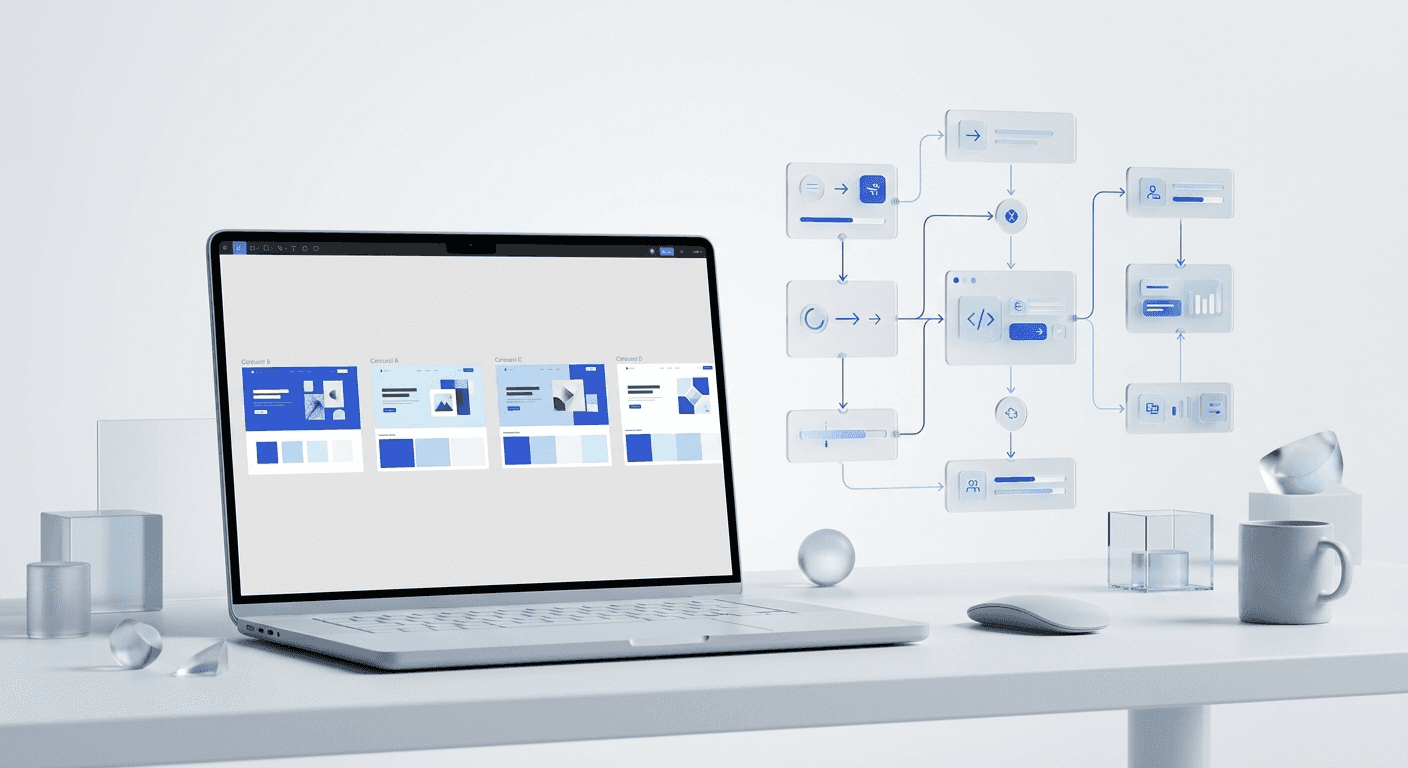
The top design workflow automations agencies use focus on decoupling content creation from manual pixel-pushing to speed up output. By connecting Figma to tools like Zapier and Make, agencies can reduce asset production time by 70% or more. This shift allows creative teams to focus on high-level strategy while automated systems handle the repetitive generation of social graphics and marketing assets.
The top design workflow automations agencies deploy today are no longer experimental; they are requirements for survival in a high-volume market. Most agencies lose dozens of hours every month to manual resizing, text updates, and file exports. When you implement a system where data drives the design, you transform your agency from a boutique shop into a scalable content machine. This article covers the specific technical stacks required to build these pipelines.
How can you automate social media design B2B?
Automate social media design B2B by connecting a centralized data source, such as a Google Sheet or Airtable, to Figma through a middleware tool like Zapier or Make. This setup allows non-designers to input copy and images into a spreadsheet, which then triggers the creation of a polished design based on a pre-approved template. It eliminates the need for a designer to open a file for every minor content change.
B2B content often relies on data points, testimonials, and industry insights that follow a repeatable visual structure. According to Socialinsider (2024), carousels remain the highest-engaging post type on LinkedIn, yet they are the most time-consuming to produce manually. By using a template-based automation, you ensure that every slide maintains brand consistency without manual oversight. This is particularly effective for high-frequency posting schedules where the volume of content would otherwise require a massive design team.
To scale agency content production effectively, you must treat your designs as software components rather than static art. This means using Figma's Auto Layout feature to ensure that varying text lengths do not break the design. When a Zapier automation pushes a new customer quote into a Figma frame, the container should expand or contract automatically. This technical foundation is what separates a brittle automated workflow from a resilient one that can handle hundreds of unique content variations without human intervention.
What are the best Zapier integrations for Figma?
The best Zapier integrations for Figma are those that bridge the gap between project management tools and the design canvas. Specifically, integrations with Asana, Trello, or Slack allow teams to trigger design creation or notification events based on project status changes. These integrations move the design process out of a silo and into the broader agency ecosystem where account managers and clients operate.
One powerful workflow involves using the Zapier Figma Integration to create new files or components whenever a new deal is closed in a CRM like HubSpot. For instance, when a sales rep marks a deal as "Won," Zapier can trigger a web-hook that clones a "Client Welcome" template in Figma and populates it with the client's logo and brand colors. This immediate visual output increases the perceived value of the agency during the onboarding phase, showing the client that work has begun instantly.
Trigger App | Action in Figma | Agency Benefit |
|---|---|---|
Google Sheets | Update Component Text | Bulk create 50+ social posts from a content calendar. |
Typeform | Create New Frame | Generate personalized report covers based on client surveys. |
Slack | Post File Comment | Centralize feedback loops without leaving the chat app. |
HubSpot | Clone Design Template | Instant creation of branded onboarding assets for new clients. |
How does the Figma API for marketing help agencies?
The Figma API marketing application is the use of programmatic access to Figma files to read, write, and manipulate design data for marketing purposes. Agencies use the API to build custom dashboards that pull live design previews into client portals or to bulk-export assets in multiple formats. The API transforms Figma from a design tool into a powerful headless design engine that can be controlled by external code.
Using the Figma REST API, agencies can create custom scripts that audit files for brand compliance. For example, a script can scan all frames in a file to ensure the correct hex codes are used and that no detached instances exist. This level of automated quality control is impossible to do manually at scale. As agencies manage more brands, these automated checks prevent costly errors before assets are published to a client's social media channels.
The true power of the API lies in its ability to handle repetitive, high-volume tasks that would burn out a junior designer. Research from Content Marketing Institute (2024) indicates that content operations are the biggest bottleneck for agencies seeking to grow. By leveraging the API to automate the export process—generating PNGs, PDFs, and SVGs simultaneously for every artboard—agencies can reclaim hours of billable time every week. This allows the team to shift focus from file management to high-level brand strategy.
Which are the top creative operations tools 2026?
The top creative operations tools 2026 for agencies include Make.com, Figma, and Airtable, forming a modern "stack" for design automation. These tools are characterized by their ability to talk to each other via APIs, allowing for a flow of information that requires no human hand-offs. Creative operations (CreativeOps) is the optimization of the people, processes, and tools used to produce creative work, and in 2026, it is dominated by low-code automation.
Make.com has emerged as a preferred alternative to Zapier for complex design workflows because of its visual logic builder. Agencies use Make to create multi-branching paths for their assets. For example, a single trigger could send a design to an AI image enhancer, then to a client for approval via a dedicated portal, and finally to a social media scheduler once approved. This level of complexity is where modern agencies find their competitive edge, as it allows them to operate with a much leaner staff than traditional firms.
Creative operations is no longer about managing people; it is about managing the pipelines that those people build. The agencies that thrive in 2026 are those that treat their design templates as infrastructure rather than one-off files.
Why should agencies use a template-first design system?
A template-first design system is a strategy where every creative deliverable is built as a modular component before any content is added. This approach is the prerequisite for all design automation. If your files are messy and inconsistent, automation will fail. By using Figma-based design templates, agencies establish a controlled environment where variables like text, colors, and images can be swapped programmatically without breaking the layout.
When you build a design system, you are essentially creating a language for your brand. This language allows you to automate the most tedious parts of the job. For example, if a client changes their primary brand color, a well-built system allows you to update a single variable to reflect that change across hundreds of files. This is not just a time-saver; it is a way to ensure that your agency never ships a brand-inconsistent asset, which is a major driver of client churn.
In our experience, founders who prioritize these systems scale faster because they are not rebuilding the wheel for every LinkedIn post or Instagram story. They use standardized layouts that have already been tested for engagement and readability. This allows the agency to deliver premium-looking content at a speed that manual designers cannot match. The focus shifts from "how do we design this?" to "what message are we sending today?"
How do you automate the client approval loop?
Automating the client approval loop involves creating a system where design changes automatically trigger a notification to the client with a direct link to a feedback portal. Instead of sending emails with attachments, agencies use tools like Frame.io or Figma's native commenting system integrated with Slack. This reduces the friction of the feedback cycle and ensures that designers are never working on outdated versions of an asset.
You can use a Make.com scenario to monitor a specific Figma file for a status change. When a designer moves a frame into the "Ready for Review" section, the automation can generate a low-resolution preview and post it to a shared Slack channel with the client. The client can then click a button to approve or request changes. If approved, the system can automatically export the final file and upload it to a Google Drive folder for the client to use. This eliminates the "middleman" role of an account manager for routine asset approvals.
This automated loop is one of the top design workflow automations agencies use to maintain high profit margins. The less time spent in the back-and-forth of email threads, the more time can be spent on high-value creative work. By 2026, clients expect this level of transparency and speed. An agency that provides an automated, real-time look into the creative process builds more trust than one that hides behind long turnaround times and manual status updates.
Final thoughts on scaling agency creative work
The top design workflow automations agencies implement are those that solve the conflict between quality and volume. By using the Figma API, Zapier, and Make.com, your agency can produce high-end visual content at a scale that was previously impossible. This does not replace designers; it frees them from the role of production artists and allows them to function as creative directors.
Start small by automating a single social media post type. Once the connection between your data and your design is solid, expand to more complex workflows like dynamic resizing and automated client approvals. The goal is to build a system where the design work is done once, and the production work is done by the machine. This is the only way to remain competitive in an era where the demand for visual content is infinite.



