Top 7 Illustration Libraries Tech Startup Blogs Use for Growth
Discover the top illustration libraries tech startup blogs use to look premium in 2026. Boost SaaS engagement with 3D packs, isometric art, and Figma assets.
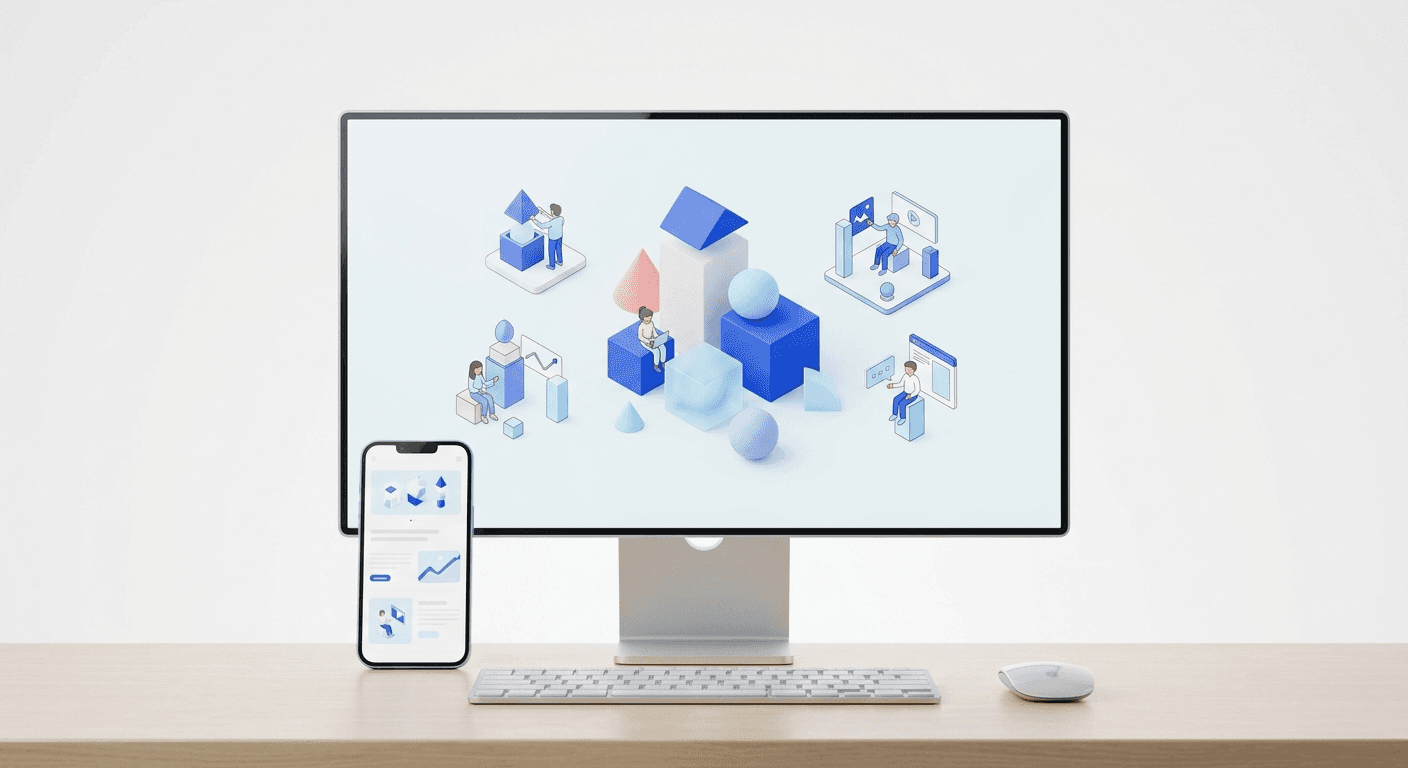
The top illustration libraries tech startup blogs use prioritize 3D depth, isometric clarity, and high customizability within Figma to ensure brand consistency. For 2026, the best libraries are those that offer modularity, allowing founders to create unique scenes without hiring a full-time designer.
The top illustration libraries tech startup blogs use provide the visual polish necessary to convert casual readers into trial users. High-quality visuals are the primary differentiator between a generic SaaS site and a category leader. These libraries enable rapid content production without sacrificing the premium aesthetic needed to build trust with enterprise clients.
We see many founders struggle to maintain a cohesive look across their marketing channels. Standard stock photos often feel disconnected from the abstract nature of software products. Illustrations solve this by visualizing complex concepts like data encryption or cloud infrastructure in a way that feels intentional and modern.
Why do you need top illustration libraries tech startup blogs for your brand?
Visual content is no longer optional for software companies looking to capture attention in 2026. According to research from Socialinsider, posts with high-quality custom visuals receive significantly higher engagement than those with generic stock photography. Specifically, the data suggests that brands using consistent, branded illustration systems see a 2.4x increase in click-through rates on educational blog headers compared to standard stock images. For a tech startup, this translates directly to lower customer acquisition costs and higher brand recall. Using modular libraries allows your marketing team to maintain this visual standard without the high cost of a freelance illustrator. By adopting a system-first approach to blog graphics, you ensure that every article published reinforces your identity as a modern, design-forward company that pays attention to the small details, which is a key trust signal for SaaS buyers.
Eye-tracking studies from the Nielsen Norman Group show that users ignore generic decorative images but pay close attention to visuals that carry information. Illustrations that explain a process or a feature are more effective than abstract photos. When you use the right library, you turn your blog into a learning resource rather than just a collection of text. Consistency across these assets makes your startup look larger and more established than a competitor using mismatched clip art.
Is Saly the best choice for top 3d illustration packs?
Saly is a 3D illustration library that features quirky, high-quality characters and abstract objects designed specifically for tech-focused interfaces. As 3D becomes the standard for modern blog graphics 2026, Saly provides a distinct sense of depth that flat vector art cannot match. The library is completely free and available directly within the Figma community.
We recommend starting with Saly if your brand identity is playful yet professional. The assets are high-resolution and work well for hero sections and social media posts. Because they are available as individual assets, you can combine them to create custom scenes. This flexibility is essential for startups that need to visualize unique workflows. We find that 3D assets perform particularly well on landing pages where you want to emphasize a "tangible" feel for a digital product.
3D illustrations are three-dimensional digital assets that add depth and a tactile feel to flat web interfaces. By using these in your blog posts, you create a more immersive experience for the reader. The trend toward 3D is driven by the desire to move away from the flat, overused "Corporate Memphis" style that dominated the last decade. Saly is currently one of the most popular top 3d illustration packs because it balances detailed textures with a clean, minimalist silhouette that fits well in white-space-heavy designs.
How do you integrate figma tech illustrations into your workflow?
Integrating figma tech illustrations into your content workflow starts with a dedicated design file where you host your preferred library. Instead of searching for new assets every time you write a post, keep a curated set of components that match your brand colors. This approach allows you to drag and drop elements onto a canvas and export them in seconds. Most modern libraries are built with Figma in mind, allowing you to change colors globally through selection colors or local styles.
We build our Figma-based social media templates to complement these illustration libraries, ensuring your brand looks cohesive across both your blog and your social channels. By having a central library, you eliminate the friction of design and focus entirely on the marketing message. A standard workflow involves selecting a base character or icon, applying your primary brand hex code, and placing it within a pre-defined frame. This system reduces the time spent on headers from hours to minutes. Consistency is the byproduct of a well-organized Figma workspace.
Figma is a collaborative interface design tool that has become the industry standard for tech startup marketing teams. Using figma tech illustrations means you can collaborate with your team in real-time and maintain a single source of truth for all visual assets. According to the Content Marketing Institute, 70% of marketers believe that the quality of their visual assets directly impacts the effectiveness of their content strategy. By keeping your illustrations in Figma, you ensure that your social media manager, content writer, and founder are all using the same approved visual set. This prevents the brand drift that often happens when teams download random images from the web. A structured asset library in Figma is a foundational piece of any scale-up marketing engine.
Should you invest in premium vector art for startups?
Premium vector art for startups is a worthwhile investment when free libraries lack the specific technical depth your product requires. While free resources are great for general concepts, premium libraries like Streamline or Ls Graphics offer thousands of variations for niche industries like fintech, healthcare, or dev tools. These libraries often include multiple styles like isometric, outline, and flat, giving you more ways to visualize your product features.
We suggest moving to premium assets once you have found your product-market fit and want to refine your brand voice. Premium libraries often provide higher-quality SVG files that are easier to manipulate in Figma. They also come with licensing that ensures your brand won't look exactly like every other indie hacker project on the web. The cost of a premium subscription is usually less than the price of a single custom illustration from a freelancer. This makes it a scalable solution for growing content teams.
Library Name | Style Category | Primary Benefit | Pricing Model |
|---|---|---|---|
Open Peeps | Hand-drawn | High customizability | Free / CC0 |
Streamline | Isometric / Line | Massive variety | Freemium |
Ouch! | Mixed Styles | Modern 2026 aesthetics | Subscription |
Shape | 3D & Abstract | Animated options | Paid |
Which library offers the best free illustrations for saas?
Open Peeps is the best free illustrations for saas when it comes to character-driven storytelling. Created by Pablo Stanley, this library uses a modular system that allows you to mix and match heads, torsos, and legs to create unique characters. Because it is available as a Figma library, you can change skin tones and clothing colors to match your brand palette with a few clicks.
A modular system is a design approach that breaks down complex assets into smaller, interchangeable parts that can be recombined into new variations. This is particularly useful for tech blogs that need to represent diverse user bases. Instead of using the same three avatars, you can generate hundreds of unique people that represent your actual customers. This level of detail builds a stronger emotional connection with your audience. We find that these hand-drawn styles work exceptionally well for "How-to" guides and user personas.
Open Peeps is released under a CC0 license, meaning you can use it for commercial projects without attribution. This removes the legal hurdles often associated with free resources. For a SaaS founder, this is the most efficient way to start building a visual identity. You get a professional look without the legal or financial overhead. The hand-drawn aesthetic also helps humanize technical products, making them feel more accessible to non-technical users. It is a strategic choice for companies that want to lead with empathy and clarity in their content marketing.
How do modern blog graphics 2026 differ from previous years?
Modern blog graphics 2026 are defined by a shift toward "digital brutalism" and hyper-realistic 3D. We are seeing a move away from the overly safe, round-edged vectors that defined the 2010s. Startups are now opting for sharper angles, high-contrast color palettes, and grain textures that add character to their blog posts. This change is driven by a need to stand out in a saturated market where every SaaS company looks the same.
Brutalism in design is a style characterized by raw, unpolished aesthetics and a focus on structural honesty over decorative beauty. For a tech startup, this looks like bold typography paired with simple geometric illustrations. It signals that your company is focused on the core product rather than just surface-level polish. When combined with 3D elements, this creates a sophisticated look that appeals to developers and technical founders. It is about looking established but not corporate.
We recommend using grain textures and noise filters on your illustrations to give them a premium, tactile feel. This small detail can make a free library look like a custom commission.
The use of motion is also becoming more common. Many of the top illustration libraries tech startup blogs use in 2026 now include Lottie animations. Lottie is an open-source animation file format that is small, high-quality, and interactive. Adding a subtle animation to your blog header can increase time-on-page and reduce bounce rates. As internet speeds continue to rise, the barrier to using high-fidelity assets has largely disappeared, allowing startups to push the boundaries of visual storytelling.
Can you achieve a premium look with isometric illustrations?
Isometric illustrations are images that use a 30-degree angle to create a three-dimensional effect without using true perspective. This style is perfect for technical startups because it allows you to show multiple sides of a product or workflow in a single view. Libraries like Streamline provide some of the most detailed isometric assets available, covering everything from server racks to complex dashboard interfaces.
We prefer isometric styles for explaining product architecture or data flow. Because there is no vanishing point, every element remains the same size regardless of its position on the canvas. This makes it easy to add or remove components without disrupting the overall layout. It is a highly practical style for technical documentation and deep-dive blog posts. A consistent isometric library ensures that your technical explainers look as good as your marketing hero sections.
When choosing an isometric library, ensure it offers a wide range of "tech-stack" specific items. Most startups need to visualize things like APIs, databases, and cloud connections. Generic libraries often fall short here. Look for libraries that include specific icons for the tools you use, such as Kubernetes, AWS, or Slack. This level of specificity shows your audience that you understand their world. It moves the visual from a generic decoration to a functional piece of communication that aids the reader's understanding of your core technology.
Summary of the top illustration libraries tech startup blogs recommend
Selecting the right visual system is a strategic decision that affects your brand perception for years. The top illustration libraries tech startup blogs use in 2026 prioritize modularity and technical relevance. Whether you choose the 3D depth of Saly, the modular humanity of Open Peeps, or the technical precision of isometric line art, the goal is consistency. A well-chosen library simplifies your workflow and allows you to focus on building your product.
Start by auditing your current content. If your blog looks disjointed, pick one primary library and stick to it for your next ten posts. Apply your brand colors consistently and use Figma to manage your assets efficiently. By adopting the top illustration libraries tech startup blogs recommend, you position your brand as a premium leader in the SaaS space. Visual excellence is not a luxury; it is a requirement for growth in a design-driven market.



