How to Build App Store Screenshots Figma Workflows for SaaS
Learn how to build high-converting app store screenshots figma workflows. Discover proven templates to increase SaaS downloads and automate design updates.
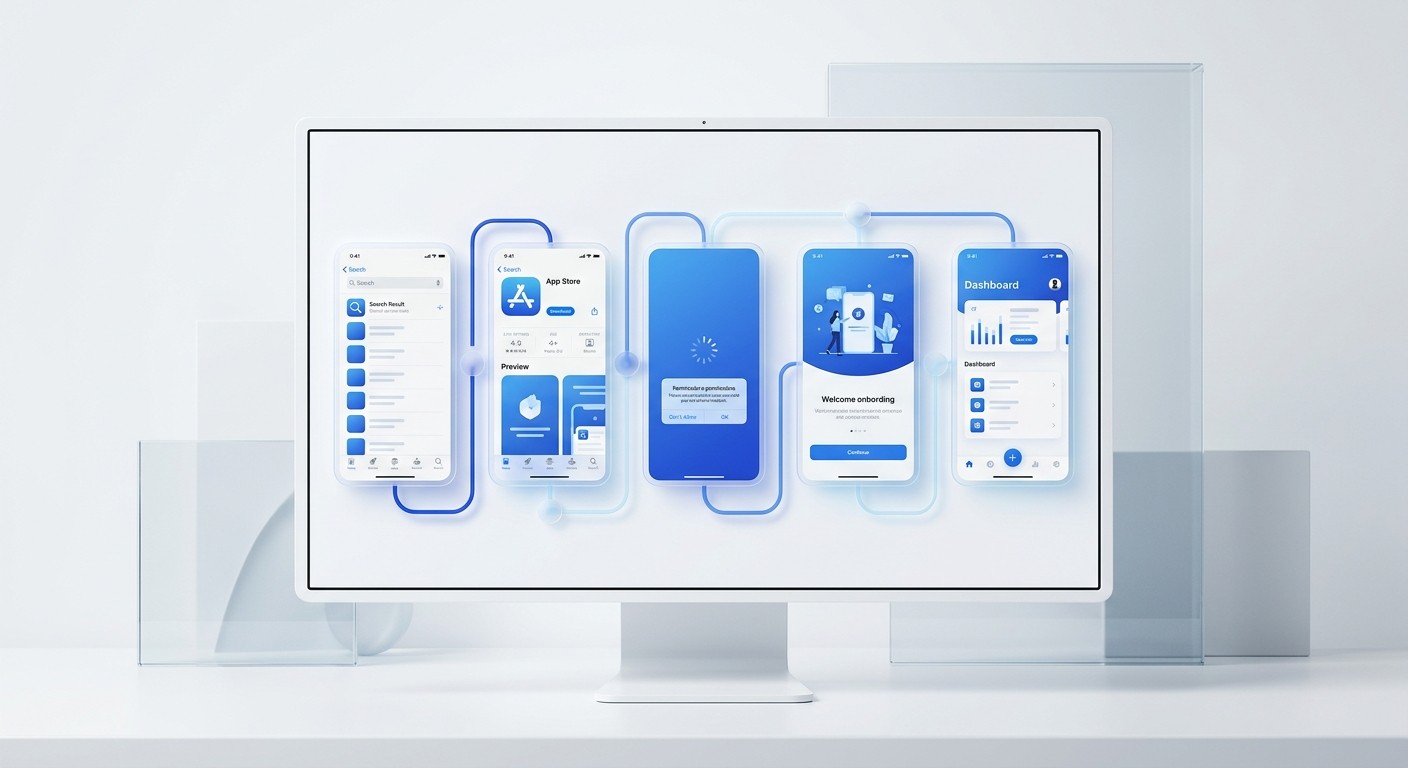
An app store screenshots figma workflow treats mobile app visuals like high-converting social media carousels instead of static graphics. By using Auto Layout and component libraries, you design panoramic sequences that capture attention and drive downloads. This systematic approach ensures perfect aspect ratios while scaling effortlessly across iOS and Google Play.
What is an app store screenshots figma workflow?
An app store screenshots figma workflow is a systematic approach to building and exporting app preview graphics using Figma's component-based architecture. Instead of treating each screenshot as an isolated image, this method treats the entire gallery as an interconnected visual sequence built on a centralized master template.
The traditional approach to app store graphics involves manually assembling individual screens. This manual process breaks down rapidly when you need to update a feature or launch a localized version. Shifting to a dedicated system resolves this friction immediately. Figma Auto Layout is a core feature that lets design components resize dynamically based on their content, behaving like CSS flexbox for your canvas.
Teams that adopt this feature experience massive efficiency gains. Research indicates that mastering these structured layouts can cut design iteration time by 60% compared to manual adjustments (Medium, 2025). This acceleration matters deeply for SaaS companies running aggressive growth experiments. When you standardize the layout rules, you eliminate the risk of misaligned text or distorted device frames.
Every update propagates instantly through your master components. The entire gallery updates in seconds. This allows your team to focus on the marketing copy rather than manual pixel adjustments.
The process begins with an audit of your current assets. You strip away all the old marketing graphics and start with raw interface exports. Next, you establish a grid system within your canvas.
You create dedicated frames for the backgrounds and overlay the device mockups. This ensures the foundational structure is perfectly aligned.
Why do generic app store screenshots kill SaaS conversions?
Generic app store screenshots kill SaaS conversions because they expect the user to decode complex interfaces without clear narrative guidance. Modern buyers consume information through directed storytelling. A standalone screenshot placed inside a floating phone bezel provides zero context, causing confused prospects to abandon the store page.
You have an incredibly short window to convince a visitor to install your application. If they land on your store page and see a cluttered UI without clear benefits, they bounce immediately. Data confirms that the visual presentation is the ultimate conversion lever. Optimized screenshots can drive around a 24.3% uplift in conversion rates for store listings (AppLaunchpad, 2024).
Many SaaS operators mistakenly believe the written description drives the acquisition. The reality is that visual communication dominates the decision process. StoreMaven data shows that 50% of all installs come from a user's first impression, which is entirely dictated by the gallery graphics (Medium, 2020).
If your gallery looks exactly like your competitor's generic layout, you surrender your chance to stand out. You need a sequential layout that stops the scroll. Treating the gallery space as premium real estate forces you to prioritize benefit-driven copy over simple interface previews.
You must think of your gallery as an interactive pitch deck. Every single pixel must serve a distinct psychological purpose. The background color should contrast heavily with the interface to make the product pop.
If the screen shows a complex dashboard, use callout graphics to magnify the most important metric for the viewer.
How do you set up ios app store dimensions figma templates?
An ios app store dimensions figma template is a pre-configured workspace that strictly adheres to Apple's mandatory screen resolutions. The setup requires artboards sized exactly at 1242x2688 pixels for modern iPhones. You must apply clipping masks and safe zones to guarantee your text remains visible across all hardware models.
Apple strictly enforces visual requirements and will reject binaries that submit incorrect resolutions. The iOS store search layout prioritizes the first three portrait images, meaning your primary value proposition must fit within that immediate viewpoint. Designing for this specific platform requires precision and an understanding of mobile user behavior.
Up to 90% of users do not scroll past the third screenshot in an app store gallery (AppLaunchpad, 2024). This specific constraint dictates your entire content strategy. You cannot hide your core feature on the fourth slide. Your template must position the strongest hook immediately.
We build our artboards with strict padding rules so the marketing copy never bleeds into the device bezel. By establishing the precise width and height upfront, you prevent export errors later. A rigid template locks in the typography scale, ensuring your captions remain highly legible even when compressed on a physical device screen.
Understanding Apple's strict resolution rules
Start by generating a base component at the largest required resolution. You can scale down for older devices, but scaling up destroys pixel clarity. Apply an Auto Layout wrapper to the text group.
Leave exactly 120 pixels of padding above the text block to clear the hardware safe zone. This precision prevents any clipping on smaller screens.
What is the ideal google play screenshot template structure?
The ideal google play screenshot template structure is a responsive design framework built for aspect ratios between 16:9 and 9:16. The optimal layout focuses on high-contrast backgrounds and sequential storytelling that explicitly highlights core functionality while strictly adhering to Google's flexible scaling rules across eight available image slots.
Android device fragmentation requires a highly adaptable design system. Unlike Apple, Google allows wider variance in the submitted dimensions as long as the minimum side is 320 pixels and the maximum is 3840 pixels. The file weight is also strictly capped.
Submissions to the platform require images to remain under a specific threshold, specifically a maximum file size of 8MB per image (App Radar, 2025). Your template needs to accommodate these technical limitations without sacrificing visual quality. We use components that automatically swap background patterns depending on the target device.
This ensures the output remains sharp and compliant. A properly constructed layout keeps the interface mockups large and central. You want the user to see the exact buttons they will push. Relying on an automated template guarantees you hit the required aspect ratios every single time.
Platform Dimension Comparisons
Platform | Minimum Resolution | Aspect Ratio | Maximum File Size |
|---|---|---|---|
Apple App Store | 1242 x 2688 pixels | 19.5:9 (Portrait) | Variable limits |
Google Play Store | 320 px (minimum side) | 16:9 or 9:16 | 8 MB |
Android requires specific handling of the status bar. Set the time to 12:00 and remove all notification icons. These tiny details prevent the user from being distracted by irrelevant data.
Your background elements should use lightweight vector shapes rather than heavy raster images. This keeps the file size low and upload speeds fast.
How do panoramic app preview designs increase downloads?
A panoramic app preview design is a visual technique where a continuous background or graphic element spans across multiple consecutive screenshots. When a user swipes, the image flows smoothly from one slide to the next, creating an irresistible psychological loop that compels the prospect to keep scrolling through the gallery.
The continuity of a panoramic layout borrows heavily from successful social media mechanics. When elements visually cross the boundary of the screen, the human brain naturally wants to resolve the broken image by swiping. This technique dramatically increases dwell time on your listing.
Social media metrics prove that multi-image sequences hold attention far longer than static alternatives. Carousels on professional networks earn a median engagement rate of 21.77%, which is roughly three times the engagement of video formats (ALM Corp, 2026). Translating this carousel logic to your store page yields similar retention spikes.
If you keep a potential buyer in your gallery longer, your chance of securing the download multiplies. The continuous background acts as a guide rail, pulling the user through your product narrative step by step. We recommend splitting a bold headline across the first two slides to force that initial interaction.
Building this effect requires a specific mathematical approach. You align three artboards side by side with zero spacing between them.
You draw a vector shape that stretches across all three frames. You then slice the shape at the exact boundary lines. When exported, the pieces fit together perfectly on the device screen.
How do you build a reusable mobile mockup figma system?
A reusable mobile mockup figma system is a centralized file containing your interface screens wrapped in synchronized device frames. You define the phone bezel as a master component. When you paste a new interface screen into the component, it instantly updates across your entire panoramic marketing gallery without manual intervention.
Setting up a master system requires mapping your variables correctly. You define your brand colors and padding rules as local variables. When you need to pivot a campaign, tweaking one variable updates the entire file.
Efficiency in this phase is paramount for iterative marketing. The case of the textPlus application gaining over 119,000 downloads from a single A/B test is evidence of the tremendous impact that rapid screenshot iterations have on conversion rates (SplitMetrics, 2026). If your file is a disorganized mess of unlinked layers, you cannot test variations fast enough.
A structured library lets you duplicate the master file, swap out the primary color, and export a variant in under two minutes. Applying this logic to your store graphics turns a tedious chore into a rapid deployment engine. You iterate aggressively until the data confirms you have found the highest converting visual sequence.
Structuring the nested component hierarchy
The secret to speed is nesting components deeply. You can access highly structured social media carousel templates to see how professional files manage these nested variables. Here is the strict sequence:
Create a master component for a blank phone device.
Place an instance of your interface inside that device.
Wrap the device inside an Auto Layout frame.
Changing the main interface component instantly updates the screen inside the phone. This subsequently updates the final marketing graphic ready for immediate export.
What are the biggest mistakes in saas mobile app marketing screenshots?
The biggest mistake in saas mobile app marketing screenshots is prioritizing aesthetic complexity over pure legibility. Founders frequently shrink their interface mockups to fit massive blocks of explanatory text. They also neglect to update the data inside the mockups, showing outdated interfaces or completely empty dashboard states to potential buyers.
Your audience evaluates your software on a device with a six-inch screen while standing on a crowded train. If they cannot read the caption text at arm's length, the graphic fails entirely. Typography must be massive, and the message must be distilled to a single benefit per slide.
Research into algorithm dynamics reveals that specific narrative structures command far more attention. Content that uses numbered frameworks or highly structured lists achieves 20% to 30% more dwell time than loosely organized information (Meet Lea, 2026). Your screenshots must follow this same direct logic.
Numbered steps are infinitely more effective than a vague paragraph about product features. The interface inside the mockup must reflect the exact action described in the text. Another frequent error is leaving the status bar visible with a drained battery icon or random network symbols.
Another fatal error is using generic stock photography in the background. Avoid these common visual distractions:
Busy lifestyle photos that obscure the interface.
Low-contrast text colors that fail accessibility checks.
Unrelated vector illustrations that clutter the layout.
Rely on solid colors or subtle gradients instead. Make sure the contrast ratio exceeds standard accessibility guidelines.
How do you automate app store screenshots figma updates?
Automating an app store screenshots figma update involves linking your design components directly to real data or external copy sheets. By integrating plugins that pull text from a spreadsheet, you can populate dozens of localized screenshots simultaneously, removing slow manual data entry entirely from the design production cycle.
Localization is a massive growth lever, but translating graphics manually introduces unacceptable delays. When you structure your text layers properly, you can run a script that swaps languages instantly. The layout must handle the text expansion gracefully.
Auto Layout components guarantee that buttons stretch dynamically when foreign words require more horizontal space. Engineers frequently spend 30% to 50% of feature development time doing UI implementation and translation updates (Builder.io, 2026). You can reclaim all of that wasted time on the marketing side by turning your design files into rigid, logic-based systems.
Every slide relies on constraints that pin the device to the bottom while centering the headline at the top. When the content changes, the structural integrity holds perfectly. You simply hit export, upload the new batch to the developer console, and launch the next international market experiment.
You must audit your naming conventions to make this work reliably. Label your text layers exactly as they appear in your spreadsheet. This strict naming protocol ensures the script maps the data correctly.
Once the automation runs, manually check the longest translated strings. Adjust the Auto Layout constraints if necessary to prevent layout breaks.
References
Unlock Figma's Power: The Ultimate Guide to Auto Layout. Medium, 2025.
Google Play Store Screenshot Requirements: Best Guide. AppLaunchpad, 2024.
Panoramic App Screenshots: Encourage scrolling along your gallery. Medium, 2020.
Google Play Screenshot Sizes, Requirements and Guidelines. App Radar, 2025.
Social Media Engagement Declined in 2025: Data. ALM Corp, 2026.
A Beginner's Guide to A/B Testing for ASO. SplitMetrics, 2026.
LinkedIn Carousel Engagement 2026: Performance Benchmarks. Meet Lea, 2026.
Design to Code AI Automation Guide. Builder.io, 2026.



