8 Best Color Palette Generators for SaaS Branding in 2026
Discover the best color palette generators saas branding experts use in 2026. Find top brand color tools for accessibility and professional Figma design systems.
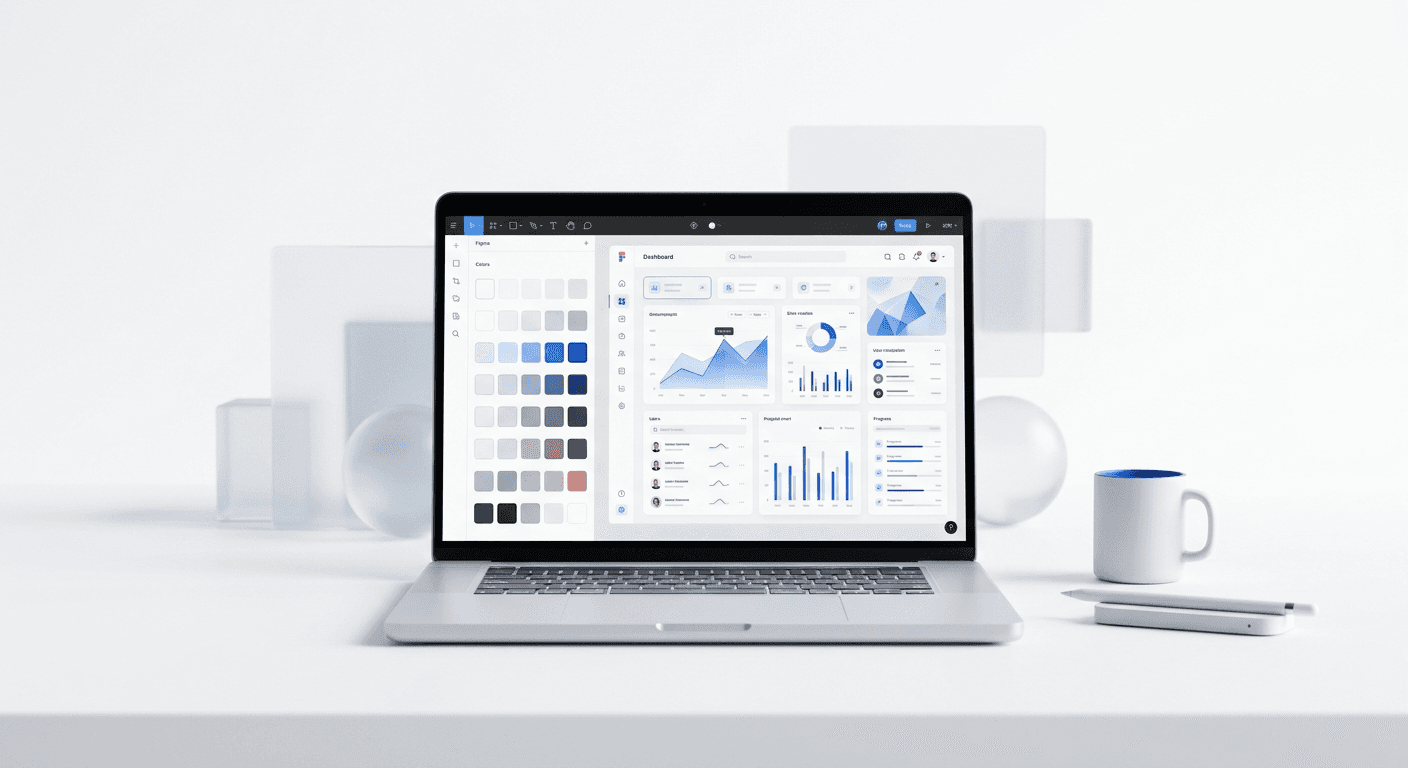
The best color palette generators saas branding designers use are tools that prioritize accessibility, UI contrast, and Figma integration. Our top recommendation is Realtime Colors for immediate UI visualization and Leonardo for contrast-based systems.
Choosing the best color palette generators saas branding requires is the first step toward building a high-trust software company. Color is not just a visual preference. It is a communication tool that signals reliability to your potential customers. A professional palette helps you move away from amateur-looking content that damages brand credibility.
We see many founders spend hours manually adjusting hex codes in Figma. This manual process is inefficient and often leads to inconsistent brand identities across marketing channels. By using specialized tools, you can establish a cohesive visual language in minutes rather than days. This speeds up your marketing workflow so you can focus on building your core product.
What are the best color palette generators saas branding needs?
The best color palette generators saas branding professionals use focus on functional design tokens rather than just general aesthetics. Tools like Realtime Colors, Atmos, and Leonardo provide the necessary UI constraints for software interfaces. They allow founders to build consistent brand systems that scale across landing pages, social media posts, and product dashboards.
In our experience, a successful SaaS brand needs more than three primary colors. You need a system that includes functional shades for success, error, and warning states. These tools help you generate these secondary palettes automatically. Using a structured generator ensures that your brand colors remain legible and professional even when applied to complex data visualizations or dense UI components.
Research confirms that color increases brand recognition by up to 80% (Reboot Online, 2024). For a startup, this recognition is the difference between being ignored and being remembered by a lead. A tool that generates a mathematically sound palette ensures that your brand recognition stays high across every platform. You can find many of these principles applied in our Figma-based social media templates which use pre-defined color systems to maintain brand consistency.
Why does accessibility matter for B2B SaaS color tools?
The answer is that accessible color tools b2b companies prioritize ensure compliance with international web standards like WCAG 2.1. Accessibility is a legal and ethical requirement for modern software companies. If your brand colors do not have enough contrast, a significant portion of your target audience will find your product or marketing content impossible to read.
According to the World Health Organization, at least 2.2 billion people globally have a near or distant vision impairment (WHO, 2025). When a SaaS company ignores contrast ratios, they are actively excluding a massive segment of the market. High-quality generators built for B2B needs include real-time contrast checking for every color combination they suggest. This prevents the need for expensive design audits later in the company lifecycle.
We recommend using tools that provide a simple pass or fail grade for WCAG compliance. This feature allows non-designers to make safe choices without needing to understand the underlying mathematics of color luminance. When you select colors that meet these standards, you ensure that your website and marketing materials are inclusive. This professional approach signals to large enterprise clients that your company is mature enough to handle their needs. Choosing accessible colors is a sign of a premium, established brand identity.
Which AI tools create the most professional brand identities?
The best ai color palette generators use machine learning to suggest combinations based on successful tech brands and established design theory. Khroma is a primary example of this, learning your personal design preferences to generate thousands of palettes. These systems help founders skip the trial-and-error phase by grounding choices in existing data on visual harmony.
AI tools differ from traditional generators because they analyze how colors interact in real-world scenarios. Instead of just giving you five circles of color, they show you how those colors look on icons, typography, and buttons. This contextual feedback is invaluable for SaaS founders who need to see how a primary brand color translates to a Call to Action (CTA) button. Using AI saves hours of manual experimentation in design software.
Color psychology is a field of study that examines how different hues affect human behavior and decision-making processes. For SaaS companies, using blue often signals trust and stability, which is why 33% of the world's top 100 brands use it in their logos (Reboot Online, 2024). AI generators can suggest these specific blue shades based on the desired emotional response of your target audience. This data-driven approach to branding removes the guesswork and leads to higher conversion rates over time.
How do these tools compare for modern marketing workflows?
The following table compares the top options based on their specific features for SaaS and startup environments. Each tool offers a different path to achieving a professional brand identity.
Tool Name | Best For | Figma Integration | Accessibility Check |
|---|---|---|---|
Realtime Colors | Live UI Visualization | High | Yes |
Leonardo | Contrast-Based Systems | Medium | Advanced |
Khroma | AI Inspiration | None | No |
Atmos | Design Tokens | High | Yes |
Adobe Color | Standard Exploration | Manual | Yes |
What are the best Figma plugins for brand color management?
The figma color plugins marketing teams use are essential for bridging the gap between brand design and high-volume content creation. Plugins like Supa Palette or Color Search allow you to generate whole systems inside your workspace. This eliminates the need to copy-paste hex codes between browser tabs and design files, which simplifies your daily production.
Using a plugin inside Figma allows you to apply brand updates across dozens of social media cards simultaneously. If you decide to shift your primary brand color, a plugin can find and replace that specific hex code across all your layers. This is a massive speed improvement over manual editing. It ensures that your LinkedIn and Instagram content always matches your latest website design without any manual overhead.
Consistency is the core of brand trust in the B2B world. When your social media posts look exactly like your product interface, you build a cohesive brand identity that feels premium. Figma is now used by over 4 million people globally (Figma, 2023), making its ecosystem the standard for design workflows. Plugins within this ecosystem are the most efficient way to manage your brand colors as you scale. They turn a static palette into a dynamic design system that your whole team can use.
How do you choose a Coolors alternative for high-end SaaS?
Finding coolors alternatives saas founders prefer means looking for tools that offer more than just a randomizer button. While Coolors is excellent for general inspiration, SaaS brands often need specific shades for success, warning, and error states. Real alternatives like Realtime Colors or Atmos focus on how colors look in a live UI environment.
A professional SaaS brand requires a palette with enough depth to support complex user interfaces. This means having light and dark variations of your primary color for hover states and disabled buttons. Most generic generators do not provide these variations. High-end alternatives generate a full scale of tints and shades automatically. This ensures your developers have every hex code they need without having to guess the correct shade of blue.
When you evaluate an alternative, check if it allows you to export your colors as design tokens. Design tokens are a centralized way to store design decisions like color and typography. Using tokens allows your design and engineering teams to stay in sync. This reduces the friction during the handoff process and ensures that the final product looks exactly like the design. For a fast-growing startup, this technical alignment is a major competitive advantage that speeds up the product release cycle.
Is Realtime Colors the right choice for founders?
Realtime Colors is an excellent choice for founders because it allows you to see your palette applied to a real website layout instantly. It removes the abstraction of looking at color swatches in isolation. You can see how your primary color looks as a hero background and how your secondary color works for text links. This immediate feedback helps you make faster design decisions.
When should you use Leonardo for contrast?
Leonardo is the ideal tool when you need to build a palette based on specific contrast ratios. It is a contrast-based color generator that ensures every shade in your system meets accessibility standards. This is particularly useful for SaaS products that deal with data-heavy dashboards where legibility is the highest priority.
What are the top brand color tools 2026 for startups?
The top brand color tools 2026 startups should monitor are those that integrate design tokens directly into development pipelines. Tools like ColorBox by Lyft or Huemint are built specifically for modern UI systems. They ensure that a single color update on a social media post matches the hex code used in the actual software product.
These tools are moving toward automated brand management. In the coming year, we expect to see more generators that can automatically adjust your brand colors based on the platform where the content is being shared. For example, a palette might shift slightly to look better on mobile screens versus high-resolution monitors. Staying ahead of these trends allows your startup to maintain a premium look as technology changes.
The shift toward design systems means that colors are no longer static assets. They are dynamic parts of a codebase. Founders who adopt these top brand color tools 2026 will find it easier to scale their marketing and product teams. By using tools that understand the technical side of color, you prevent the design debt that often slows down mature companies. Starting with the right generator today saves hundreds of hours of redesigning in the future. Professional color management is a long-term investment in your brand equity. Choosing the best color palette generators saas branding professionals trust will ensure your startup looks established from day one.



