The Best Colors for LinkedIn Carousels to Boost Dwell Time
Discover the best colors for LinkedIn carousels to capture attention and increase dwell time. Learn how high contrast design drives real engagement today.
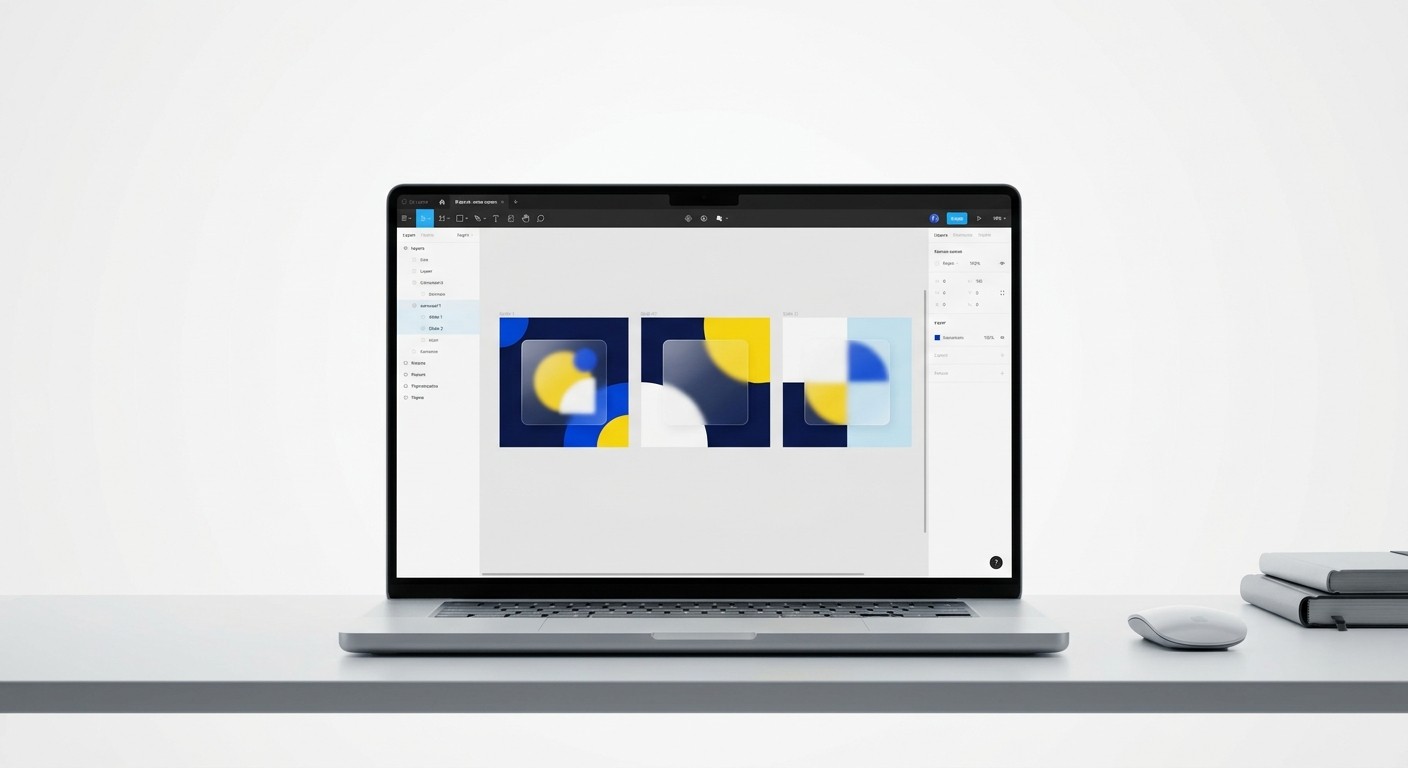
The best colors for LinkedIn carousels depend on creating high contrast against the platform's native interface. Our approach focuses on testing these palettes across both light and dark backgrounds to ensure maximum readability and maximize your dwell time. Choosing these specific shades naturally halts scrolling behavior and encourages users to swipe through your entire slide deck.
What are the best colors for LinkedIn carousels?
Bold, high-contrast combinations like electric blue paired with warm yellow or stark black and white form the best colors for LinkedIn carousels. These specific pairings force a visual break in the standard grey and blue user interface of the platform. Contrast always matters more than any single magical hue.
Why visual disruption matters
You must carefully select color palettes that actively hold user attention across multiple slides. Engagement data consistently proves that format choice heavily dictates performance metrics on the platform. Carousels are in a league of their own, earning 278% more engagement than video and 596% more than text-only posts (Buffer, 2025). Capturing this elevated engagement requires visual disruption in a crowded feed.
When users encounter a bold, brightly contrasting color on their first slide, they physically pause their scrolling behavior. This initial pause creates the necessary momentum for your audience to read the headline and swipe to the next slide. Through rigorous testing, we ensure our design combinations create this exact stopping effect consistently, because without visual friction, valuable advice gets ignored. A strong, purposeful palette is the structural foundation for your entire content strategy.
How does social media color psychology influence swiping behavior?
Social media color psychology is the practice of using specific hues to trigger predictable emotional responses and dictate how users interact with content. Blue signals trust and authority, while warmer tones like orange or red create urgency. Choosing the right emotional trigger directly impacts how long readers stay engaged.
Color Choice | Psychological Trigger | Best Use Case in Carousels |
|---|---|---|
Deep Navy Blue | Trust and Authority | Educational body slides |
Electric Yellow | Urgency and Attention | Title hooks and alerts |
Stark Black | Premium Quality | Final call-to-action slides |
The hidden impact of background choices
Applying psychological principles to your design decisions prevents your content from blending into background noise. The visual impact of your chosen hues determines whether a potential lead stops to read or continues scrolling past your post. Color can affect approximately 62% to 90% of initial consumer assessments about a product or brand (Social Media Strategies Summit, 2025). This massive influence means your background choices carry far more weight than your actual copywriting during the first three seconds.
We apply this concept by assigning specific background colors to different types of information throughout a presentation. A title slide might feature an aggressive yellow to demand attention instantly. Transitioning to a calming off-white reduces eye strain during the educational body slides. This strategic variation maintains visual interest and effectively prevents user fatigue as they swipe through a ten-slide deck.
Why is high contrast design critical for feed visibility?
High contrast design relies on pairing colors from opposite sides of the spectrum to make text and foreground elements highly legible. This approach guarantees your written content remains readable on small mobile screens. Legibility is the primary technical requirement for holding viewer attention across multiple slides.
Guiding the reader's eye naturally
Creating stark visual differences between your text and background elements guarantees your message remains readable in outdoor lighting. These stop the scroll colors force the eye to focus on the exact typography you want the user to read first. People around the world heavily favor specific segments of the color spectrum, with 42% of individuals choosing blue as their most popular color preference (Coolest Gadgets, 2025). While blue is incredibly popular, using it exclusively on a blue platform causes visibility issues.
We solve this exact problem by pairing deep navy backgrounds with pure white typography and bright accent colors. This bold approach creates a sharp, readable hierarchy that guides the reader naturally from the headline down to the supporting points. By increasing visual clarity, you directly increase the time users spend consuming your content. A muddy, low-contrast image frustrates the reader and causes them to abandon the post entirely.
What is dark mode compatibility social optimization?
Dark mode compatibility social optimization is the technical process of testing your designs to ensure they remain legible when a device inverts background colors. The answer is avoiding transparent backgrounds and testing your export settings so your text never disappears. Hardcoding your background fills prevents this common formatting disaster.
Protecting your reach across devices
Failing to account for different screen settings actively alienates a massive portion of your professional audience. Many creators export their graphics with transparent backgrounds, only to discover their black text becomes entirely invisible on a dark interface. Dark mode is used by 81.9% of surveyed Android users on their phones, indicating that a significant majority of your audience consumes content with a black background (forms.app, 2025). Ignoring this preference actively destroys your engagement metrics and overall reach.
To combat this formatting issue, we explicitly define solid background fill colors for every single slide before exporting to PDF. Hardcoding your background colors guarantees your visual presentation remains exactly as you intended. Follow these exact steps:
Select the primary frame for your slide deck.
Navigate directly to the fill settings panel.
Apply a solid hex code rather than relying on transparency.
This simple technical check protects your professional image, regardless of the individual device preferences your audience chooses.
How do you build brand colors Figma systems for speed?
You build brand colors Figma systems for speed by establishing global style tokens that apply to your entire component library automatically. Updating a master color token instantly pushes the change across every slide in your presentation. The answer is treating your visual identity like a scalable software product.
Scaling your design workflow
Managing your visual output requires treating your content creation process with strict operational discipline. When you define your color tokens early, you eliminate the need to manually color-pick individual text boxes or shapes. Using templates for social media carousel posts is a reliable way to enforce these constraints and prevent your team from publishing amateur-looking content. A study tracking engagement metrics revealed that multi-image posts are currently performing exceptionally well, reaching average engagement rates of 6.60% across the platform (PostNitro, 2025).
Sustaining that level of high performance requires publishing frequently, which becomes practically impossible if you build every design from scratch. Internal design systems built on auto-layout handle these demands easily. Auto-layout in Figma is a feature that lets components resize dynamically based on their content length. This technical setup allows us to swap color themes across a dozen slides instantly while perfectly maintaining our margin rules.
How do you match LinkedIn feed aesthetics to conversion goals?
You match your LinkedIn feed aesthetics to conversion goals by assigning highly distinct colors to your final call-to-action slides. A drastic visual shift on the last slide signals to the reader that the educational portion is over. The answer is deliberate, structural color blocking to prompt specific actions.
Driving measurable business outcomes
The ultimate purpose of publishing content is driving measurable business outcomes like newsletter signups or software trials. Your visual presentation must gently guide the reader toward these conversion events without feeling overly promotional. Research analyzing platform engagement shows that posts containing between 800 and 1,000 words receive 26% more engagement than shorter updates, proving that audiences crave in-depth educational material (Digital Web Solutions, 2025). When users invest time reading through a dense slide deck, they become receptive to a logical next step.
We use a muted, professional color palette for our educational slides to keep the reader's focus entirely on the text. On the final slide, we completely invert the colors to create a hard visual break. For example, if the educational deck relies on a white background, the final slide becomes solid black with bright neon accents. This abrupt aesthetic change is a visual wake-up call that practically forces the user to read your final pitch.
What are the final rules for the best colors for LinkedIn carousels?
The final rules for the best colors for LinkedIn carousels dictate that you prioritize stark contrast, test across device settings, and stick to a defined system. Selecting an effective palette speeds up your production process immensely. The answer is executing a simple plan consistently rather than overcomplicating your designs.
Keeping your strategy simple
Your final selection should consist of three core elements: a dark background, a light text color, and one highly saturated accent color for emphasis. This basic triad provides enough variety to keep designs interesting without overwhelming the reader. Data on professional networking platforms indicates that 23.6% of users open the app at least once daily, creating a massive recurring audience for your content (Digital Web Solutions, 2025). Capturing this daily traffic requires a recognizable visual system that users identify in a fraction of a second.
We enforce strict limitations on our own design files, never allowing more than three colors per presentation. This self-imposed constraint forces us to focus on the actual value of the written advice rather than getting distracted by decorative elements. By keeping your palette incredibly simple, you prioritize readability above all else. Your insights should always do the heavy lifting for your marketing strategy. Mastering these visual basics separates professional brands from amateur creators in the feed.
References
26 LinkedIn Statistics to Know for 2026. Buffer, 2025.
The Psychology of Color in Your Social Posts. Social Media Strategies Summit, 2025.
Color Psychology Statistics By Gender, Age and Facts (2025). Coolest Gadgets, 2025.
35+ Dark mode statistics you need to know (2026). forms.app, 2025.
LinkedIn Carousel Engagement Stats 2025: Data-Driven Tips. PostNitro, 2025.
LinkedIn Statistics 2025: User, Business & Marketing Insights. Digital Web Solutions, 2025.



