8 Best Email Newsletter Templates Figma Users Need in 2026
Find the best email newsletter templates figma for B2B SaaS. Scale your brand with modern newsletter ui kits that convert without high design costs.
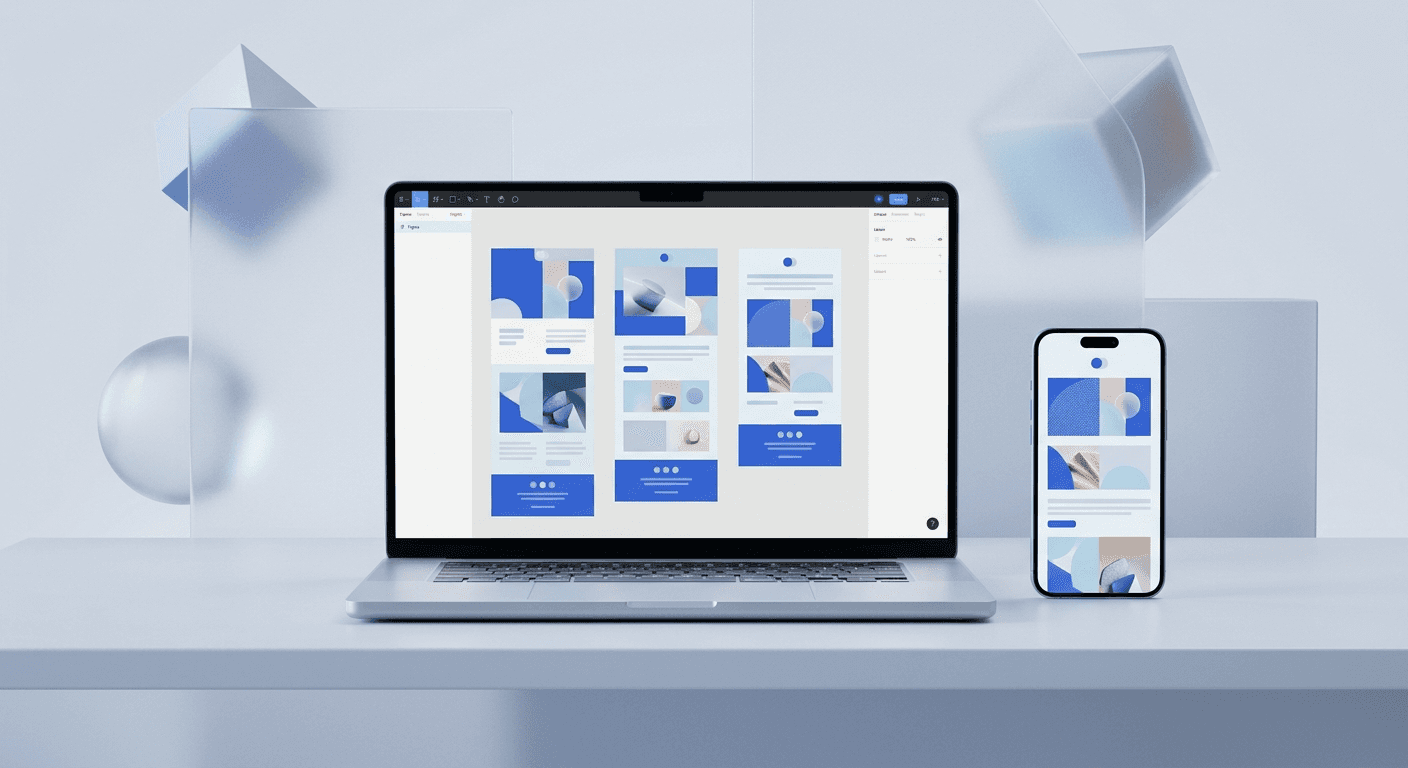
The best email newsletter templates figma provides allow teams to build high-converting, visually stunning emails that bypass the rigid constraints of traditional email service providers. We recommend using modular kits that support auto-layout and component variations to ensure your brand remains consistent across every inbox.
Choosing the best email newsletter templates figma offers is the fastest way to bridge the gap between a generic marketing email and a premium brand experience. In 2026, the standard for visual communication is higher than ever, and startups cannot afford to send emails that look like standard templates. We find that designing in Figma first provides total creative control before you ever touch a line of code or a drag-and-drop editor.
Why should you design email newsletters in Figma?
The answer is that Figma provides a superior collaborative environment where designers and marketers can iterate on layouts without the technical limitations of HTML-based builders. By using modern newsletter ui kits, you ensure that every padding, font size, and image placement is pixel-perfect before the development phase begins.
According to recent industry data, email marketing remains a top-performing channel with an average return on investment of $36 for every $1 spent (Litmus, 2024). To capture this value, your emails must stand out in a saturated inbox. When you use visual email marketing templates designed in Figma, you can apply your existing design system to your emails. This consistency builds trust with your audience. We recommend this workflow because it prevents the brand fragmentation that occurs when your email look-and-feel differs from your product or social media presence. A unified identity makes your startup look like a premium, established company even in the early stages of growth. Using a structured Figma kit also means you can test different layout variations for A/B testing in minutes rather than hours.
Which are the 8 best email newsletter templates figma for SaaS?
The best email newsletter templates figma provides for SaaS focus on clarity, modularity, and conversion-centric layouts. These kits allow you to assemble professional emails by dragging and dropping pre-made components that are already optimized for readability and engagement.
Untitled UI Email Builder: A massive component library that mirrors the popular UI kit, perfect for enterprise-grade SaaS brands.
Emailify Kits: These layouts are built specifically for the Emailify plugin, allowing for one-click exports to production-ready HTML.
Maile Email UI Kit: A minimalist set of templates that focus on whitespace and typography, ideal for B2B newsletters.
SaaS Email Design System: A community-driven kit that includes specific layouts for product updates, onboarding, and trial renewals.
Postcards Figma Version: A desktop and mobile-responsive kit that uses a block-based system for rapid assembly.
Bred Email Marketing Kit: Highly visual templates that work well for creators and agencies who need high engagement on image-heavy content.
Shipfee Email UI: A robust system focused on e-commerce and SaaS hybrid businesses that need to display product grids clearly.
Modern SaaS Newsletter Kit: A free community resource that provides clean, dark-mode compatible layouts for technical audiences.
How do you evaluate top b2b saas email designs 2026?
The evaluation of top b2b saas email designs 2026 requires looking beyond aesthetics and focusing on how these designs facilitate the user journey. High-performing designs prioritize a clear hierarchy where the most important message is visible within the first two seconds of opening the email.
Feature | Standard Template | Figma Design System |
|---|---|---|
Brand Consistency | Low (Rigid colors/fonts) | High (Full design system sync) |
Layout Flexibility | Limited (Grid-based) | Infinite (Custom components) |
Production Speed | Moderate | Fast (With component library) |
Dark Mode Support | Automatic/Generic | Design-controlled per element |
When searching for the best email newsletter templates figma offers, we look for kits that include auto-layout 3.0. This feature is vital because it allows the template to adapt automatically when you change the text length or swap images. This saves founders and marketers from manually resizing frames every time they create a new weekly update. Furthermore, the best kits provide a clear distinction between desktop and mobile views. With over 41% of email opens occurring on mobile devices (HubSpot, 2024), your Figma design must account for narrow viewports. Top-tier kits include responsive components that stack correctly, ensuring that your call-to-action buttons remain large and clickable on a smartphone screen.
Can you find high-quality free figma newsletter layouts?
The answer is yes, but free figma newsletter layouts often require more manual setup compared to premium kits that include full design systems. Many talented designers share their work on the Figma Community to help early-stage founders who are working with limited budgets.
We recommend starting with free resources if you are just testing a new content format. However, as you scale, the lack of a structured component library in free files can slow down your marketing workflow. Premium kits are an investment in speed. They typically include documentation, organized layers, and a wider variety of section types like price tables and testimonial sliders. For most startup operators, the time saved by using a professional kit pays for the cost of the template in a single week of production. If you use free layouts, ensure you check the license to verify they can be used for commercial projects without attribution requirements.
What is the best figma to email html workflow?
The best figma to email html workflow involves using a specialized plugin to convert your visual designs into clean, tables-based code that works across all major email clients. Hand-coding an email from a design can take hours of development time and involves navigating the complexities of legacy email rendering engines.
A Figma-to-HTML plugin like Emailify or Postcards removes the need for a developer. It translates Figma components directly into responsive HTML, saving thousands in freelance fees.
In our experience, the most efficient process starts with a master Figma file where you define your brand tokens. Once your visual email marketing templates are ready, you use a plugin to export the code. This exported code is then pasted into your email service provider, such as Mailchimp or Klaviyo. This workflow ensures that what you see in your design tool is exactly what your subscribers see in their inbox. It eliminates the frustration of designs breaking in Outlook or Gmail. By keeping the design process inside Figma, you also maintain a single source of truth for your brand assets. This is the same principle we use when building social media carousels to ensure that every marketing touchpoint looks premium and cohesive.
How do you customize modern newsletter ui kits for your brand?
Customizing modern newsletter ui kits effectively means going beyond just changing a logo; it involves setting up a global style guide within Figma. This allows you to update the primary brand color in one place and see it reflect across every email component in the kit.
Start by identifying the core elements of your visual identity: your primary typeface, your secondary brand colors, and your preferred corner radius for buttons. Most high-quality Figma templates use local styles for these variables. We suggest spending 30 minutes at the beginning of your project to map your brand styles to the template's placeholders. This small upfront effort ensures that every future newsletter you build is instantly on-brand. Additionally, consider your imagery. If your website uses minimalist line art, your newsletter should follow suit. Consistency across channels is what separates successful scale-ups from amateur brands. When your audience sees a familiar design style in their inbox, it reinforces your market position and makes your content more memorable.
Why is dark mode support essential for B2B email designs?
Dark mode support is a technical requirement for any top b2b saas email designs 2026 because a significant portion of the professional audience now uses dark-themed operating systems. If your email design does not account for this, your colors may invert in ways that make your text unreadable.
When you use the best email newsletter templates figma provides, you can preview how your designs will look in both light and dark modes before you export them. This is a massive advantage over native email builders which often provide limited dark mode testing. A design that looks great in light mode can become a disaster in dark mode if you use images with white backgrounds or dark text on transparent backgrounds. We recommend using PNGs with transparency for logos and icons and testing every color combination for contrast accessibility. According to accessibility standards, a contrast ratio of at least 4.5:1 is required for normal text to be legible (W3C, 2024). Using Figma allows you to run accessibility plugins directly on your newsletter layouts to ensure every subscriber can read your updates regardless of their device settings.
How can you simplify your marketing workflow with Figma?
You can simplify your marketing workflow by treating your email design as a component of your larger brand design system. By centralizing all visual assets in Figma, you reduce the friction of switching between different tools and platforms for every marketing task.
We find that founders who integrate their email, social media, and product design in Figma are able to ship content 3x faster than those who use separate tools for each. If your team is already using Figma for UI/UX work, it makes professional sense to use it for your newsletters too. This approach allows your marketing team to use the same components your designers built for the product. To maintain this speed on social media, you can use specialized tools like Figma-based carousel templates to ensure your LinkedIn and Instagram posts match the high design standards of your newsletters. This creates a cohesive visual ecosystem that builds authority and makes your startup look like an industry leader. Streamlining your workflow this way allows you to focus more energy on product development and customer acquisition rather than fighting with design software every day.
What are the final steps for launching your Figma-designed newsletter?
The final steps involve testing your exported code across multiple platforms to ensure that the best figma to email html conversion was successful. Even with the best templates, small rendering bugs can occur in older email clients like Outlook for Windows.
Run a design check in Figma to ensure all images are properly linked and text is not overflowing frames.
Export your code using your preferred plugin and upload it to a testing tool like Litmus or Email on Acid.
Check the mobile responsiveness and ensure the call-to-action buttons are easily tappable.
Verify that all links are working and include proper UTM parameters for tracking in your analytics.
Send a test email to yourself and view it on both a desktop and a mobile device in dark mode.
By following these steps, you ensure that the high-quality design work you did in Figma translates perfectly to the subscriber's inbox. Using the best email newsletter templates figma offers is not just about looking good; it is about creating a reliable, professional communication channel that drives growth for your company. High design standards signal high product standards. When you invest in your visual identity, you are investing in the long-term credibility of your brand.



