5 Best Figma Alternatives Collaborative Teams Need in 2026
Compare the best figma alternatives collaborative teams use in 2026. Explore top ui design tools for remote marketing, SaaS startups, and b2b design workflows.
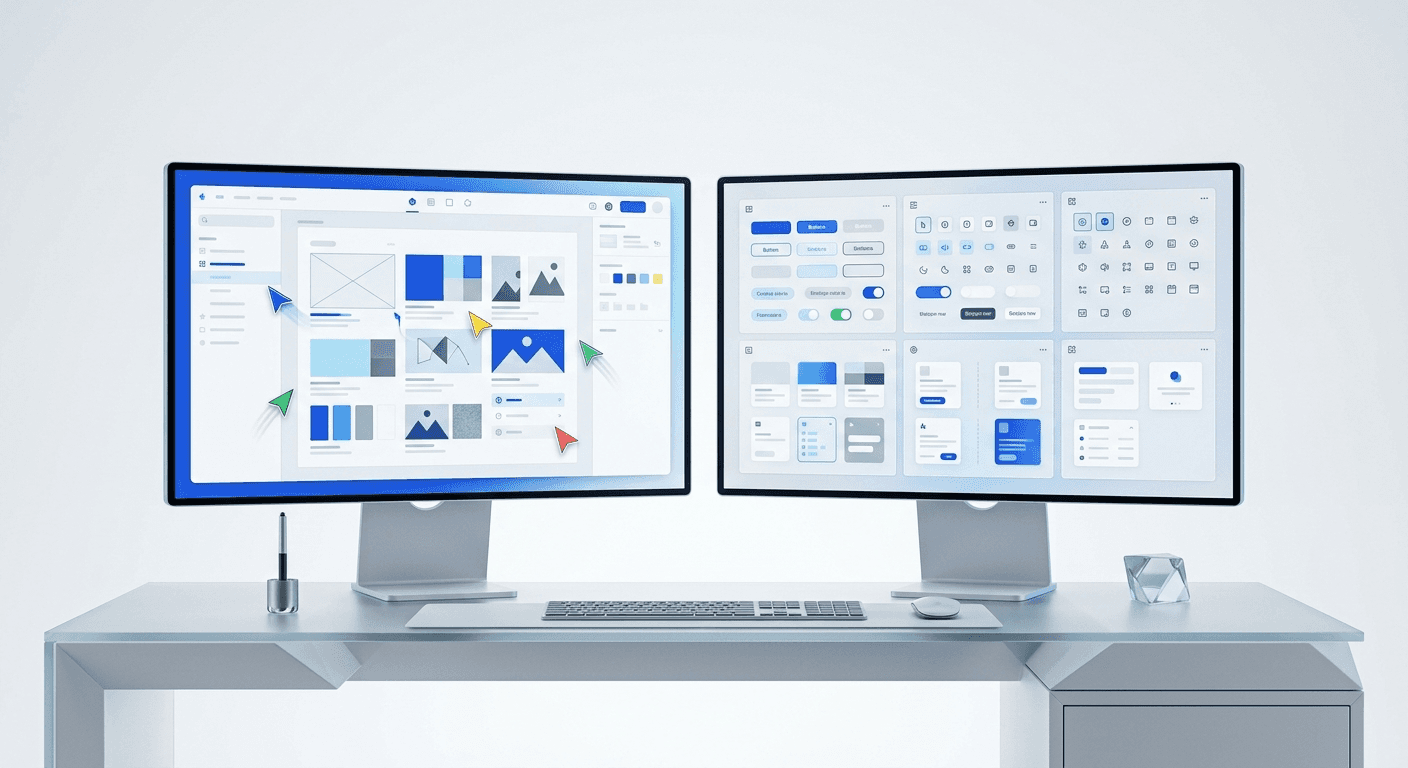
The best figma alternatives collaborative teams use prioritize real-time co-editing, cross-platform accessibility, and shared component libraries. While Figma remains the industry standard, tools like Penpot, Canva, and Framer offer specialized features for open-source development and high-fidelity prototyping.
Is Figma still the best for team collaboration?
Figma is a cloud-based design tool that enables multiple users to edit the same file simultaneously through a web browser or desktop application. It set the standard for multiplayer design, but changing pricing models and hardware demands have led many founders to look for alternatives. The best figma alternatives collaborative teams choose must provide a similar level of low-latency interaction to be viable in a professional environment.
Design systems significantly impact production speed for remote engineering and marketing teams. According to a report by Forrester (2024), teams using centralized design systems see a 20% increase in speed-to-market for digital products. Figma uses a proprietary rendering engine that handles complex files better than most competitors. While alternatives exist, the infrastructure required to support sub-millisecond latency in a browser is complex. Most alternatives struggle to maintain the same level of performance when file sizes exceed 500 layers. For SaaS companies, this performance gap directly influences the efficiency of their marketing cycles. Choosing a tool that balances this technical reliability with a low barrier to entry is vital for maintaining a competitive edge in 2026.
We use Figma because it handles text reflow and auto-layout better than any other platform on the market. This reliability is why we build our products there. However, we recognize that your specific stack might require a different approach for code handoff or open-source compliance.
What are the best figma alternatives collaborative teams use?
The best figma alternatives collaborative teams use in 2026 include Penpot for open-source flexibility, Canva for marketing speed, and Framer for interactive prototypes. Each tool serves a specific niche within the design ecosystem, from heavy UI engineering to rapid social media content production. Selecting the right software depends on whether your priority is pixel-perfect precision or high-volume output.
Tool Name | Primary Use Case | Collaboration Type | Platform |
|---|---|---|---|
Penpot | Open-source UI/UX | Multiplayer SVG | Web-based |
Canva | Marketing Graphics | Real-time Editing | Web/Mobile |
Framer | Interactive Prototypes | React-based Design | Web/Desktop |
Sketch | Traditional UI Design | Cloud Syncing | macOS/Web |
Adobe Express | Brand Asset Scaling | Shared Libraries | Web-based |
Saas marketing design software must bridge the gap between high-level brand strategy and daily content execution. Most teams fail because their tools are too complex for non-designers to use, leading to bottlenecks where a single designer handles every small request. By distributing design tasks across a collaborative platform, startups can maintain a high volume of visual content without increasing headcount.
How does Penpot serve as an open-source alternative?
Penpot is the first open-source design and prototyping platform meant for cross-domain teams. Unlike Figma, Penpot uses SVG as its native file format, which makes the transition from design to code more predictable for developers. This tool is particularly useful for teams that prioritize data sovereignty and want the option to self-host their design files on private servers.
Open-source software provides a level of transparency that proprietary tools cannot match. In 2024, Penpot announced it had reached over 400,000 users, indicating a strong demand for open design standards among technical teams. Because it is built on open web standards like CSS Flexbox and Grid, designers create layouts that translate directly to clean code. This reduces the friction during handoff between the design team and the engineering team. For b2b startups with complex technical requirements, using a tool that mimics the final production environment is a major advantage. It eliminates the need for developers to interpret design intent, as the design itself is structured using the same logic as the front-end code. This alignment simplifies the building process and ensures the final product matches the original vision.
We find that teams who use Penpot often do so to avoid vendor lock-in. While it lacks the massive community plugin library of Figma, its core features are fast and stable. It represents a shift toward a more inclusive design process where developers feel like first-class citizens in the design tool.
Why do marketing teams choose Canva for social media?
Canva is a web-based graphic design platform that uses a drag-and-drop interface to simplify content creation for non-designers. While professional designers might find it limiting, it excels at producing social media assets and marketing collateral quickly. It is often the best choice for teams that need to scale visual content without hiring a full-time graphic designer.
Marketing teams often prioritize speed over the granular control found in professional UI tools. In 2024, Canva reported reaching over 170 million monthly active users, highlighting a massive shift toward accessible design tools. For a startup founder, the goal is often to produce high-quality social media assets without the overhead of learning vector manipulation. While Figma offers more power, the learning curve can stall marketing workflows for small teams. Using pre-built templates in a collaborative environment allows teams to ship content much faster than starting from a blank canvas. This efficiency is critical for SaaS brands that need to maintain a daily presence on platforms like LinkedIn to drive lead generation and brand awareness. By using a simplified tool, every team member can contribute to the brand's visual identity.
If your goal is purely social media growth, Canva is a strong contender. However, if you want a premium, custom brand feel that stands out from the generic templates, Figma remains the superior choice. We build our Figma design templates to help you skip the blank-canvas phase while maintaining a high-end aesthetic that Canva often misses.
Can Sketch compete in a multiplayer design world?
Sketch is a macOS-based design application that pioneered the use of symbols and artboards for mobile interface design. After years of being a solo tool, Sketch has introduced web-based collaboration features to compete in the remote work era. The sketch vs figma vs xd debate has largely settled, but Sketch remains a favorite for designers who prefer a native Mac experience.
The historical competition between Sketch, Figma, and Adobe XD shaped the current landscape of top ui design tools 2026. While Sketch initially dominated the market, its lack of native Windows support allowed competitors to gain significant ground. According to data from UX Tools (2023), Figma holds the majority share among design professionals, but Sketch maintains a loyal base in industries with strict security requirements. Sketch offers a specialized "Workspace" feature that allows for document versioning and developer handoff via the browser. This allows stakeholders to comment and inspect files without needing a Mac. For teams that have already invested years into a Sketch-based design system, the cost of migration might outweigh the benefits of switching to Figma. It remains a stable, professional option for teams that do not require a completely browser-native workflow.
We consider Sketch a legacy leader. It is professional and fast, but the lack of true real-time multiplayer editing for the canvas itself makes it harder for large, distributed teams to work together in 2026. It is best suited for boutique agencies where one designer owns a specific file at a time.
How does Framer solve for SaaS marketing design software?
Framer is a design and publishing platform that allows you to build high-fidelity, interactive websites directly from a canvas. It has shifted from being a prototyping tool for developers to a complete web builder for marketing teams. This makes it one of the top tools for remote design teams that need to launch landing pages and marketing sites without writing code.
SaaS marketing design software must do more than just create static images; it must help teams launch live products. Framer allows designers to use real React components within the design interface, making the prototypes behave exactly like a finished website. This level of fidelity is something Figma currently lacks without third-party plugins. For startups, the ability to design a site and hit "Publish" to go live on a custom domain is a game-changer. It removes the engineering bottleneck from the marketing department. Collaborative teams can work together on the site structure, content, and animations in real-time. This reduces the feedback loop from days to minutes. When speed of iteration is the most important metric for a startup, a tool that combines design and deployment becomes an essential part of the marketing stack. It allows for rapid A/B testing of visual ideas in a live environment.
Designing in a vacuum leads to slow growth. The most successful teams use tools that allow them to move from an idea to a live asset in under an hour.
Framer is excellent for web design, but it can be overkill for social media content. If you are building a product site, use Framer. If you are building a brand on social media, stick to Figma or a simpler alternative.
What are the top tools for remote design teams to consider next?
When evaluating the best figma alternatives collaborative teams should look at Adobe Express and Pixso. Adobe Express is a cloud-based design tool that integrates with the Creative Cloud library, making it easy for teams already using Photoshop or Illustrator. Pixso is a newer entrant that offers a nearly identical feature set to Figma, specifically targeting the enterprise market with localized server options.
Adobe Express: Best for teams with existing Adobe subscriptions and shared brand libraries.
Pixso: A high-performance alternative for large enterprises requiring data residency.
Lunacy: A free, native Windows design tool with built-in AI assets and offline support.
InVision: While mostly focused on prototyping, it remains a common tool for feedback loops.
Choosing the best multiplayer design tools b2b companies use requires a look at security and permissions. Enterprise teams need granular control over who can view, edit, or export assets. Figma excels here, but Adobe's enterprise controls are also highly mature. If your team is small and agile, these features might matter less than the actual design capabilities. However, as you scale, the ability to manage a design system across multiple teams becomes the primary factor in your software choice.
Which tool should your team choose in 2026?
The best figma alternatives collaborative teams use will always be the ones that your team actually enjoys opening every day. If you are an open-source advocate, Penpot is the clear winner. If you are a marketing lead focused on speed, Canva or Adobe Express will serve you best. For those building interactive SaaS products, Framer provides the most modern workflow.
We still believe Figma is the superior platform for most founders and creators. Its balance of power, community, and ease of use makes it the best foundation for a scalable brand identity. This is why we have focused our efforts on creating the most professional Figma-based social media assets available. By using a tool that the entire industry understands, you ensure your design work is always portable and professional. Whether you choose an alternative or stay with the leader, the goal remains the same: create visual content that builds trust and drives growth. Start with a clear brand strategy, and let the tools handle the technical execution.



