The 7 Best Figma Alternatives for Social Media Teams in 2026
Compare the top figma alternatives for social media in 2026. Discover which marketing design platforms offer the best speed and brand consistency for startups.
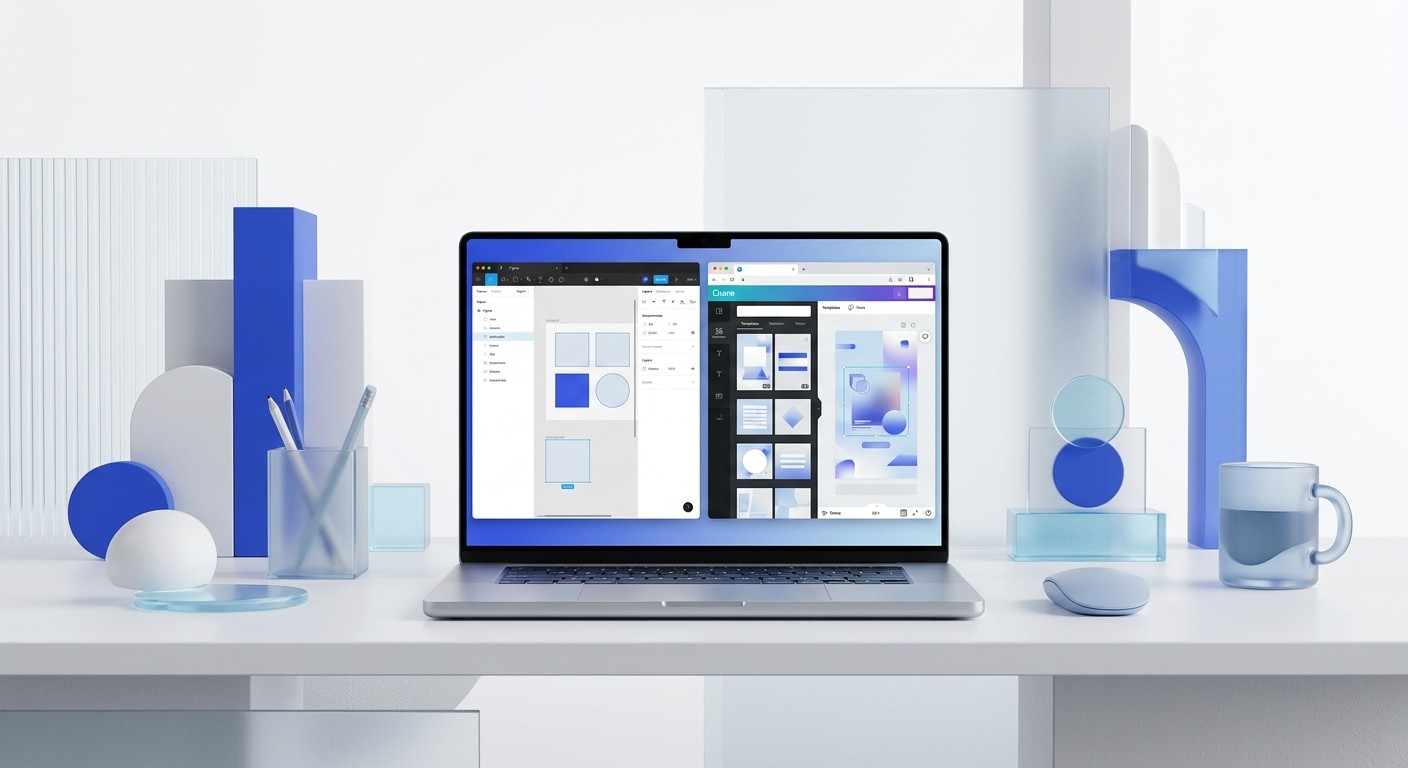
The best figma alternatives for social media are Canva, Adobe Express, and Snappa. While Figma excels at product design, these tools prioritize speed, template-driven workflows, and built-in asset libraries for marketing teams.
Choosing the right figma alternatives for social media depends on your team's design maturity and output volume. Figma is the industry standard for UI/UX design, yet its complexity often slows down content creators who need to ship daily. Most marketing teams do not need a blank canvas; they need a framework that maintains brand integrity without the steep learning curve of professional vector software.
A designer might spend hours adjusting pixel-perfect layouts in a tool built for software engineering. You need a tool built for distribution. Modern social media graphic software focuses on pre-built components and rapid iteration. We see founders move away from complex design stacks to simplify their creative processes and reduce friction between an idea and a post.
What are the best figma alternatives for social media in 2026?
The best figma alternatives for social media in 2026 are platforms that balance professional capabilities with extreme ease of use. Canva remains the market leader due to its massive template library and integrated AI features. Adobe Express follows closely, offering deeper integration for teams already using the Creative Cloud. For those who want the simplest experience, Snappa and VistaCreate provide focused tools for static graphics. These tools are no longer just for amateurs; they are powerful components of a modern startup design stack.
Marketing teams often find that professional tools like Figma require specific training that non-designers lack. Data shows that Canva now has over 170 million monthly active users globally (Canva, 2024). This scale is driven by the shift from high-fidelity design to high-frequency content production. When your goal is to publish three LinkedIn carousels a week, a tool that offers one-click resizing and drag-and-drop assets is more valuable than one that offers advanced prototyping. The current market prioritizes accessibility and collaborative speed over technical depth for social platforms.
How do you choose between canva vs adobe express?
When comparing canva vs adobe express, the choice usually comes down to your existing software ecosystem. Canva is a standalone powerhouse that provides an all-in-one environment for social media graphic software and video editing. Adobe Express is the better choice for teams that rely on Photoshop or Illustrator. Express allows you to pull in linked assets from Creative Cloud, ensuring that when a logo changes in your main brand folder, it updates in your social templates too.
Startups often prefer Canva because it requires zero technical knowledge to start producing high-quality visuals. In 2023, 73% of B2B marketers reported using content marketing to nurture leads, which requires a high volume of visual assets (Content Marketing Institute, 2023). Canva handles this volume through its Brand Kit feature, which locks in your colors, fonts, and logos for all users. This prevents the brand drift that often happens when non-designers are given too much creative freedom. While Adobe Express has similar features, Canva’s user interface remains slightly more intuitive for the average marketing manager or founder.
Adobe Express has closed the gap significantly by incorporating Firefly AI. This allows users to generate text effects and images directly within the layout. If your team is already paying for an Adobe Creative Cloud subscription, Express is effectively free. It provides a more professional feel for those who find Canva’s aesthetic a bit too consumer-focused. We recommend testing both tools with a single week of social content to see which UI matches your team’s natural rhythm.
Which marketing design platforms offer the best automation?
Automation is the defining feature of modern marketing design platforms. Tools like Kittl and Visme are built specifically to handle complex data and typography with minimal manual input. Kittl uses AI to help with layout suggestions and font pairings, which is a common bottleneck for creators. Visme is the preferred choice for SaaS companies that need to turn complex data into digestible social media charts. It offers more advanced data visualization tools than basic design software.
The need for automation is driven by the rising demand for visual content across multiple channels simultaneously. Research suggests that LinkedIn carousels generate an average engagement rate of 1.92%, which is significantly higher than static images (Socialinsider, 2024). Manually creating these multi-slide posts in Figma is time-consuming because you have to manage every frame. Specialized platforms automate the padding, alignment, and slide transitions. This allows a single marketer to do the work that previously required a dedicated graphic designer. Automation ensures that your output remains high even during busy product launch cycles.
We find that template-based systems are the only way to scale content without increasing headcount. In our experience, founders who prioritize design systems scale faster. If you want to keep the precision of professional design without the time commitment, we build customizable Figma design templates that bridge the gap between pro-level quality and marketing speed. This approach allows you to use Figma’s power while enjoying the speed usually associated with simpler alternatives. You get the best of both worlds by having a pre-built structure ready for content injection.
Why is Snappa the fastest social media graphic software for non-designers?
Snappa is the fastest social media graphic software because it removes almost all choices that lead to design fatigue. Unlike Figma, which has hundreds of nested menus, Snappa presents a clean interface focused entirely on the canvas. It is built for a specific workflow: choose a size, pick a template, swap the text, and download. There are no layers to get lost in and no complex masking tools to master. This makes it ideal for founders who have 15 minutes between meetings to post a company update.
The platform includes a library of over 5 million high-resolution stock photos and thousands of icons. This eliminates the need to jump between different websites like Unsplash or Flaticon to find assets. For a small startup, the time saved by having everything in one window is significant. Snappa also handles social media scheduling directly through integrations with tools like Buffer. This turns your design tool into a distribution hub. While it lacks the advanced animation features of the best design tools 2026, its speed for static image creation is currently unmatched for the price point.
What role does Snappa play in a lean startup design stack?
A lean startup design stack uses different tools for different stages of the business. Figma is often kept for the core product interface where precision is mandatory. Snappa or similar tools are then brought in to handle the high-volume, low-stakes marketing assets. This separation of concerns prevents the product design team from being bogged down by requests for Instagram posts or YouTube thumbnails. It empowers the marketing team to be self-sufficient while maintaining a professional look.
Managing costs is also a factor when building a software stack. Figma’s per-seat pricing can become expensive as a team grows. By moving social media tasks to a tool with a flat monthly rate or a more generous free tier, startups can save thousands of dollars annually. Efficiency is not just about time; it is about capital allocation. Using a tool that fits the task prevents over-paying for features you do not use. Most social media content has a shelf life of less than 48 hours. It does not always require the heavy architectural lifting that Figma provides.
Feature | Figma | Canva | Snappa |
|---|---|---|---|
Learning Curve | High | Low | Very Low |
Template Library | Community-driven | 1 Million+ | 6,000+ |
Brand Kits | Manual Styles | Automated | Basic |
Collaboration | Real-time Pro | Real-time Team | Basic Sharing |
How do you build a high-performance startup design stack?
Building a high-performance startup design stack requires choosing tools that talk to each other. Your stack should include a primary design tool for your product, a rapid-fire tool for social media, and a central repository for brand assets. For many, this looks like Figma for the UI, Canva for social media, and Dropbox or Brandfolder for assets. The goal is to minimize the steps between a creative brief and a live post. If your team has to switch between five different apps to make a single graphic, your stack is broken.
Recent industry surveys indicate that companies using centralized design systems see a 35% increase in team productivity (InVision, 2024). This productivity gain comes from reduced repetition. When your startup design stack includes a tool with a strong Brand Kit, you no longer waste time looking for hex codes or logo variations. Consistency becomes a byproduct of the software rather than a manual checklist. This allows you to focus on the messaging and strategy rather than the placement of a rectangle. A good stack scales with your audience growth without requiring you to hire more designers.
You should also consider the output formats you need. If your strategy relies heavily on video, your stack must include a tool that handles motion. Canva and Adobe Express have both made significant investments in video editing lately. They now allow you to turn static designs into animated videos with a single click. This is a major advantage over Figma, where animation is primarily intended for prototyping and requires third-party plugins to export as a video file. Choose tools that support the formats your audience engages with most.
Which of the best design tools 2026 support team collaboration?
Collaboration is the foundation of the best design tools 2026. Social media is rarely a solo activity in a growing company. You need a platform where a writer can draft copy, a designer can approve the layout, and a manager can sign off on the final version in one place. Canva and Figma both lead in this category with real-time multi-player editing. You can see your teammates' cursors moving and leave comments directly on specific elements of the design.
Adobe Express has improved its collaboration features by allowing users to share libraries across the entire Adobe ecosystem. This means your social media team can access the exact same assets that your video editors are using in Premiere Pro. Effective collaboration reduces the need for long Slack threads and back-and-forth emails. When everyone works in the same file, the version control problem disappears. This is particularly important for remote teams where asynchronous communication is the norm. The right tool acts as a single source of truth for your brand's visual identity.
Trusting your team with brand assets requires granular permissions. The top platforms now allow you to lock specific elements of a design. For example, you can lock the logo and the background color so that a junior marketer can only change the text and the main image. This level of control ensures that your social feed always looks professional and cohesive. It removes the fear of a non-designer accidentally ruining a complex layout or using the wrong font. Guardrails are the key to moving fast without breaking your brand.
When should you stay with Figma instead of switching?
You should stay with Figma if your brand requires highly custom, complex layouts that templates cannot accommodate. If your visual identity relies on custom vector illustrations, complex gradients, or advanced typography that requires pixel-perfect control, alternatives will feel restrictive. Figma remains the best tool for creating a truly unique brand that stands out in a sea of generic templates. The trade-off is the time it takes to build these assets from scratch every time you need to post.
Figma is also the superior choice for building a long-term design system. If you plan on scaling your startup into a large organization, having your marketing assets in the same environment as your product design can be beneficial. It allows for a level of consistency that is hard to replicate when using multiple disparate platforms. You can use Figma's auto-layout feature to create responsive marketing components that adapt to different screen sizes. This is a more technical approach, but it pays off in the long run for companies that value design as a core competitive advantage.
Ultimately, the decision to use figma alternatives for social media is about balance. You can use Figma for the heavy lifting and Canva for the daily grind. Most successful teams use a hybrid approach. They design their master templates in Figma to ensure quality and then export them to a simpler tool for the marketing team to use. This workflow keeps your brand high-end while making your content production efficient. Don't be afraid to use multiple tools if it helps you reach your goals faster.
References
Canva Product and User Statistics Report. Canva, 2024.
B2B Content Marketing Benchmarks, Budgets, and Trends. Content Marketing Institute, 2023.
Social Media Engagement Rate Benchmarks for 2024. Socialinsider, 2024.
The State of Design Maturity and Productivity. InVision, 2024.
The Learning Curve of Professional Design Software. Interaction Design Foundation, 2024.



