7 Best Font Pairings for B2B SaaS Social Media in 2026
Discover the best font pairings b2b saas social media brands use to build authority. Elevate your LinkedIn carousels with clean, modern typography for 2026.
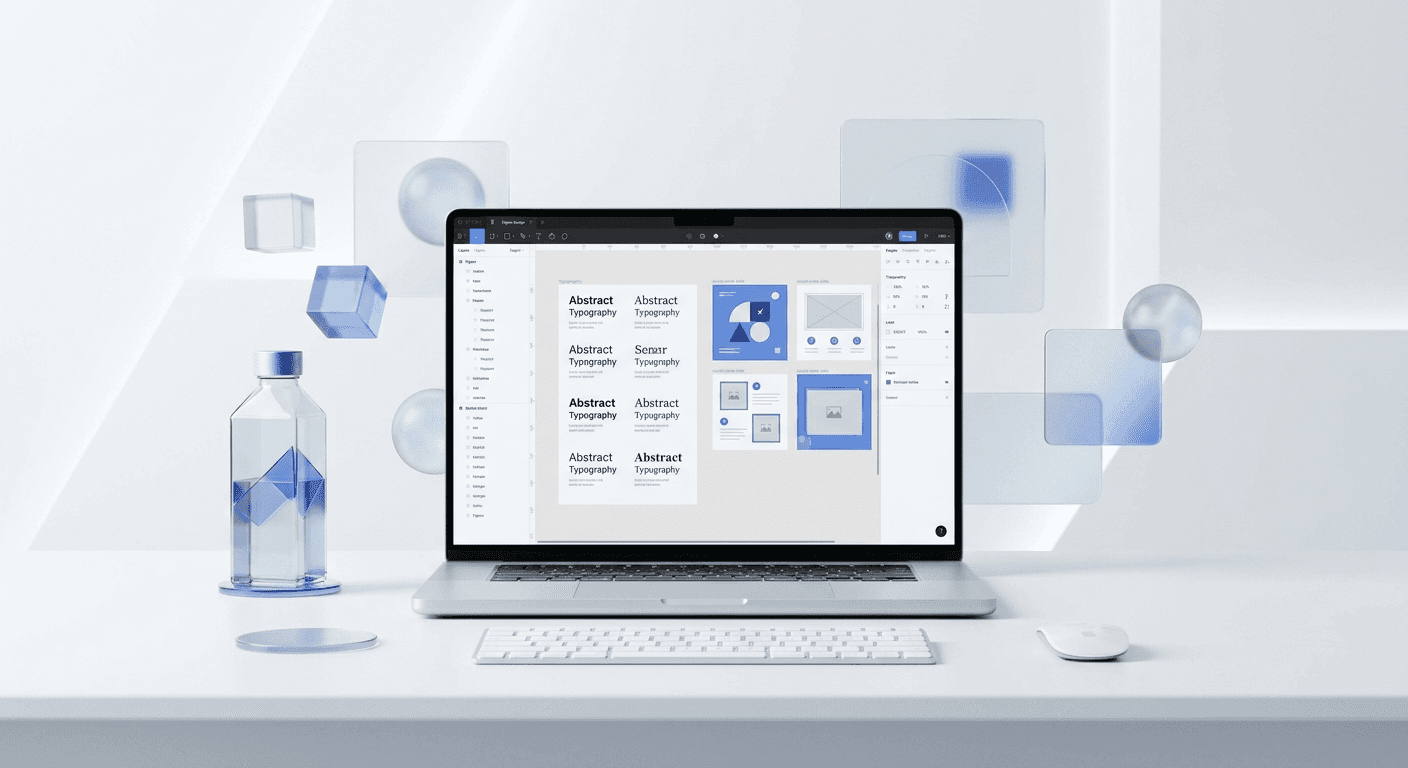
The best font pairings b2b saas social media companies use combine high-contrast headers with highly legible body text to maximize readability on mobile devices. Using specific combinations like Inter and Plus Jakarta Sans ensures your brand looks like a premium enterprise solution rather than a startup side project.
Choosing the best font pairings b2b saas social media brands rely on is the fastest way to upgrade your visual brand without hiring a designer. Typography is the foundation of your social media identity, influencing how potential leads perceive your product's reliability and technical sophistication. In a digital environment where 57% of LinkedIn traffic is mobile, your font choices must prioritize clarity to keep users engaged with your content (HubSpot, 2024).
What makes a font pairing effective for B2B SaaS?
A font pairing is the intentional combination of two different typefaces that work together to create visual hierarchy and brand personality. For B2B SaaS, the goal is to balance technical precision with approachable modernism. Effective pairings typically use a bold, high-personality font for headings and a neutral, highly readable font for long-form body text. This distinction helps users scan your content quickly, which is essential for complex technical topics.
Contrast is a principle of design that uses different elements to highlight the most important parts of a layout. In typography, we achieve this through weight, size, and style differences. When you use clean figma font pairings, you eliminate the friction between your message and the reader. This clarity is especially important for LinkedIn carousels, where users decide whether to swipe or scroll past in less than two seconds. We recommend sticking to Google Fonts for your social media assets because they are free, web-optimized, and look consistent across all operating systems.
Why is typography the most important part of your LinkedIn strategy?
Typography is the visual voice of your company. LinkedIn carousels generate 3.2x more reach than static posts (Socialinsider, 2024). This happens because the platform rewards users for 'dwell time,' or the seconds spent clicking through individual slides. When a founder uses a high-contrast font pairing, readers can consume complex B2B data without eye strain, directly increasing the probability they reach the final CTA slide. We find that SaaS companies often fail on social media because they treat typography as an afterthought, using default system fonts that signal a lack of attention to detail. Professional typography is a silent authority builder that differentiates a scale-up from a solo-operated side project. By choosing combinations like Inter and Sora, you communicate that your brand is stable, modern, and invested in a premium user experience. This visual trust translates into higher lead quality and shorter sales cycles for enterprise-level software solutions that require high credibility.
Poor font choices damage your conversion rates by making your data look amateur. If a potential client cannot read your case study metrics clearly on their phone, they will not click your link. Professional best fonts for linkedin posts solve this by providing the necessary weights to separate headlines from supporting evidence. This hierarchy allows you to lead the reader's eye exactly where you want it to go, usually toward your call to action.
Which are the best font pairings b2b saas social media brands use today?
The best font pairings b2b saas social media brands use are selected based on their ability to stay legible at small sizes while looking sharp on high-resolution monitors. We have identified seven combinations that cover the spectrum from aggressive tech-disruptor to established enterprise partner. These are all modern sans serif font combinations that align with the current trend of minimalist software design. Using these will help you look like a premium company instantly.
Pairing Name | Heading Font | Body Font | Brand Vibe |
|---|---|---|---|
The Tech Standard | Inter (Bold) | Inter (Regular) | Minimalist & Technical |
The Modern Scale-Up | Plus Jakarta Sans | Inter | Friendly & High-End |
The Product Leader | Sora | Outfit | Geometric & Bold |
The Data Specialist | Manrope | IBM Plex Sans | Precise & Professional |
The Creative Agency | Work Sans | Roboto | Clean & Accessible |
The Enterprise Giant | Montserrat | Lato | Established & Trustworthy |
The Dev-Tool Disruptor | Space Grotesk | Inter | Edgy & Technical |
1. Inter and Inter (Variable Weights)
Inter is a variable font specifically designed for computer screens. It is the gold standard for B2B SaaS because of its tall x-height, which makes it incredibly readable at small sizes. By using Inter Bold for your headlines and Inter Regular for your body text, you create a cohesive, monolinear look that feels like a modern dashboard. This is the safest choice for any founder who wants a clean, no-nonsense aesthetic.
2. Plus Jakarta Sans and Inter
Plus Jakarta Sans is a modern typeface that adds a bit more personality than Inter. It has slightly wider proportions and a more open feel. When paired with Inter for body copy, it creates a sophisticated balance. This is currently one of the most popular clean figma font pairings among series A and B startups who want to appear more established than their competition.
3. Sora and Outfit
Sora is a geometric sans-serif that features unique terminals and a distinct character. It is excellent for brands that want to stand out in a text-heavy feed. Pair it with Outfit, which is equally geometric but slightly more restrained, to ensure your body text doesn't compete with your loud headlines. This combination works exceptionally well for product-led growth companies.
How do you implement clean figma font pairings in your workflow?
Auto-layout in Figma is a feature that lets components resize dynamically based on their content. To implement these font pairings effectively, you should set up global text styles within your Figma file. This ensures that every slide in your social media carousel uses the exact same font weight and letter spacing, which is critical for maintaining brand consistency as you scale your content production.
Start by creating a heading style at 72px or 80px for your cover slides. Then, create a sub-heading style at 48px and a body text style at 32px. Use a line height of 120% for headings and 140% for body text to ensure maximum readability. By locking these styles into your Figma workflow, you can swap between the best google fonts for marketing without manually adjusting every individual text box. This system allows your marketing team to produce professional-grade visuals in minutes rather than hours.
What are the saas typography trends 2026 for high-growth startups?
SaaS typography trends 2026 indicate a shift toward high-character sans-serifs that retain geometric precision while adding human personality. As AI-generated content floods LinkedIn feeds, brands are using fonts like Space Grotesk and Manrope to signal technical sophistication and original thought. Modern sans serif font combinations are no longer just about looking 'clean'; they are about standing out in a sea of generic Helvetica-clone templates. Research from the Nielsen Norman Group suggests that users scan digital content in an F-pattern, meaning your header fonts must have enough visual weight to stop the scroll immediately (Nielsen Norman Group, 2024). We use these principles to design our frames so that your key metrics are impossible to miss. By adopting these 2026 trends early, you position your startup as a leader in the space rather than a follower using outdated 2020 design aesthetics that no longer capture attention effectively.
We are also seeing a resurgence of high-contrast pairings where extreme bold weights are paired with very light weights. This creates a dramatic visual impact that works well for bold statements and aggressive marketing claims. However, this trend requires careful execution to ensure that the light weights remain legible on low-brightness mobile screens.
How do you choose the best google fonts for marketing carousels?
The process of choosing fonts should be driven by your target audience's expectations and your brand's core values. If you are selling to CTOs and engineers, a font like IBM Plex Sans conveys a sense of logic and structural integrity. If your target is HR directors or marketing managers, a friendlier font like Plus Jakarta Sans or Outfit might be more appropriate. Always test your font choices on a mobile device before finalizing your templates.
Good design is invisible. If your audience is thinking about your font choice instead of your message, you have failed.
Check for character support if you plan to translate your content. Many best google fonts for marketing have excellent support for Latin-based languages, but some might lack specific symbols or characters needed for global expansion. We recommend browsing the Google Fonts Knowledge base to understand the technical limitations and strengths of each typeface before you commit your entire brand identity to it.
Can modern sans serif font combinations improve conversion rates?
The answer is a definitive yes, because visual clarity reduces the cognitive load required to process your offer. When information is easy to digest, users are more likely to complete the desired action, whether that is signing up for a trial or downloading a whitepaper. In the B2B world, where the sales cycle is long, every interaction needs to reinforce your brand's position as a premium solution. Consistency across your modern sans serif font combinations builds this trust over time.
We find that brands using structured typography systems see higher engagement rates on their carousels. This is likely because a well-designed slide looks like a professional product rather than a random social media post. When you use the best font pairings b2b saas social media strategies suggest, you are not just making things look 'pretty.' You are engineering your content for maximum psychological impact and authority. Start with one of the seven pairings listed above and stick with it for at least six months to see the compounding effect of a cohesive visual brand.



