5 Best Free Design Asset Libraries Marketers Need in 2026
Discover the best free design asset libraries marketers use to build premium brands. Access free vector graphics for commercial use and high quality icons.
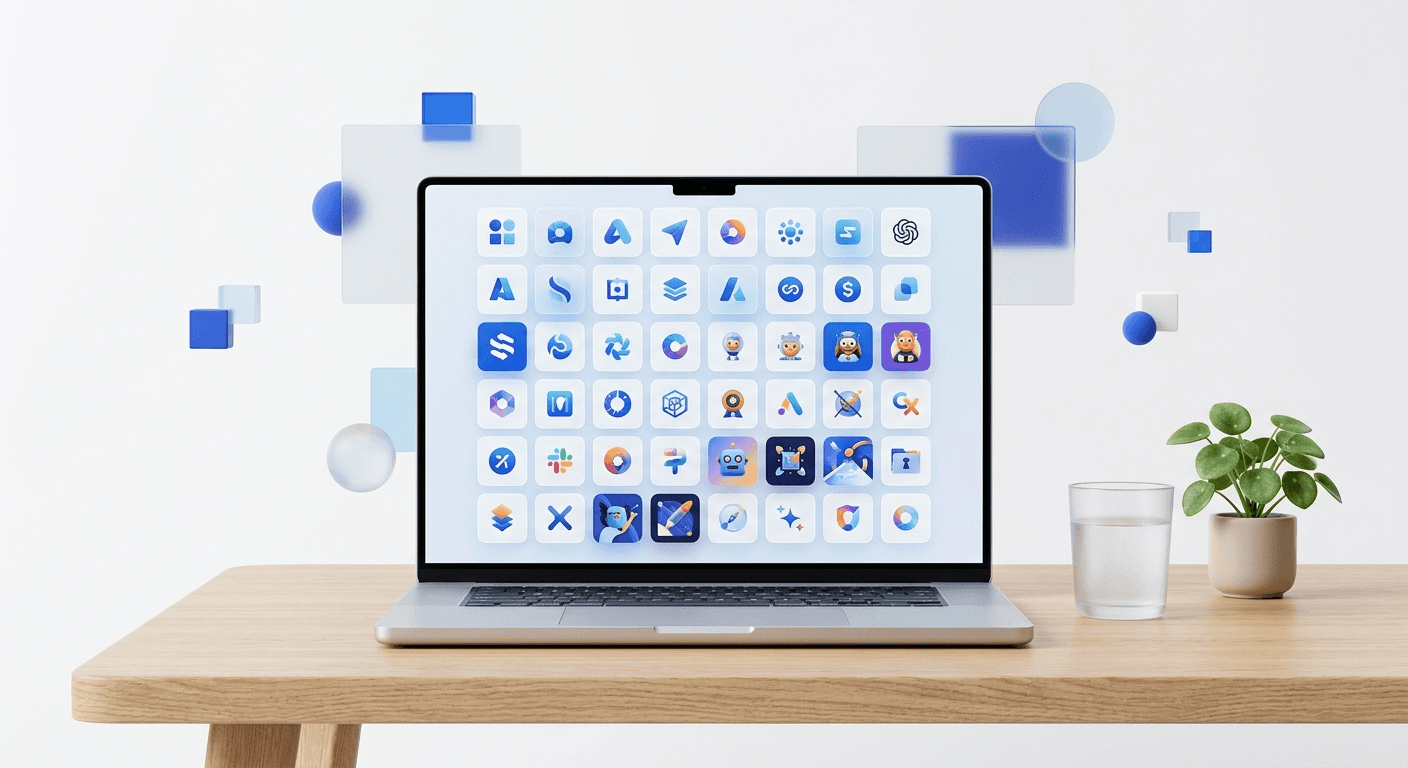
The best free design asset libraries marketers use include Unsplash for high-resolution photography, Phosphor Icons for interface design, and the Figma Community for templates. These resources provide professional-grade, commercial-ready assets that eliminate the need for expensive custom design retainers while maintaining a premium brand aesthetic.
The best free design asset libraries marketers rely on provide high-resolution, commercially licensed visuals that don't look like generic stock art. In a digital economy where visual quality is a direct proxy for brand trust, startups must use assets that communicate sophistication without the high cost of custom illustration. We prefer curated, minimalist libraries that offer SVG and high-resolution exports to ensure quality across all screen sizes.
Professional design assets are no longer a luxury reserved for companies with massive marketing budgets. Using free design resources startup founders can access enables rapid testing of landing pages and ad creative. High-quality visuals are essential because users take only 50 milliseconds to form an opinion about your website (Taylor & Francis, 2021). If your assets look cheap, your product feels cheap. We focus on libraries that prioritize clean lines and corporate-ready aesthetics.
What defines the best free design asset libraries marketers use in 2026?
The best free design asset libraries marketers use are defined by three specific criteria: permissive licensing for commercial use, technical flexibility in file formats, and aesthetic consistency. A library is only valuable if it allows you to build a cohesive identity without jumping between disparate styles. We look for resources that offer SVG files for icons and high-bitrate images for photography to ensure your brand looks sharp on Retina displays.
Visual consistency is the foundation of brand recognition. A study by the University of Loyola found that color increases brand recognition by up to 80% (Pam Moore, 2023). This same principle applies to your choice of icons and illustrations. When you mix different asset styles, you create cognitive load for your audience, which reduces the perceived professionalism of your SaaS company. Choosing a single, expansive library for your core assets is better than pulling from ten different sources with varying line weights or lighting styles. High-quality assets simplify the path to building a premium brand without hiring a full-time designer.
Library Name | Primary Asset Type | Best Use Case |
|---|---|---|
Unsplash | Photography | Landing page hero sections and blog headers. |
Phosphor Icons | System Icons | UI/UX design and social media carousels. |
Blush | Illustrations | SaaS product feature explanations. |
Google Fonts | Typography | Brand identity and web performance. |
Figma Community | Templates | Rapid workflow and design systems. |
How do high quality free icons improve SaaS conversion rates?
High quality free icons improve SaaS conversion rates by reducing the time it takes for a user to understand a product's value proposition. Icons act as visual signposts that guide the eye toward call-to-action buttons and key features. When icons are consistent in weight and style, they build a sense of reliability and polish that signals a mature product.
Icons are more than decorative elements; they are functional components of your user interface. Research by the Nielsen Norman Group shows that users ignore purely decorative images but pay close attention to information-carrying visuals (Nielsen Norman Group, 2024). Using high quality free icons from libraries like Phosphor or Lucide ensures that your visual metaphors are clear and recognizable. These libraries offer multiple weights (Thin, Light, Regular, Bold), allowing you to match the icon's visual density to your brand's typography. We recommend using SVG formats because they are lightweight and remain crisp at any scale, which is vital for responsive web design. Consistent iconography reduces user friction, which directly correlates with higher engagement and conversion metrics on landing pages.
Where can you find free vector graphics for commercial use without attribution?
You can find free vector graphics for commercial use on platforms like Blush, DrawKit, and Humaaans. These sites provide assets under licenses that allow for modification and use in commercial projects without the need for a backlink or credit. Vectors are superior to raster images for marketing because you can change colors to match your brand palette instantly without losing quality.
Customization is the biggest advantage of using modern vector libraries. Unlike old-school clip art, free vector graphics for commercial use today often come as modular systems. For example, Humaaans allows you to mix and match different body parts and clothing to create unique characters that fit your brand story. This flexibility is a significant part of the top free marketing assets available to founders today. By altering the hex codes of an illustration to match your brand colors, you create a custom-made look that suggests a much higher production budget. We find that vector graphics are particularly effective for explaining complex SaaS features where photography might feel too literal or distracting. Clean, minimalist illustrations keep the user's focus on the product benefits while providing enough visual interest to keep them scrolling through your content.
Visual clarity is the difference between a lead who converts and a visitor who bounces. Using professional assets is the fastest way to signal you are a market leader.
Why are top free marketing assets essential for bootstrapped startups?
Top free marketing assets are essential because they allow bootstrapped startups to compete with the visual presence of established companies on a zero-dollar budget. Professional design is a trust signal that tells potential customers your company is legitimate and secure. By using high-end free resources, you reallocate capital toward product development while maintaining a premium marketing front.
Marketing engagement is heavily dependent on visual quality, as social media posts with images see 2.3 times more engagement than those without (HubSpot, 2024). For a startup, the cost of custom design can be prohibitive, often ranging from $50 to $150 per hour for a qualified freelancer. By using top free marketing assets, you eliminate these high retainer fees. These libraries provide the building blocks for your brand identity, from the typography you use in your pitch deck to the icons in your app. We suggest choosing one primary icon set and one illustration style to use across all your platforms. This creates a cohesive brand experience that makes your startup appear larger and more established than it may currently be. The key is to select assets that are minimalist and modern, avoiding the cluttered styles common in older free directories.
How do you find the best figma community free assets for social media?
Finding the best Figma community free assets involves searching the internal community tab for keywords like 'design system', 'social media kit', or 'UI kit' and filtering by 'Free'. The community is a repository of shared knowledge where professional designers publish their internal workflows. This is the primary source for modern, high-quality layouts that are already optimized for production.
The figma community free assets library is perhaps the most powerful resource for any marketer or founder today. It contains everything from full design systems to specific social media templates. Because these assets are native to Figma, you can use features like Auto Layout to resize content for different platforms in seconds. For instance, a high-quality Figma design system allows you to swap icons and colors across hundreds of frames in seconds. This speed is critical for social media, where the half-life of a post is measured in hours. Using community-generated templates ensures that your content follows the latest design trends, such as glassmorphism or neo-brutalism, without you needing to learn the technical implementation from scratch. We recommend looking for files with a high number of likes and duplicates, as these are typically the most technically sound and easy to use.
What are the common mistakes when using free design resources startup founders make?
The most common mistakes when using free design resources include failing to check license agreements, mixing too many visual styles, and neglecting to customize assets for the brand. Many founders download assets and use them exactly as they are, which makes their brand look like every other startup. Customizing colors and typography is the final step that separates professional design from amateur assembly.
Licensing is a critical area where mistakes can lead to legal complications. Even if an asset is labeled 'free', it may require attribution or prohibit use in paid advertising. Always look for CC0 (Creative Commons Zero) or dedicated site-specific licenses that allow for commercial use. Beyond legalities, the 'Frankenstein brand' is a major risk. This happens when a marketer uses icons from one library, illustrations from another, and photos from a third without any visual bridge. To avoid this, define your brand guidelines before you start downloading assets. Decide on a specific corner radius for your buttons, a specific weight for your icons, and a specific color palette. Apply these rules to every free asset you use. This discipline ensures that your best free design asset libraries marketers list serves your brand identity rather than diluting it with inconsistent visuals.
Always download assets in SVG or PNG format to maintain transparency and quality.
Stick to two main font families to keep your hierarchy clean and readable.
Use a color picker tool to replace default asset colors with your brand hex codes.
Review the license page of every library before using assets in a commercial product.
Choosing the best free design asset libraries marketers use is about quality over quantity. In 2026, your audience expects a premium experience even from the smallest companies. By leveraging high-quality free icons and free vector graphics for commercial use, you build a visual identity that commands attention. Start with the Figma community free assets to build your base and layer in specific resources like Unsplash to add depth. Professional design is no longer about how much you spend, but how well you curate the world-class resources already available to you.



