9 Best Typography Tools for Social Media Design in 2026
Discover the best typography tools social media design experts use to create viral content. Master font pairings and hierarchy to build a premium brand today.
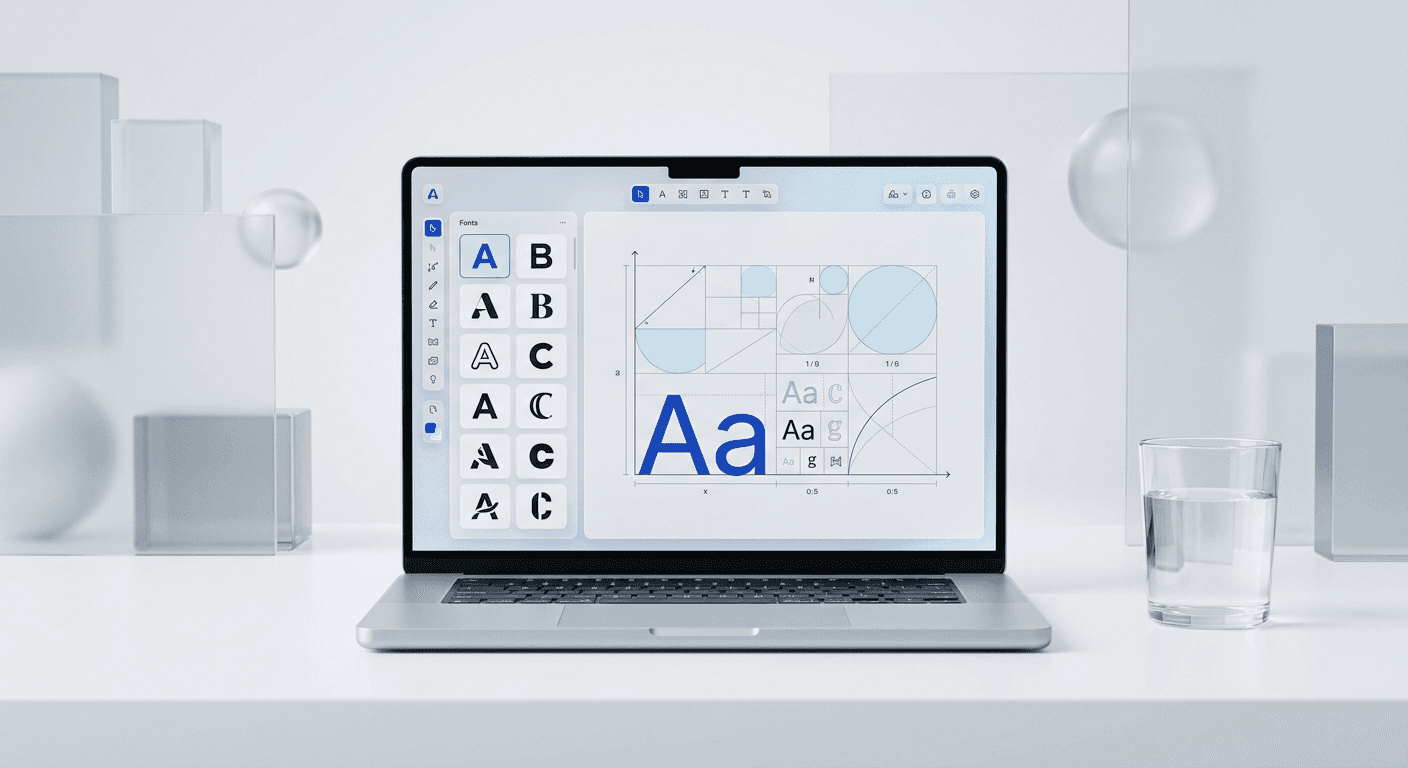
The best typography tools social media design professionals use are Fontjoy, Typescale, and Fontshare. These tools use mathematical scales and AI to remove guesswork, ensuring your content looks premium and establishes instant brand authority.
Typography is the foundation of your visual brand identity. When your text is hard to read or your fonts clash, you lose credibility before a lead even reads your headline. Selecting the best typography tools social media design requires is not about artistic intuition; it is about using systems that guarantee readability and visual harmony.
We see founders and marketers struggle with design every day. They spend hours trying to make a post look "right" without understanding the rules of hierarchy or pairing. This guide identifies the specific tools we use to speed up the workflow and ensure every piece of content looks like it was made by a high-end agency.
What are the best typography tools social media design experts use?
The answer is a combination of AI-driven pairing generators and mathematical scale calculators. Tools like Fontjoy and Typescale allow you to build a cohesive design system without manual trial and error. These platforms ensure that your headlines, subheadlines, and body text follow a logical, professional structure that attracts attention.
Good typography increases readability and reinforces brand authority through visual consistency. According to a study by Adobe, 38% of users will stop engaging with a website if the content or layout is unattractive (Adobe, 2024). In our experience, this metric is even higher on social platforms where the scroll-speed is faster. If your text is too small or your font choice looks amateur, you lose the audience before they read a single word. High-quality typography creates a professional aesthetic that signals reliability to potential leads. This is especially true for SaaS companies and startup founders who need to establish trust quickly. By using the best typography tools social media design requires, you ensure that every post adheres to a logical structure. This structure guides the eye and keeps the reader engaged for longer periods, directly impacting your conversion rates and total brand reach over time.
How do you find the top font pairing tools 2026 for your brand?
The top font pairing tools 2026 utilize machine learning to analyze the contrast, x-height, and weight of thousands of typefaces. Fontjoy is the industry standard for this task. It allows you to lock a specific font you like and generate complementary pairings with a single click, ensuring your header and body text never clash.
We recommend starting with a high-contrast pairing for social media. A bold, sans-serif heading paired with a clean, readable secondary font creates the "Apple-style" minimalist look that performs well on LinkedIn and Instagram. Fontjoy uses a deep learning model to find fonts that share similar design characteristics but provide enough contrast to create visual interest. This balance is difficult to achieve manually but becomes instant with the right software.
Why should you use the best text hierarchy generators?
The best text hierarchy generators create a visual map for your reader to follow. Typescale is a browser-based tool that calculates font sizes based on a specific ratio. Instead of guessing if your subhead should be 24px or 28px, you use a mathematical scale to determine every size in your design system automatically.
Mathematical hierarchy is the difference between a messy layout and a premium design. The tool Typescale allows you to choose a base font size and a scale factor, such as the Golden Ratio (1.618) or Major Third (1.25), to generate all other font sizes. This creates a rhythmic harmony throughout your social media carousels. Research by the Nielsen Norman Group shows that 80% of readers spend their time looking at headlines and structural elements rather than body text (NNG, 2024). If your hierarchy is flat, readers struggle to find the value in your post. Using the best text hierarchy generators ensures that your H1, H2, and body copy have a clear visual distinction. We find that using a consistent scale across all marketing assets simplifies the design process and prevents the common mistake of picking arbitrary sizes. A logical scale makes your content look intentional and reduces cognitive load for your target audience.
Which figma typography plugins speed up your workflow?
Figma typography plugins like Font Fascia and Typescale are essential for maintaining a clean workspace. Font Fascia provides a bird's-eye view of every font used in your document, helping you find and replace inconsistent styles in seconds. This prevents the "font creep" that happens when multiple team members edit the same file.
Typescale Plugin: Generates a modular scale directly inside your Figma frames.
Font Fascia: Audits your entire document for font usage and missing styles.
Google Fonts Plugin: Allows you to preview and install Google Fonts without leaving the app.
We use these plugins to maintain the integrity of our Figma design templates. By locking in your typography settings through a plugin, you ensure that every slide in a 10-page carousel remains perfectly consistent. This level of precision is what separates high-growth personal brands from hobbyists.
Where can you find the best fonts for graphic design in 2026?
Finding the best fonts for graphic design involves looking beyond the standard system fonts like Arial or Helvetica. Fontshare is a professional-grade resource that offers high-quality, open-source fonts. It is our preferred choice for SaaS startups because the typefaces are modern, diverse, and completely free for commercial use.
Finding the best fonts for graphic design often involves balancing cost and quality. Fontshare is a free service by the Indian Type Foundry that offers professional-grade fonts for both personal and commercial use. Unlike basic system fonts, these typefaces include multiple weights and stylistic alternates that provide the flexibility needed for modern social media layouts. Using high-quality typefaces is essential because 75% of a brand's perceived credibility comes from its design aesthetics (Stanford University, 2021). When you use mediocre fonts, you inadvertently tell your audience that your product is also mediocre. We prefer Fontshare because it provides access to unique styles that haven't been overused by every other creator on LinkedIn. This uniqueness helps your content stand out in a crowded feed while maintaining a minimalist and premium feel. Integrating these fonts into your Figma workflow allows you to maintain high standards without the expensive licensing fees often associated with professional foundries.
What are the essential typography resources for marketers?
Typography resources for marketers should provide inspiration and practical application rules. Typewolf is the most authoritative site for seeing how fonts look in the real world. It features daily site of the day highlights and lookbooks that show you exactly which fonts are trending in the tech and startup sectors.
Tool Name | Primary Function | Best For |
|---|---|---|
Fontjoy | AI Font Pairing | Generating headers and body pairs |
Typescale | Hierarchy Calculation | Setting mathematical font sizes |
Fontshare | Font Library | High-end, free open-source fonts |
Typewolf | Design Curation | Finding trending font combinations |
WhatTheFont | Font Identification | Identifying fonts from screenshots |
Marketers often make the mistake of choosing fonts based on personal preference rather than performance. Typewolf helps you bridge that gap by showing you what successful brands are currently using. If you see a font on a competitor's post that you like, use WhatTheFont by MyFonts to identify it instantly via a screenshot. This allows you to study the visual language of market leaders and adapt it for your own brand strategy.
How do you implement a typography system in your social media strategy?
Implementing a system starts with choosing two primary typefaces: one for impact and one for readability. Your "Heading" font should be bold and carry the personality of your brand. Your "Body" font must be highly legible at small sizes, as 59.9% of global social media users access platforms via mobile devices (Statista, 2024).
Once you have your pair, use a hierarchy generator to set your sizes for LinkedIn (1080x1350) and Instagram. We suggest a base size of 18px for body text and 64px-80px for main headlines. This creates a clear contrast that forces the reader to look at your hook first. By standardizing these sizes, you simplify your content creation process. You no longer have to decide how big a headline should be; the system decides for you. This professional approach ensures your content remains cohesive across different platforms, which is vital for building a recognizable personal or company brand.
What is the best way to manage fonts in Figma?
Managing fonts in Figma requires the use of Text Styles. By saving your font, size, weight, and line height as a style, you can update your entire social media kit with one click. If you decide to change your brand font next month, you update the style definition, and every carousel slide updates automatically.
In our experience, the biggest time-waster for founders is manual formatting. We build our templates with these styles pre-configured. This allows you to focus on the copy and the strategy while the typography system handles the aesthetics. High-growth startups use this "system-first" approach to produce 10x more content than their competitors without hiring a full-time designer. When you combine figma typography plugins with a robust template, you remove the friction that prevents most people from posting consistently.
Summary of the best typography tools social media design needs
To dominate your niche, you must look the part. Using the best typography tools social media design offers ensures that your message is heard and your brand is respected. Whether you are using Fontjoy for pairings or Typescale for hierarchy, these tools provide the mathematical foundation for professional design.
Stop wrestling with design software and start using systems. Start by auditing your current posts. If your typography feels inconsistent or messy, pick a pairing from Fontshare and set your hierarchy with Typescale today. Your audience will notice the difference in quality immediately, and your engagement metrics will reflect the increased readability of your content.



