How to Build Animated Social Media Graphics in Figma Fast
Learn how to create animated social media graphics in Figma without complex software. Discover smart animate workflows to boost your organic engagement.
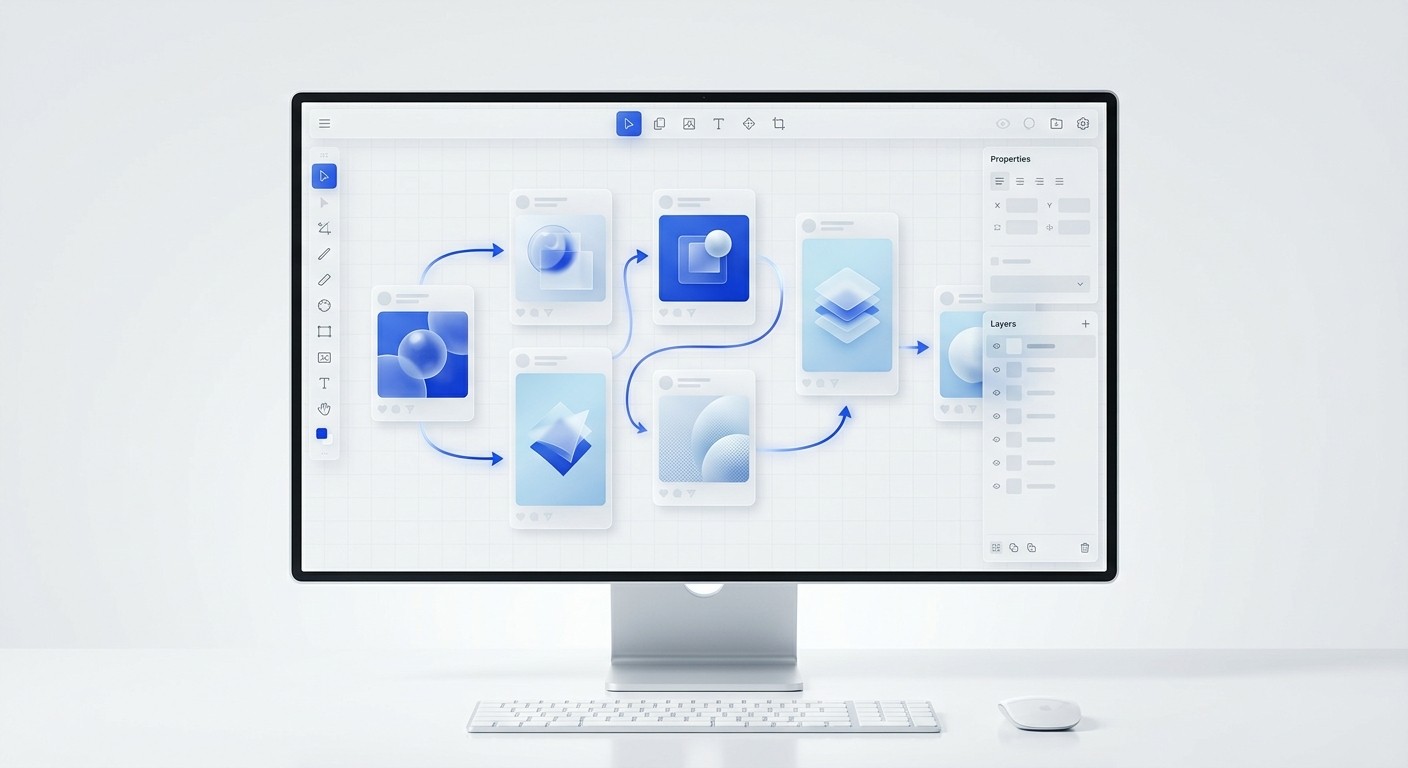
Animated social media graphics capture user attention through subtle movement, increasing engagement and dwell time. You can create these dynamic assets directly in Figma without needing complex video editing software. By using the native prototyping features, you can turn static carousels into high-performing motion content in minutes.
Creating animated social media graphics does not require a background in professional video production. Founders and marketing teams often believe that adding motion to their feed means learning difficult animation software. The reality is much simpler. You can build high-converting animations using the exact same design tool you already use for your static posts.
What are animated social media graphics?
Animated social media graphics are visual assets that use subtle movement and kinetic typography to capture attention in digital feeds. They sit comfortably between static images and full-scale video production. The answer is they are low-barrier motion designs created specifically for fast-scrolling environments.
The transition from static images to motion is no longer a passing fad; it is a fundamental shift in how algorithms distribute digital content. Social media motion design is the practice of applying targeted movement to visual elements to stop the scroll and hold user attention longer. When you introduce movement to a graphic, you disrupt the user's standard scrolling pattern.
This extended dwell time signals to platform algorithms that the content holds value, which directly increases organic reach. Recent data confirms this behavioral shift across all major networking channels. Animated posts generate 49% more engagement than static ones (Educational Voice, 2025).
You do not need expensive 3D rendering to achieve these benefits. A simple sliding headline or a pulsing background shape provides enough visual disruption to capture the eye. By mastering these micro-animations, teams can significantly improve their content performance without expanding their production budgets or hiring dedicated video editors.
Types of basic animations
Kinetic typography: Text that slides, fades, or scales into view to emphasize key phrases.
Data visualization: Bar charts or line graphs that grow dynamically to illustrate statistical points.
UI interactions: Cursors clicking buttons or menus expanding to demonstrate software features.
Why do motion graphics outperform static posts?
Motion graphics outperform static posts because the human eye is biologically wired to detect movement. When scrolling through a static feed, any animation creates a sudden pattern interrupt. The answer is that movement holds user attention longer, which triggers algorithms to boost the post's visibility.
The biological preference for movement translates directly into measurable marketing outcomes. Platforms like Instagram, TikTok, and LinkedIn heavily weigh dwell time—the milliseconds a user spends looking at your post before scrolling away. Static images are consumed instantly, offering very little dwell time.
Conversely, motion graphics force the viewer to pause to understand the changing visual information. This slight delay accumulates into massive algorithmic advantages. Social video generates 1,200% more shares than text and image posts combined (Sprout Social, 2026).
This staggering difference illustrates why modern marketing teams prioritize motion. When a graphic moves, it becomes a story rather than a flat billboard. The viewer anticipates a conclusion, watching the animation resolve before moving on. This basic psychological hook turns passive observers into engaged participants who are highly likely to comment.
Performance comparison
Metric | Static Graphics | Motion Graphics |
|---|---|---|
Average Dwell Time | 1-2 seconds | 5-15 seconds |
Algorithmic Reach | Baseline | Prioritized |
Production Speed | Very fast | Fast (with templates) |
How does Figma Smart Animate work for social media?
Figma Smart Animate is a prototyping feature that automatically calculates the difference between two frames and smoothly transitions the properties of matching layers. It evaluates layer names and hierarchy to execute changes across your graphics. The answer is it is an automated tweening engine.
Understanding the underlying mechanics of this prototyping engine completely changes how you approach content creation. Figma smart animate for social media relies entirely on strict layer naming consistency. If a layer named "Header" exists in both your starting and ending frames, the software mathematically interpolates the journey between its two states.
You do not need to set keyframes manually on a timeline. This automation makes professional motion design highly accessible, allowing non-technical marketers to produce premium animations at scale. Figma currently supports over 4 million users globally, shifting the industry standard away from isolated design tools toward collaborative environments (Hyqoo, 2025).
This massive adoption means more teams are discovering they can build motion graphics within the exact same canvas where they design their static layouts. By simply duplicating a frame, moving an object, and linking the two with a transition, a static carousel instantly becomes a dynamic video presentation.
Supported animation properties
Scale and Size: Elements can grow or shrink between frames to show emphasis.
Position: Text and shapes can slide in from outside the visible canvas.
Opacity: Layers can fade from zero to full visibility to create gentle reveals.
Rotation: Icons and graphics can spin to indicate loading or progress.
How do you set up simple Figma animations?
You set up simple Figma animations by organizing your layers meticulously, duplicating your starting frame, and adjusting the properties of the elements you want to move. The answer is to link these frames in the Prototype tab, selecting Smart Animate as the primary transition type.
The foundation of effective animation is absolute structural hygiene within your design file. Simple Figma animations fail when layer hierarchies are disorganized or naming conventions break down between different frames. To ensure a flawless transition, you must group related elements and lock their names.
For example, if you want a mock-up to slide upward, the group containing it must carry the exact same title on both the first and second frames. Establishing this rigid structure initially takes a few extra minutes, but it pays immediate dividends in production speed. We find that organizing layers correctly dramatically reduces animation troubleshooting because the software predictably tracks elements across states.
For teams looking to skip the setup phase, our carousel design templates come pre-configured with proper auto-layout formatting and layer structures ready for instant animation. This allows operators to focus strictly on content strategy. Proper organization guarantees that elements glide smoothly rather than abruptly flashing during the final transition.
Step-by-step animation workflow
Design your initial complete layout inside a single frame.
Duplicate the frame exactly as it is without renaming any layers.
Modify the first frame by moving elements off-screen or reducing their opacity to zero.
Navigate to the Prototype tab and drag a connection from the first frame to the second.
Set the interaction trigger to "After Delay" and the animation type to "Smart Animate".
What is the best way to handle GIF export in Figma?
The best way to handle GIF export in Figma is by utilizing dedicated community plugins, as the platform does not natively export prototypes as video files. The answer is to install a tool like Export to GIF or use screen recording software to capture your interactions.
Relying on external tools to extract finished motion graphics is a standard workflow requirement. The platform excels at rendering advanced interactions in the browser, but it requires third-party plugins to package those sequences into shareable formats. A standard GIF export Figma workflow involves running a plugin that visually captures the frames as they transition and compiles them into a looping file.
While GIFs enjoy universal support across the web, they are strictly limited to a 256-color palette. This heavy compression often results in banding across smooth gradients or pixelated edges on typography. To maintain premium visual fidelity, we recommend exporting as an MP4 whenever the target social network permits it.
Video files preserve millions of colors and offer substantially smoother frame rates. In 2025, an estimated 82% of all internet traffic will be video, reinforcing the need for high-quality MP4 exports over legacy image formats (MGT Design, 2025). High-resolution exports ensure your brand maintains a highly professional digital appearance.
Exporting formats compared
Format Type | Visual Quality | File Size | Best Use Case |
|---|---|---|---|
GIF | Low (256 colors) | Large | Email newsletters and simple memes |
MP4 | High (Millions) | Optimized | LinkedIn feeds and Instagram Reels |
WebM | High with transparency | Small | Website landing pages |
How do you design motion graphics for B2B social?
You design motion graphics for B2B social by prioritizing data visualization and professional typography over excessive visual effects. The answer is to use subtle entrance animations for text and charts to guide the reader through complex business information without causing cognitive overload.
The corporate aesthetic requires a highly disciplined approach to movement and overall pacing. Motion graphics for B2B social must educate the audience while continuously reinforcing brand authority. If the animation distracts from the core message, it has completely failed its primary marketing objective.
Business buyers consume content to solve specific operational problems, making data retention highly essential. When consumers view a video or animated advertisement, 95% of them retain the main message, compared to only 10% retention when reading plain text (Linearity, 2024). This massive increase in retention is exactly why B2B marketers must animate their statistical claims.
We suggest animating bar charts so they grow upward smoothly, or having key statistics fade in sequentially. This step-by-step reveal prevents immediate cognitive overload. The viewer absorbs one data point clearly before the next one appears. Smooth easing curves and deliberate pacing signal technical competence. By treating motion as an educational tool rather than mere decoration, business brands dramatically improve message comprehension.
Rules for B2B motion design
Animate with purpose: Only move elements that actively help explain the concept.
Use slow easing: Avoid bouncy or erratic motion curves. Stick to smooth transitions.
Maintain high contrast: Ensure text remains perfectly legible before, during, and after the animation.
What makes animated LinkedIn posts successful?
Animated LinkedIn posts are successful when they tell a linear professional story and resolve quickly within the platform's optimal attention window. The answer is that success stems from designing for silent, scrolling professionals who demand immediate value in three seconds.
The professional networking feed operates on a completely different psychological wavelength than entertainment platforms like TikTok. Animated LinkedIn posts must deliver immediate, actionable business value to stop an executive mid-scroll. The algorithm heavily rewards content that keeps users actively engaged without requiring them to leave the main feed.
Shorter, high-impact motion graphics perform exceptionally well in this specific digital environment. On LinkedIn, animated posts generate the highest audience retention when they are kept strictly between 15 and 30 seconds long (Educational Voice, 2025). This extremely tight timeframe forces creators to edit their concepts ruthlessly.
You must strip away any unnecessary visual flair and focus entirely on the core thesis. We recommend starting with a bold kinetic headline that poses a highly relevant industry question. Follow this immediately with a visual breakdown of the answer. Because most professionals scroll with their sound muted, relying on kinetic typography ensures your message communicates clearly. This disciplined approach builds authority and drives meaningful conversations.
Optimizing for the feed
The final step in your production process is sizing your exports correctly. We export our animated social media graphics in a 4:5 portrait ratio rather than traditional square formats. The taller aspect ratio claims significantly more screen real estate on mobile devices. This physical dominance on the screen prevents competing posts from distracting your reader.
When you combine the screen-filling size of a portrait graphic with the eye-catching nature of motion, your content becomes virtually impossible to ignore. Designing these assets in a component-driven workflow allows you to maintain this premium quality without sacrificing daily publishing velocity.
References
How motion graphics can supercharge your marketing ROI. Linearity, 2024.
Cheap Animation Company: Cost-Effective Video Solutions. Educational Voice, 2025.
Why Social Video Is Outperforming Static Ads in 2025. MGT Design, 2025.
AI Motion Graphics for Reels & Shorts 2026. Sprout Social, 2026.
Figma vs. Sketch vs. Adobe XD. Hyqoo, 2025.



