20 Top Figma Shortcuts Social Media Managers Need in 2026
Master the 20 figma shortcuts social media managers need to speed up design workflow. Learn quick edits figma tips to create viral carousels in minutes.
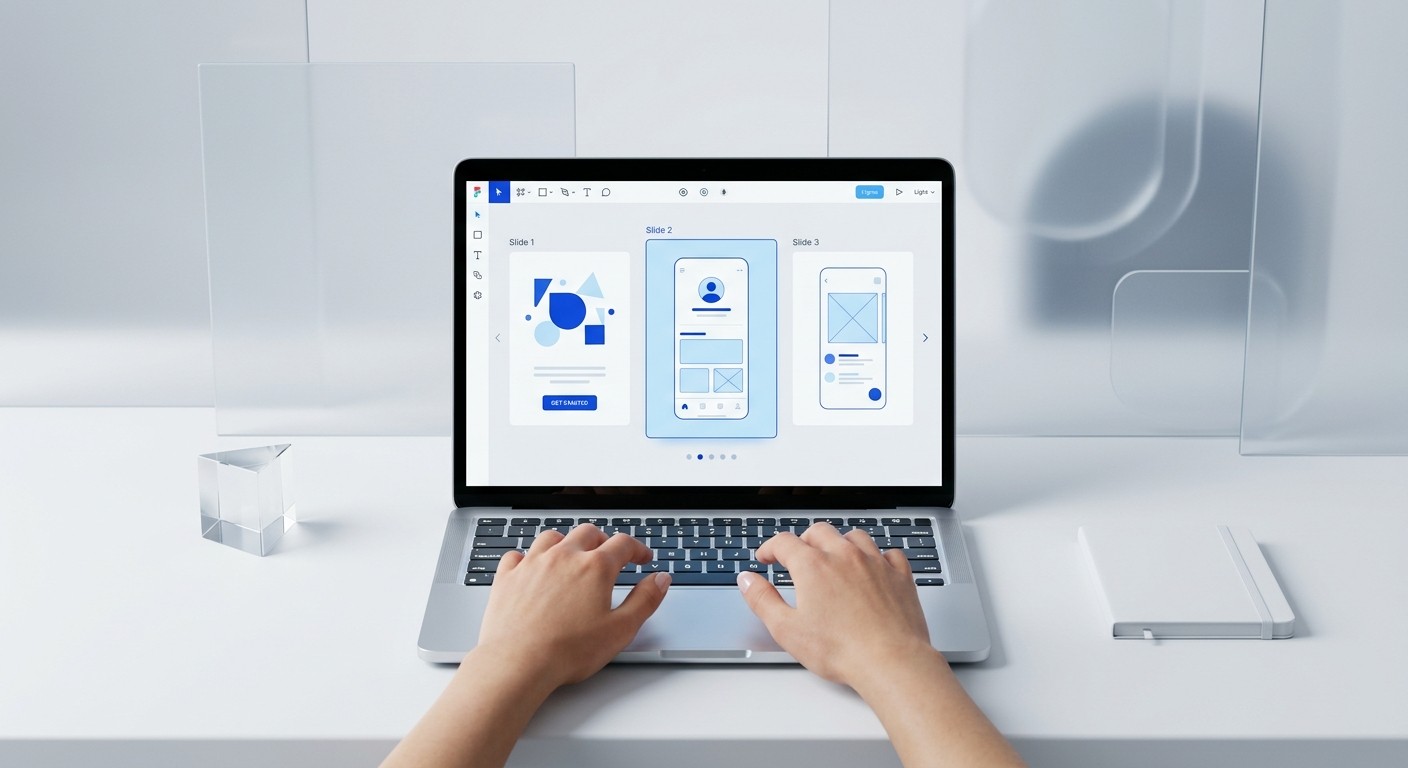
Mastering figma shortcuts social media managers use daily is the fastest way to bridge the gap between amateur posts and professional brand visuals. These hotkeys eliminate manual clicking, allowing you to edit templates and export content in seconds.
Speed is the most valuable asset in social media marketing. When you use the right keyboard combinations, you stop fighting the software and start focusing on the message. We find that the most effective marketers do not learn every tool in Figma. They master the specific keys that handle 80% of the repetitive work.
What are the essential figma shortcuts social media managers need for speed?
The answer is a curated set of hotkeys that prioritize navigation, duplication, and asset management over complex vector drawing. Most marketing tasks in Figma involve editing existing templates rather than building from scratch. Mastering these inputs allows you to manage high-volume content calendars without the need for a full-time designer.
In a marketing environment, time is the primary constraint. According to a report by the Content Marketing Institute (2023), 58% of B2B marketers cited a lack of time as their biggest challenge in producing visual content. This bottleneck often occurs during the manual adjustment of social media posts across different platforms. By mastering figma shortcuts social media managers use, you can reduce the time spent on repetitive tasks by up to 50% compared to using a mouse for every action. These micro-savings accumulate throughout the week, allowing small teams to produce higher volumes of content without increasing their design budget. Professional design templates further amplify this effect by providing a structured environment where these hotkeys perform most effectively. This workflow allows founders to maintain a premium brand presence while remaining lean.
Cmd + D (Mac) / Ctrl + D (Windows): This is the duplicate command. It is the single most important key for social media managers. Use it to instantly create a new slide in a carousel or a second version of an ad.
K: The Scale Tool. Unlike the move tool, the scale tool resizes everything inside a frame proportionately, including text and effects. It is vital for fitting a square post into a story format.
Cmd + \ (Mac) / Ctrl + \ (Windows): Hide UI. This command clears the sidebars. It allows you to see your work without distractions, which is helpful when checking the visual flow of a LinkedIn carousel.
How do you handle text and image edits with quick edits in Figma?
The answer is to use the T tool for text and the Place Image shortcut for visual assets. These keys bypass the menu system entirely. Quick edits figma workflows rely on the ability to swap content within pre-defined containers without breaking the layout or the brand style.
Text manipulation is the core of social media production. When you are editing a 10-slide carousel, clicking the text icon in the top menu for every slide is inefficient. Pressing T immediately activates the text tool. Once you finish typing, pressing Esc exits the text box but keeps the layer selected. This allows you to immediately move to the next slide. This loop is a core part of a speed up design workflow strategy that prioritizes output over manual adjustments.
Managing images is equally fast. Instead of dragging files from your desktop, use Shift + Cmd + K (Mac) or Shift + Ctrl + K (Windows). This opens a file picker. You can select multiple images and click on specific frames to "drop" them into place. This is a primary example of how figma tips non designers can use will save hours during batch production of team photos or product shots. We build our customizable Figma design templates to respond perfectly to these shortcuts, ensuring you spend less time clicking and more time shipping content.
Visual content is no longer optional; it is the primary driver of digital authority. High-performance teams use shortcuts to ensure their production speed matches their growth goals.
Why does marketing productivity depend on keyboard proficiency?
The answer is that keyboard shortcuts reduce the cognitive load of design, allowing you to focus on copywriting and strategy. Marketing productivity is measured by the quality and frequency of your output. If the barrier to publishing is a complex design process, your posting frequency will naturally decline over time.
Data shows that consistency is the most important factor for social media growth. A study by Socialinsider (2024) found that LinkedIn carousels have a 1.92% average engagement rate, which is significantly higher than static images. However, carousels are harder to produce than single images. If you rely on a mouse for every movement, a 10-slide carousel can take an hour to finish. With figma hotkeys for marketing, that same task takes 15 minutes. This efficiency gain allows a social media manager to produce four times as much content in the same window of time. Efficiency in tools leads to consistency in execution, which is the foundation of brand building for SaaS startups.
Action | Mac Shortcut | Windows Shortcut | Marketing Benefit |
|---|---|---|---|
Duplicate Selection | Cmd + D | Ctrl + D | Rapidly create carousel slides |
Copy Properties | Opt + Cmd + C | Alt + Ctrl + C | Apply brand styles instantly |
Paste Properties | Opt + Cmd + V | Alt + Ctrl + V | Sync colors across frames |
Place Image | Shift + Cmd + K | Shift + Ctrl + K | Batch update photos |
Rename Layer | Cmd + R | Ctrl + R | Clean organization for export |
What are the best figma tips non designers can use for carousel editing?
The answer is to use the Eyedropper tool and Style Copying to maintain brand consistency. These features ensure that your colors and fonts remain uniform across every post without you needing to remember specific hex codes or font weights. Consistency is what separates premium brands from amateur creators.
The Eyedropper tool is accessed by pressing I. When you have a shape or text layer selected, pressing I and clicking any color on your screen will apply that color to your selection. This is useful when you want to match a headline color to a specific part of an image. It removes the need for manual color picking, which often leads to slight brand inconsistencies. Professionalism in design is often just a matter of perfect color alignment.
Another powerful tool is Option + L (Mac) or Alt + L (Windows). This collapses all layers in your sidebar. After editing a complex file, the sidebar often becomes cluttered with hundreds of open folders. Collapsing them all with one keystroke makes it easier to find the specific slide you need to export. Maintaining a clean workspace is a hallmark of high-level marketing productivity. It prevents the frustration that leads to design fatigue and skipped posts.
How do you simplify your layout process with Auto Layout?
Auto Layout in Figma is a feature that lets components resize dynamically based on their content. For social media managers, this is a game-changer. It means if you change a headline from five words to ten, the rest of the post—like the buttons and images—moves down automatically to make room. You do not have to move every element manually.
To use this, select the elements you want to group and press Shift + A. This creates an Auto Layout frame. You can now adjust the spacing between items using the properties panel or by clicking and dragging. According to Figma (2023), over 4 million people use the platform to collaborate on designs, and Auto Layout is one of the most cited features for maintaining design systems. By using this tool, you ensure that your templates are responsive and flexible. This is the difference between a static image and a dynamic design system that grows with your brand.
When you use figma hotkeys for marketing like Shift+A, you are building a system rather than just a post. Systems are scalable. If you are an agency owner, this allows you to train a junior marketer or an intern to handle design work because the rules of the layout are baked into the frame. The risk of "breaking" a design is minimized when the layout handles the spacing for you. This allows founders to focus on high-level growth strategy while maintaining a premium aesthetic.
Which Figma hotkeys for marketing save the most time during batch production?
The answer is the combination of the Rename tool and the Zoom to Selection tool. When you are exporting 20 individual assets for an Instagram campaign, naming them manually is a massive waste of time. Using Cmd + R (Mac) or Ctrl + R (Windows) allows you to batch-rename all selected layers at once.
You can use the batch rename tool to add suffixes like "-IG-Story" or "-LinkedIn" to every slide title instantly. This ensures that when you hit export, your files are already named and organized for your social media scheduler. This tiny adjustment saves five to ten minutes per campaign. Over a year, this equates to hours of recovered time that can be spent on high-impact activities like customer research or product development. Efficiency is the cumulative effect of small wins.
Finally, use Shift + 2 to zoom directly to your selection. If you have a large file with many carousel slides, finding one specific detail can be difficult. Clicking the layer in the sidebar and pressing Shift + 2 brings it to the center of your screen instantly. This removes the need for manual scrolling or searching, keeping your focus on the design task at hand. These figma shortcuts social media managers use are the secret to maintaining a high-output content engine with minimal friction.
References
B2B Content Marketing Benchmarks, Budgets, and Trends. Content Marketing Institute, 2023.
LinkedIn Engagement Rate Study. Socialinsider, 2024.
Figma User Base and Growth Report. Figma, 2023.
Marketing Strategy and Planning Statistics. CoSchedule, 2023.



