How to Design Product Hunt Launch Graphics That Convert
Learn the exact dimensions and proven strategies to design high-converting Product Hunt launch graphics in Figma and capture more leads on launch day.
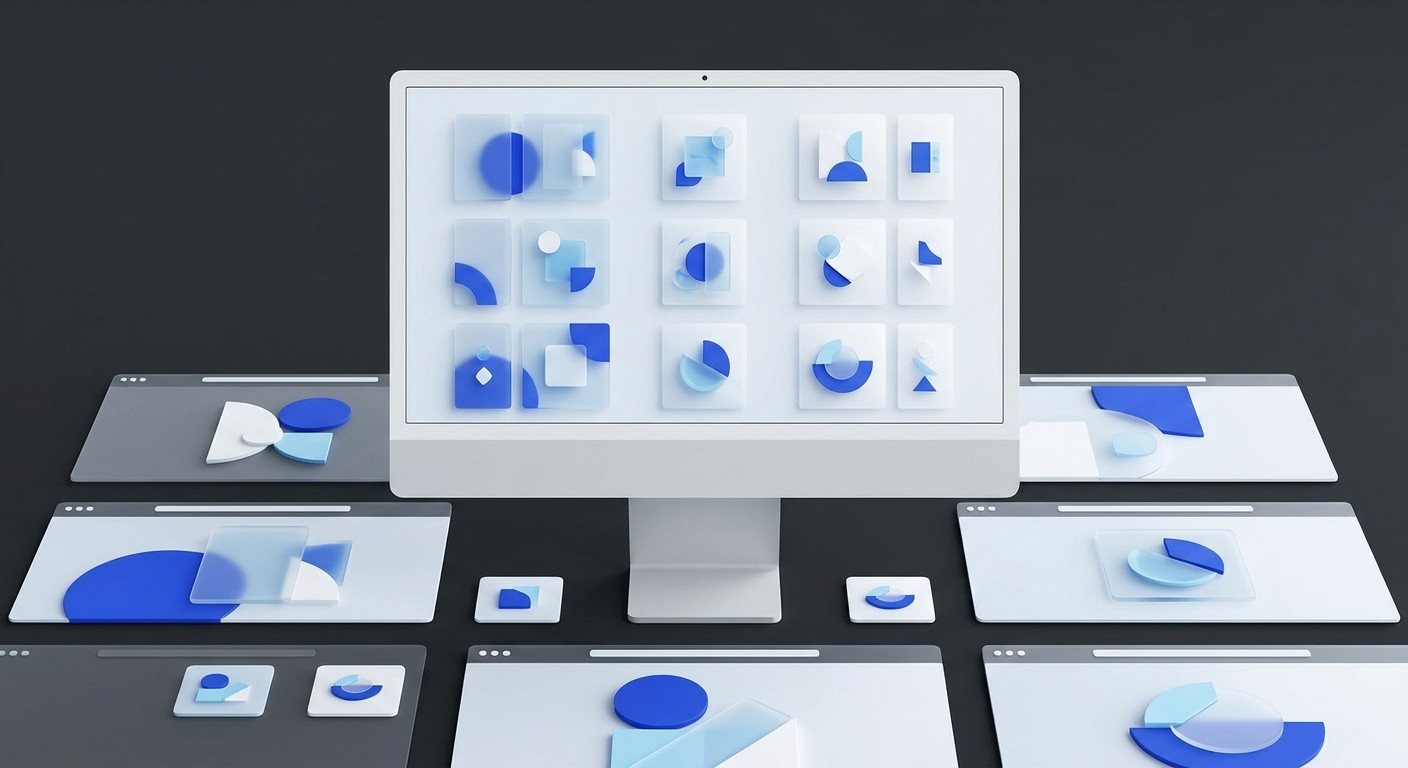
Product Hunt launch graphics are the specialized visual assets required to successfully list a software tool on the platform. The exact Product Hunt gallery dimensions are 1270x760 pixels, and the ideal thumbnail size is a 240x240 pixel square. Following these precise specifications ensures your interface screenshots look professional, load quickly, and drive higher click-through rates from the homepage.
The design of your Product Hunt launch graphics dictates whether your software gets noticed or ignored on launch day. A successful launch requires a complete package of polished visual assets, not just raw screenshots pasted into a browser. We find that founders who invest time in proper framing and targeted annotations generate significantly more clicks from the homepage feed.
How do you design Product Hunt launch graphics that convert?
A successful Product Hunt launch design is a cohesive set of visual assets that clearly explain a software product's core value proposition. The goal is to stop the scroll and drive clicks from the homepage. You achieve this through high-contrast typography, realistic browser framing, and minimal visual noise.
The visual impact of your launch determines whether browsers click through or keep scrolling. Many founders treat graphics as an afterthought, pasting raw screenshots that lack context. A successful Product Hunt launch design requires careful framing, where the interface sits inside a realistic browser mockup with readable text. Unedited high-resolution screenshots from 4K monitors shrink down and become an unreadable blur on standard displays. Adding padding and annotations highlights the primary feature without overwhelming the viewer. Annotated, framed gallery images correlate directly with higher engagement, keeping visitors on the page longer. A compelling visual presentation signals quality to the community and algorithms alike. When visitors encounter crisp typography and clean spacing, they assume the actual software carries that same level of polish. The design of your assets fundamentally shapes initial trust and click-through rates (Poindeo, 2025). This makes intentional design an absolute necessity.
A complete visual package requires several specific assets exported at precise dimensions. We recommend preparing the following materials before scheduling your post:
A square thumbnail logo optimized for clarity
Five to eight high-resolution gallery images
A YouTube video link for the primary demo
An open graph social sharing header image
A custom maker comment graphic
What is the ideal Product Hunt thumbnail size for 2026?
The exact Product Hunt thumbnail size is 240x240 pixels. This square image is your product's logo on the homepage feed. You must keep the file size under 3MB, and you can export it as either a static PNG or an animated GIF format.
The thumbnail is the single most critical asset for generating initial visibility on the platform. The Product Hunt thumbnail size must be strictly adhered to so your logo does not suffer from awkward cropping or blurriness on high-density displays. While movement catches the eye, complex animations often backfire by overwhelming the viewer. Simple, high-contrast designs with bold primary colors perform best against the platform's white background. You do not need a flashy animation to rank first. In fact, less than a third of the products that win Product of the Day actually use an animated GIF as their main thumbnail image (Product Hunt, 2025). Focus entirely on clarity. A static, legible icon that instantly communicates the software's purpose will outperform a chaotic animation every time. When builders prioritize simple recognition over complex motion, they typically secure higher initial click-throughs.
Create a 240x240 pixel frame in Figma, center your vector logo over your primary brand color, and export as a 2x PNG to maintain crisp edges.
What are the exact dimensions for a Product Hunt gallery image template?
A standard Product Hunt gallery image template is 1270x760 pixels, which translates to a 4:3 aspect ratio. The platform requires a minimum of two images to display the gallery, but we recommend creating five to eight images. Keep each individual file under 5MB.
Establishing a master file for your screenshots guarantees visual consistency across your entire launch package. Using a standardized Product Hunt gallery image template ensures every slide aligns perfectly when visitors click through the carousel. The first image in your sequence is disproportionately important because it is the open graph preview when people share your launch link on social media networks. This hero image should read more like a marketing poster than a basic application screenshot. It requires a clear headline, high contrast, and your most recognizable interface element. Inconsistent framing across the remaining gallery images signals a rushed launch and damages credibility. High-quality, engaging visuals directly translate into initial upvotes and positive algorithmic signals by maintaining low bounce rates (Poindeo, 2025). Building your slides on a strict 1270x760 canvas prevents the platform from applying an aggressive automatic crop to your interface screenshots.
Auto-layout in Figma is a feature that lets components resize dynamically based on their content. We use auto-layout to maintain exact 48px padding around our browser mockups, ensuring the UI remains perfectly centered across every gallery slide.
Setting up these artboards manually takes hours of trial and error. You can speed up your marketing workflow with Figma templates for social media that already include the correct constraints, auto-layout wrappers, and typography styling for a polished launch sequence.
Use this quick reference table to ensure your gallery files meet the exact specifications:
Asset Type | Recommended Size | Aspect Ratio | Maximum File Size |
|---|---|---|---|
Gallery Hero | 1270x760 px | 4:3 | 5MB |
Gallery Slide | 1270x760 px | 4:3 | 5MB |
Header Image | 1200x630 px | 16:9 | 3MB |
How do you create a Product Hunt animated gif Figma workflow?
A Product Hunt animated gif Figma workflow involves designing individual frames on a 240x240 canvas and exporting them sequentially. Because Figma does not export GIFs natively, you must use a third-party plugin to stitch your static frames together into a single looping file.
Designing motion assets requires strict attention to file size and visual noise constraints. A Product Hunt animated gif Figma workflow lets you manage every frame precisely without opening a complex video editor like Adobe After Effects. Start by creating four to six distinct artboards that show a logical progression, such as a cursor clicking a button or a status indicator turning green. Keep the background color consistent and rely on simple vector movements rather than heavy raster graphics to keep the final output optimized. The platform enforces a strict 3MB limit on all thumbnail uploads, and excessive motion will cause the file to bloat rapidly. GIFs only animate when a user hovers their cursor over the post on the homepage feed, so the first frame must work perfectly as a static image (Product Hunt, 2025). Ensure the initial frame clearly displays your product logo. This guarantees immediate recognition before any animation triggers.
To use the TinyImage plugin, select your artboards, click Create GIF, arrange your frames, set the slide delay, and export the compressed file.
Why do most startup launch visual assets fail on launch day?
Startup launch visual assets fail when they lack context, scale poorly, or contain excessive visual noise. Founders often upload raw desktop screenshots that shrink down and become illegible, frustrating visitors who cannot decipher the core features on smaller screens.
The execution of launch graphics determines the professional perception of an early-stage company. Most startup launch visual assets look amateur because builders ignore the physical scale of the platform interface. A high-resolution screenshot captured on a large external monitor turns into an unreadable blur of microscopic user interface elements when viewed inside a standard gallery container. The lack of a browser frame makes the software look like a floating, disconnected rectangle rather than a functional web application. Cluttered bookmark bars, system notifications, and random browser tabs distract potential users from the actual value proposition. Wrapping your interface inside a clean browser mockup is a design move that separates polished launches from rushed ones. Doing this consistently signals to the community that your product is mature and reliable, which is necessary for generating early traction (FramedShot, 2026). Removing external noise forces the viewer to focus entirely on your primary software workflow.
A floating UI rectangle without a browser frame looks unfinished. The community has seen thousands of launches—a bare screenshot reads as an afterthought.
How does B2B launch marketing dictate your visual choices?
B2B launch marketing demands visuals that emphasize workflow efficiency, return on investment, and professional reliability. Instead of playful consumer graphics, your launch assets must highlight clear dashboards, data integrations, and enterprise-grade security features that appeal directly to business decision-makers.
Targeting a professional audience requires a fundamentally different aesthetic approach than a consumer app launch. In the context of B2B launch marketing, your visual assets must prioritize clarity and structural logic over trendy styling. Business buyers scan software galleries looking for specific feature solutions rather than entertainment. Every slide in your presentation must map directly to a concrete business outcome. Using numbered annotations to guide the viewer through a complex setup process proves that your tool is intuitive and well-engineered. Ensure your typography remains perfectly legible and your contrast ratios meet standard accessibility guidelines. A unified color palette across your thumbnail, gallery, and video preview projects the trustworthiness required for enterprise software adoption. Companies that maintain strict brand cohesion across all their launch deliverables tend to capture higher-quality email leads and trial signups from the platform (Demand Curve, 2026). Professionalism in your presentation implies professionalism in your codebase.
Before hitting submit on your launch post, verify these final marketing requirements for your Product Hunt launch graphics:
Does the hero image communicate the primary feature in three seconds?
Are the interface elements legible on a mobile screen?
Does the brand color palette match your website exactly?
Have you removed all unnecessary system UI from the screenshots?
References
Product Hunt Launch Guide. Product Hunt, 2025.
Creating Product Hunt Assets That Convert. Poindeo, 2025.
Product Hunt Gallery Screenshot Sizes & Design Guide. FramedShot, 2026.
In-depth Product Hunt Launch Guide. Demand Curve, 2026.



