Product Hunt Launch Graphics Template Figma For High-Growth SaaS
Use a product hunt launch graphics template figma to maximize click-through rates. Get the correct ph launch images size and gallery design for a 2026 win.
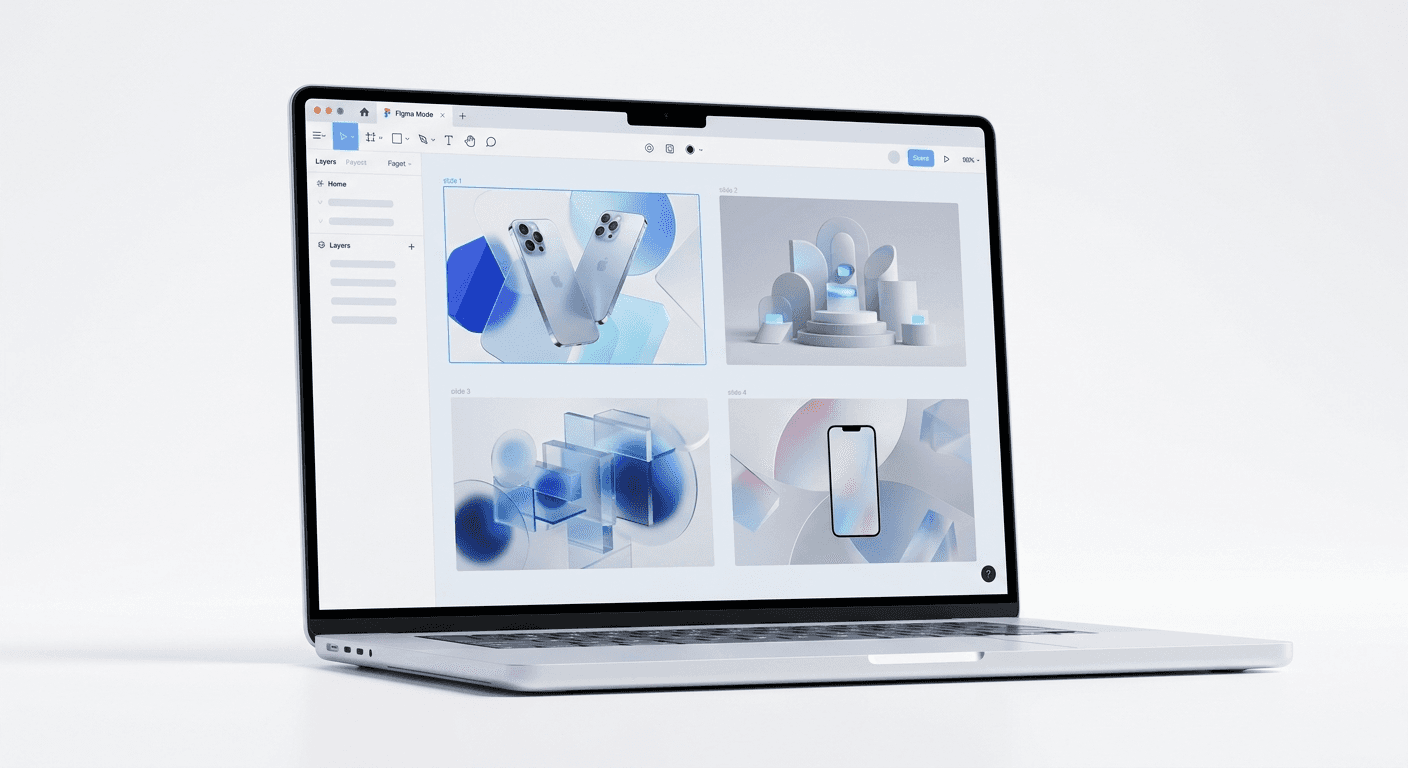
A product hunt launch graphics template figma is a pre-configured design system that helps founders create high-converting gallery assets without manual pixel-pushing. These templates ensure your visuals meet the 1270x760 pixel requirement and use professional layouts to drive upvotes. By using a template, you focus on your product value instead of wrestling with design software on launch day.
Why is a product hunt launch graphics template figma essential for your launch?
A product hunt launch graphics template figma is the fastest way to build professional gallery images that convert browsers into users. Most founders wait until the night before their launch to think about design. This leads to blurry screenshots and inconsistent branding that signals a lack of professionalism. A template provides a structured foundation where you simply drop in your SaaS screenshots and update the text.
In our experience, a launch succeeds or fails based on the first three images in the gallery. These images must communicate what your product does, who it is for, and why it matters within seconds. According to data from Socialinsider (2024), visual content with high contrast and clear value propositions increases engagement rates by up to 2.4%. Using a template ensures these high-contrast elements are baked into every slide of your gallery without needing a full-time designer.
Design debt is real, especially during a high-stakes launch. When you use a system built with Figma auto-layout, you can swap out entire feature sets or color palettes across ten slides in seconds. This speed allows you to iterate on your messaging even hours before the launch goes live. We believe that efficiency is the greatest advantage a startup has, and design templates are the engine behind that efficiency.
What is the standard ph launch images size for 2026?
The standard ph launch images size is 1270x760 pixels for the gallery images. While Product Hunt allows different aspect ratios, the 3:2 ratio is the safest bet to ensure your content is not cropped on different screen sizes. Keeping your text within a safe zone is also vital so that UI elements of the platform do not obscure your main value proposition.
Your thumbnail image is a separate requirement. It is a square format, usually 240x240 pixels. Many successful launches use a GIF for the thumbnail to catch the eye of users scrolling through the daily list. According to the Product Hunt Official Guidelines (2025), the maximum file size for these images is 5MB. If your files are too large, the platform will compress them, often resulting in pixelated graphics that damage your brand credibility.
Asset Type | Required Dimensions | Recommended Format |
|---|---|---|
Gallery Images | 1270 x 760 pixels | PNG or JPG |
Thumbnail | 240 x 240 pixels | GIF or PNG |
Video (YouTube link) | 16:9 Aspect Ratio | Direct Link |
How do you optimize your product hunt gallery design for maximum upvotes?
A successful product hunt gallery design follows a narrative structure similar to a landing page. The first slide is your hero image, which must show the product in action. The second and third slides should focus on the primary benefits. Users rarely scroll through the entire gallery, so you must front-load your most impressive features to capture interest immediately.
We recommend using high-contrast backgrounds to make your screenshots pop. If your app has a dark mode, use a light background for the slide to create a clear separation between the software UI and the gallery frame. This technique prevents the app from blending into the Product Hunt interface. In our testing, using bold typography for headlines significantly improves readability on mobile devices where most users check the leaderboard during their morning commute.
Strategic storytelling is the secret to a top-three finish. Your gallery should not just show features; it should show a transformation. Start with the problem your user faces, then show how your SaaS solves it. Use a mix of full-page screenshots and zoomed-in detail shots to highlight specific UI elements. This variety keeps the viewer engaged as they click through your presentation.
How do saas launch visuals improve brand authority?
Professional saas launch visuals signal to the community that your company is established and detail-oriented. High-quality design builds trust, which is a prerequisite for someone to download your app or sign up for a trial. If your visuals look like they were made in basic presentation software, users will assume your code quality is similarly low.
Establishing a cohesive brand identity across your launch assets is a competitive advantage. According to research by HubSpot (2024), consistent branding across all platforms can increase revenue by up to 23%. This consistency starts with your launch gallery and extends to your social media posts and landing page. When a user sees your graphics on Twitter and then visits your Product Hunt page, the visual continuity reinforces your brand message.
We see many founders ignore the psychological impact of design. Minimalist layouts with generous whitespace allow your product screenshots to be the focus. Avoid cluttered slides with too much text. Instead, use one short sentence per slide. If you need to explain a complex feature, use an annotated screenshot where small labels point directly to the UI elements you are discussing. This approach makes your product easy to understand at a glance.
Which app launch mockup figma features speed up your workflow?
An app launch mockup figma file should utilize Auto Layout 5.0 and Component Properties to make editing effortless. Auto Layout allows your text boxes and image containers to resize automatically when you change the copy. This means you do not have to manually move every element when a headline is longer than expected. Component Properties let you toggle between different device mockups, such as an iPhone or a MacBook, with a single click.
We suggest using Figma variables for your brand colors and spacing. Variables allow you to change your entire launch theme from "Modern Blue" to "Startup Purple" by simply updating a single value in the sidebar. This level of automation is why we prefer building design systems over static templates. It ensures that every slide remains perfectly aligned, regardless of the content you add. High-quality design should be a byproduct of a good system, not the result of hours of manual labor.
When you build your mockup system, create a master slide component. Any changes made to this master, such as adding a logo or changing a font, will propagate to every slide in your gallery. This reduces the time spent on revisions and ensures that you do not miss a single slide when making last-minute updates. For a founder, this saved time is better spent engaging with the community and answering questions in the comments section of the launch page.
Why are product presentation graphics better than raw screenshots?
Raw screenshots often look flat and uninteresting on a high-resolution display. In contrast, product presentation graphics add depth through shadows, device mockups, and background gradients. These elements provide context and make the software feel like a tangible tool. A screenshot shows what the product looks like, but a presentation graphic shows how it feels to use it.
Using 3D device mockups within Figma can give your SaaS a premium look. We recommend building a library of reusable components in Figma before you start your launch design. This approach mirrors how we build professional social media templates to help founders maintain brand consistency across different platforms. When your launch graphics share the same DNA as your landing page, you build immediate trust with potential upvoters and early adopters.
Data visualization is another key component of professional graphics. If your product helps users save time or money, show a simplified chart or graph that illustrates that benefit. Do not use the actual complex data from your app; simplify the UI for the sake of the gallery image. The goal is clarity, not technical accuracy. A clear, stylized chart is much more effective at communicating a benefit than a dense table of numbers that requires the user to zoom in.
How do you choose the right product hunt launch graphics template figma?
Choosing a product hunt launch graphics template figma depends on your brand's aesthetic and the complexity of your product. Look for templates that prioritize legibility and have a clear hierarchy. A template that is too flashy can distract from your product, while one that is too simple might fail to stand out on the competitive leaderboard. Your goal is a balance between professional polish and functional clarity.
Ensure the template includes a variety of slide layouts. You need slides for hero images, feature lists, testimonials, and a clear call to action. A call to action at the end of your gallery, such as "Join 5,000+ founders," can significantly increase your conversion rate from viewer to user. Most templates should also provide a mobile-optimized version of the thumbnail, as the Product Hunt mobile app is a major source of traffic on launch day.
We find that template-based systems dramatically reduce revision cycles because changes propagate through components automatically. This is why we recommend startups adopt a design system approach early on. Instead of treating your Product Hunt launch as a one-off event, see it as the beginning of your visual brand journey. The assets you create today will likely be used in your pitch decks, social media ads, and blog headers for months to come. Investing in a high-quality Figma template now saves you from re-designing your entire brand identity later.
Final steps for a successful launch with your product hunt launch graphics template figma.
To finalize your launch assets, double-check all text for typos and ensure all screenshots are updated to the latest version of your UI. Export your images at 2x resolution to ensure they look crisp on Retina displays. Even though Product Hunt has a 5MB limit, aim for high-quality PNGs to avoid compression artifacts. Once your images are ready, upload them to a test project to see how they look in the gallery view before your official launch time.
A professional product hunt launch graphics template figma is more than just a set of images; it is a strategic tool for growth. By removing the design bottleneck, you can focus on the activities that actually move the needle, like outreach and community engagement. Remember that your visuals are the first thing people see. Make sure they represent the hard work you put into building your product. With a clean, minimalist design and clear messaging, you are positioned to win the day and scale your SaaS to the next level.



