Repurposing Webinars Into Social Clips: The B2B Growth Guide
Learn how repurposing webinars into social clips helps SaaS founders turn 60-minute videos into viral social content. Maximize your B2B content atomization.
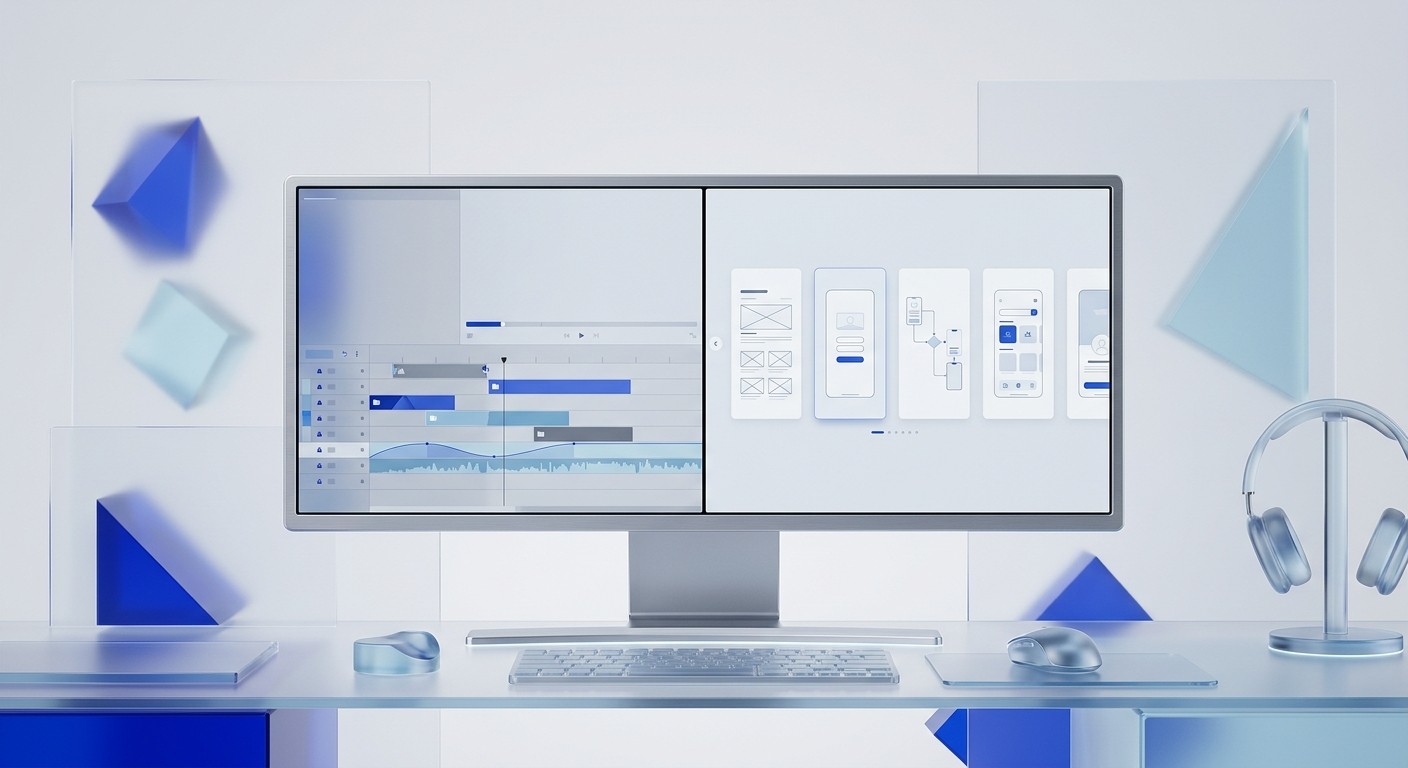
Repurposing webinars into social clips is the process of extracting high-value insights from long-form video recordings to create bite-sized social media content. This strategy allows SaaS founders and marketers to turn one hour of recording into weeks of high-performing LinkedIn carousels and video snippets.
What is the best way to start repurposing webinars into social clips?
Repurposing webinars into social clips starts with identifying the most impactful 60-second moments within your long-form recording. The goal is to isolate specific frameworks, data points, or answers that solve a single problem for your target audience. We find that the most successful repurposed content focuses on one clear takeaway rather than trying to summarize the entire event.
Webinar content is a goldmine for B2B brands. Most companies record a 60-minute session and never touch it again. This is a waste of resources. By breaking that video into smaller pieces, you reach people who would never watch a full hour. Video marketing statistics show that 91% of businesses now use video as a primary marketing tool (Wyzowl, 2024). However, many struggle with the volume of content needed. Repurposing webinars into social clips solves this by creating multiple posts from a single recording. You can turn one interview into five video clips, three LinkedIn carousels, and ten text posts. This approach ensures your message reaches different audience segments on their preferred platforms. It also improves your ROI on the original production costs. Instead of a one-time event, your webinar becomes a months-long campaign that consistently drives leads and keeps your brand visible to potential buyers (Wyzowl, 2024).
B2B content atomization is the strategic breakdown of a primary content asset into smaller, focused pieces for distribution. When you atomize a webinar, you are not just cutting video. You are extracting the core intellectual property of your brand and packaging it for fast consumption.
Why is B2B content atomization essential for modern SaaS marketing?
The answer is that modern B2B buyers have limited time and prefer consuming information in short, visual formats before committing to long-form content. Research suggests that 84% of B2B buyers prefer short-form content when researching vendors (Demand Gen Report, 2023). Atomization allows you to meet these buyers where they spend their time, specifically on platforms like LinkedIn and Twitter.
Marketing teams often face a content bottleneck. Producing high-quality original content every day is expensive and slow. By adopting a content repurposing workflow, you eliminate the need for constant brainstorming. You take the expertise already shared by your founders or product leads during a webinar and distribute it across multiple channels. A single 45-minute presentation can yield enough material for a full month of social media activity. This efficiency is critical for lean startups and scale-ups that need to maintain a premium brand presence without a massive creative team. When you focus on atomization, you ensure that your best ideas get the visibility they deserve. Most social media users will never see your full webinar. However, they will see a punchy carousel or a short video clip that appears in their feed. This consistent visibility builds trust and positions your company as a thought leader in the SaaS space (Demand Gen Report, 2023).
Video marketing SaaS trends show that engagement rates drop significantly after the first few minutes of a video. By extracting clips, you capture attention during the peak engagement window. You also provide a path for users to find the original long-form video if they want a deeper dive.
How do you identify high-value moments for a webinar to carousel transition?
The process of webinar to carousel conversion involves looking for "hero statements" or structured frameworks that can be explained in 10 slides or fewer. Look for moments where the speaker uses a list, a step-by-step process, or a surprising statistic. These segments are the easiest to visualize because they have an inherent logical flow that fits the carousel format perfectly.
Identifying these moments requires a practitioner's eye for what resonates on social media. We look for segments where the speaker simplifies a complex problem. If a speaker draws a diagram or explains a three-step strategy, that is a prime candidate for a visual slide deck. LinkedIn carousels are particularly effective for this because they generate 3.2 times more reach than static image posts (Socialinsider, 2024). To find these moments, we recommend reviewing your webinar transcript for transition words like "first," "second," or "in summary." These words usually signal a key takeaway. You should also look at the webinar analytics to see when engagement peaked or when participants asked the most questions. These high-engagement segments indicate that the topic is highly relevant to your audience. Once you find these segments, you can map the spoken words to a visual layout. This transition from audio-visual to static-visual allows the viewer to consume the information at their own pace, which often leads to higher retention of your brand message (Socialinsider, 2024).
Feature | Raw Webinar Video | Visual Carousel Clip |
|---|---|---|
Average Duration | 45-60 Minutes | 10-15 Seconds (per slide) |
Primary Platform | Website / YouTube | LinkedIn / Instagram |
Engagement Level | Deep / Passive | High / Active |
Lead Intent | Bottom of Funnel | Top/Middle of Funnel |
What does a standard long form to short form workflow look like?
A long form to short form workflow is a repeatable sequence of steps that moves content from a raw recording to a polished social asset. The workflow begins with transcription, followed by content selection, script editing, and finally, visual design. This systematic approach ensures that nothing is lost in translation and that the final clips maintain the brand's professional standards.
Efficiency in marketing comes from systems, not individual acts of creativity. We suggest starting with a clean transcript of your webinar. Use an AI tool to identify the top five insights from the session. Once you have these insights, rewrite the spoken word into punchy, social-first copy. Spoken language is often too wordy for a social post. You must edit for clarity and impact. After the copy is finalized, move into the design phase. This is where many founders struggle. Designing every slide from scratch is a mistake that wastes hours of time. We recommend using Figma-based design templates to maintain a consistent aesthetic across all your repurposed clips. This allows you to plug your edited copy into a pre-built system that already follows design best practices. By following this workflow, you can reduce the time spent on content creation by over 50%. A structured workflow also makes it easier to delegate these tasks to a virtual assistant or a marketing manager as your company grows (Content Marketing Institute, 2024).
Content repurposing workflow management is about removing friction. If the process is too hard, you will stop doing it. By having your templates and your transcription tools ready, you make repurposing a default part of every webinar you host.
How do visual frameworks improve video marketing SaaS results?
Visual frameworks are graphic representations of concepts, such as 2x2 grids, funnels, or Venn diagrams, that help viewers understand information quickly. In the context of video marketing SaaS, these visuals act as a bridge between a speaker's ideas and the viewer's memory. A visual framework is much more shareable than a simple quote because it provides immediate utility to the audience.
Data shows that 65% of people are visual learners. When you take a complex idea from a webinar and turn it into a clean graphic, you make it accessible. For example, if your webinar discusses SaaS churn, a clip showing a visual "Churn Funnel" will perform better than a clip of a person just talking about churn. This is because the visual gives the audience a mental model they can apply to their own business. According to the Content Marketing Institute, 50% of B2B marketers struggle with creating visual content consistently (Content Marketing Institute, 2024). You can gain a competitive advantage by prioritizing high-quality design in your repurposed clips. Clean typography and minimalist layouts signal that your company is premium and established. This professional appearance is vital for building credibility with high-value enterprise leads. When your social media feed is filled with clear, visual frameworks extracted from your webinars, you demonstrate a level of expertise that text-only posts cannot match. It proves that you have a deep understanding of your niche and the ability to simplify it for others (Content Marketing Institute, 2024).
A visual framework is a competitive advantage. It turns abstract advice into a tangible asset your audience can save and use later.
Which video marketing SaaS metrics should you track for repurposed content?
Tracking the right metrics for video marketing SaaS content involves looking beyond simple view counts to measure actual engagement and lead intent. The most important metrics for repurposed clips are save rates, completion rates for carousels, and click-through rates to the original webinar. These indicators tell you if your audience finds the extracted content valuable enough to keep or act upon.
Measuring the success of repurposing webinars into social clips requires a different mindset than measuring the webinar itself. On social media, a "save" is the highest form of praise. It means the user wants to refer back to your insight later. On LinkedIn, carousels often see higher save rates because they function as mini-tutorials. You should also monitor the "Click-Through Rate" (CTR) from your social posts to your webinar landing page. If your clips are effective, they should drive a steady stream of traffic back to the full recording. Socialinsider reports that the average engagement rate for LinkedIn carousels is roughly 1.92%, which is significantly higher than other post types (Socialinsider, 2024). If your clips are falling below this benchmark, you may need to adjust your headlines or the visual clarity of your slides. Another key metric is "Share of Voice." By flooding your social channels with repurposed clips, you increase the frequency of your brand appearing in your target audience's feed. This creates a cumulative effect that improves brand recall over time. Consistent tracking allows you to see which webinar topics generate the most interest, helping you plan future content more effectively (Socialinsider, 2024).
Long form to short form transitions are successful when they lead to a measurable increase in audience growth. If your follower count is rising and your engagement is steady, your repurposing strategy is working.
Can you simplify the content repurposing workflow with Figma?
The answer is yes, using Figma components and auto-layout features allows you to simplify the content repurposing workflow by creating a system where design updates happen instantly across all slides. Auto-layout in Figma is a feature that lets components resize dynamically based on their content, which is perfect for turning varying lengths of webinar quotes into social slides.
We recommend building a master template in Figma that includes your brand colors, typography, and logo. Once this system is in place, you can simply paste your webinar insights into the frames. Because the layout is automated, you don't have to worry about spacing or alignment. This is the difference between a "designer" and a "system." A designer spends time moving pixels; a system handles the pixels for you so you can focus on the strategy. For a SaaS founder, this efficiency is the only way to stay consistent without hiring a full-time graphic designer. We find that templates are most effective when they include various slide types: quote slides, data slides, and call-to-action slides. This variety keeps your feed looking fresh even if all the content comes from the same webinar. By using a standardized system, you also ensure that every piece of content you post looks like it belongs to the same brand identity. This cohesion is what separates amateur accounts from premium, established companies. When your design process is this efficient, you can turn a webinar into social clips in minutes, not hours (Wyzowl, 2024).
Webinar to carousel design doesn't have to be hard. With the right tools, the visual part of the process becomes the easiest part of your marketing week.
What are the common mistakes when turning a webinar into social clips?
Common mistakes when repurposing webinars into social clips include including too much text on a single slide, failing to optimize for mobile viewing, and ignoring the context of the platform. Many marketers try to copy and paste the transcript directly onto a graphic, which results in a cluttered and unreadable post that users will simply scroll past.
One of the biggest errors is not adjusting the hook for social media. A webinar usually starts with a slow introduction, but a social clip needs to grab attention in less than two seconds. If your clip or carousel slide starts with "Hello, thanks for joining us today," you will lose your audience immediately. Instead, start with the most provocative claim or the most valuable result. Another mistake is poor visual hierarchy. You must use large, bold headings to guide the reader's eye. If every sentence is the same size, nothing stands out. Furthermore, many SaaS brands forget to add a call to action (CTA). Every piece of repurposed content should have a goal, whether it is inviting users to watch the full webinar or signing up for a product trial. Without a clear next step, you are wasting the attention you worked so hard to get. Finally, ensure your clips are accessible. This means adding captions to video clips and ensuring high contrast between your text and background colors in your graphics. These small details significantly impact the reach and effectiveness of your content (Demand Gen Report, 2023).
Avoid the "volume trap." It is better to post three high-quality, visually stunning clips than ten poorly designed ones. Quality reflects your product. If your content looks cheap, people will assume your software is too.
How do you measure long-term ROI from repurposing webinars?
The answer is by tracking lead attribution and the total lifecycle of a single content asset over several months. ROI in B2B content atomization is found in the reduction of content production costs and the increase in high-intent traffic coming from social channels. When one webinar produces 20 pieces of content, the cost per asset drops dramatically while the potential for lead generation increases.
In our experience, founders who view content as an asset rather than a chore see the best results. A webinar is not just a live event; it is the raw material for a multi-channel marketing engine. By repurposing webinars into social clips, you create a library of evergreen content that can be reshared months later. This longevity is where the real ROI lives. You spend $1,000 to produce a webinar once, but that investment pays off every time a clip from that session generates a new lead on LinkedIn. Content Marketing Institute reports that 73% of B2B marketers use content marketing to nurture leads (Content Marketing Institute, 2024). Repurposing is the most efficient way to maintain that nurture sequence. It ensures that your target audience is constantly reminded of your expertise without you having to be on a constant content treadmill. As you build this library, you will notice that certain topics consistently perform well. This data should inform your future product roadmap and webinar themes. You are essentially using social media as a testing ground for your most important business ideas (Content Marketing Institute, 2024).
The goal is to look like a premium brand while working like a lean startup. Visual repurposing is the bridge that gets you there.
References
Video Marketing Statistics 2024. Wyzowl, 2024.
B2B Content Preferences Survey Report. Demand Gen Report, 2023.
LinkedIn Content Performance Study. Socialinsider, 2024.
Content Marketing Benchmark Report. Content Marketing Institute, 2024.



