Accessible Color Palettes For Social Media: Design For Every User
Learn to build accessible color palettes for social media that meet WCAG standards. Use Figma tools to create inclusive, high-contrast graphics that drive reach.
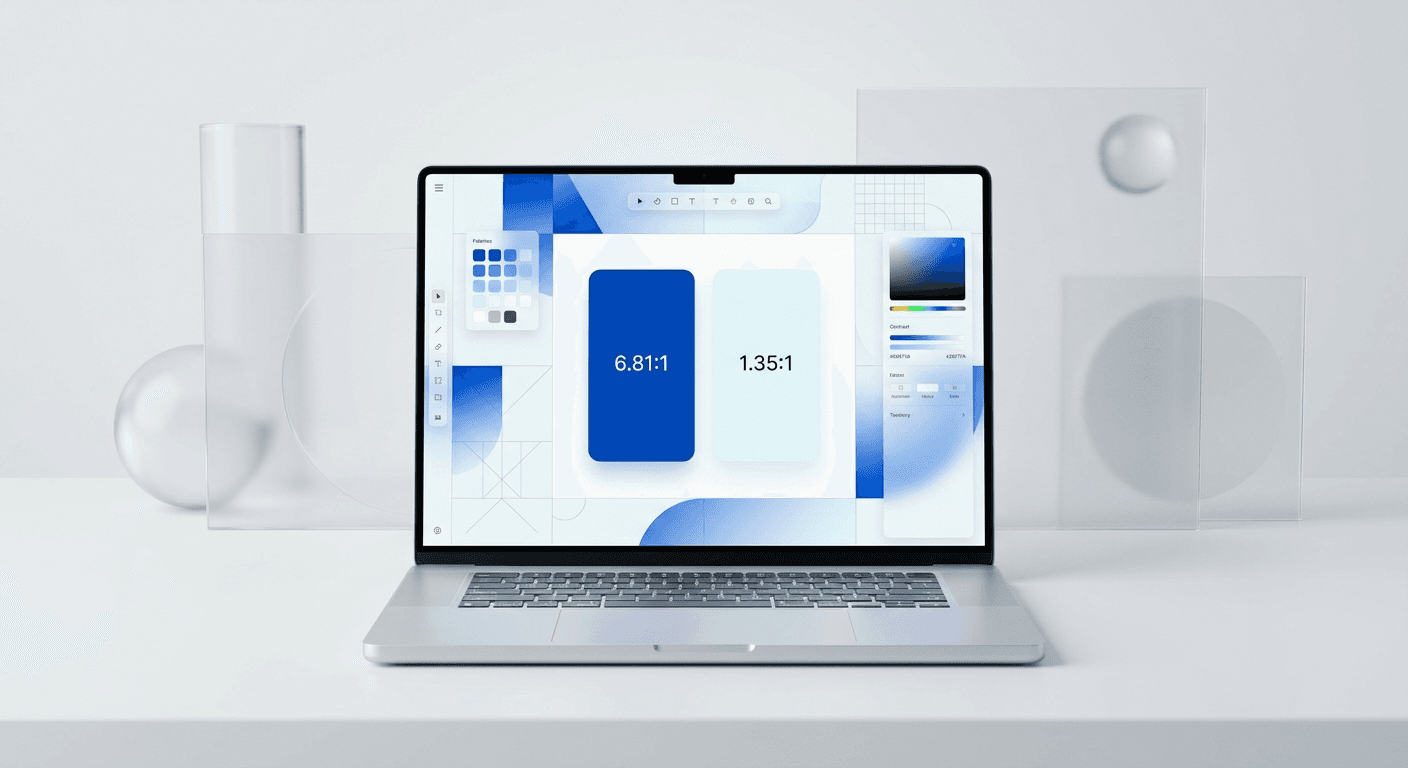
Accessible color palettes for social media are specific groups of colors that maintain a contrast ratio of at least 4.5:1 for standard text and 3:1 for large text. We use these standards to ensure that every user, including those with vision impairments, can read and engage with your visual content effectively.
What are accessible color palettes for social media?
Accessible color palettes for social media are curated sets of background and foreground colors that meet the Web Content Accessibility Guidelines (WCAG) 2.1 level AA or AAA. These standards ensure that text remains legible against its background for users with low vision or color blindness. In our experience, high-contrast combinations like dark navy and white or deep charcoal and neon green are most effective for professional brands.
The W3C establishes that a contrast ratio of 4.5:1 is the minimum requirement for body text to be considered accessible. For social media creators, this means every slide in a carousel or every static graphic must pass a technical check before it is exported. When we build design systems, we define specific primary and secondary tokens that are pre-tested for these ratios. This eliminates the guesswork for marketing teams and ensures that brand identity never compromises readability. Using a color blind friendly design approach allows your content to be consumed by the widest possible audience without requiring manual adjustments for every post. These palettes are not restricted to black and white; they include a wide variety of hues that simply require proper saturation and brightness management to work together. By adhering to these technical definitions, you create a foundation for inclusive social media graphics that perform better in the algorithm because they are easier to consume.
Why does visual accessibility boost your engagement metrics?
Visual accessibility increases your engagement because it removes the friction of reading your content. When a user can instantly process the message on your slide, they are more likely to stay on the post and interact. We find that posts with high contrast have higher completion rates because they reduce eye strain during long scrolling sessions.
According to the World Health Organization, at least 2.2 billion people globally have a near or distance vision impairment. For social media managers, this represents a significant portion of any potential audience that may struggle to consume content if contrast levels are insufficient. In the United States alone, the CDC reports that approximately 12 million people 40 years and older have vision impairment. When you design without considering these users, you effectively lock out a demographic with substantial purchasing power. Inclusive social media graphics ensure that your message reaches every person in your target market regardless of their visual acuity. By prioritizing high contrast b2b colors and legible layouts, you align your brand with modern standards of corporate social responsibility. This approach is not merely about compliance but about maximizing the total addressable market for every post you ship to LinkedIn or Instagram. Higher readability directly correlates with better user retention and more shares among all users, not just those with impairments.
How do you use a wcag contrast checker figma tool effectively?
The answer is to integrate a plugin like Stark or Able directly into your design workflow to check layers in real-time. You select the text layer and the background layer, and the tool provides a pass or fail rating based on WCAG standards. We recommend checking every master component during the initial setup phase of your template.
A wcag contrast checker figma plugin is an essential tool for any designer who wants to guarantee compliance. We start by opening the plugin and selecting the two layers we want to compare. The tool calculates the luminosity ratio and shows whether it meets the 4.5:1 (AA) or 7:1 (AAA) criteria. If the color pair fails, we use the color sliders within the plugin to adjust the brightness of the foreground or background until the score passes. This real-time feedback loop prevents us from shipping designs that are beautiful but unreadable. We also use these tools to simulate different types of color blindness, such as Protanopia or Deuteranopia, directly on the canvas. This allows us to see if critical information, like a call-to-action button, disappears for certain users. Testing early in the process saves hours of revision time later. It is much faster to fix a color token in a Figma library than it is to re-export a 10-slide carousel because the text was too light. This systematic approach ensures that your brand colors are always applied correctly across every digital touchpoint.
What defines a color blind friendly design for B2B brands?
A color blind friendly design for B2B brands is one that does not rely exclusively on color to convey meaning or hierarchy. We use icons, text labels, and varying textures alongside color to ensure information is accessible. For example, a success message should have a checkmark icon, not just a green background, to be understood by everyone.
Color blindness affects approximately 1 in 12 men and 1 in 200 women of European descent (Colour Blind Awareness). In a B2B context where you are presenting data charts or complex UI screenshots, relying on red and green to show performance is a common mistake. We suggest using patterns or distinct shapes in your graphs to differentiate data sets. For social media carousels, this means your "Step 1" and "Step 2" indicators should have high-contrast text labels rather than just colored circles. We also focus on luminance contrast rather than hue contrast. If you convert your design to grayscale and cannot distinguish the elements, your color blind friendly design is likely to fail. We test our palettes by applying a grayscale filter in Figma to see if the visual hierarchy remains intact. This practice ensures that even users with total color blindness (achromatopsia) can navigate your content. By combining color with secondary visual cues, you create a robust experience that serves every professional who views your profile. This level of detail signals that your brand is sophisticated and attentive to the needs of its entire client base.
How do you select high contrast b2b colors without losing style?
The answer is to use a deep primary color paired with a very light secondary color, creating a premium and minimalist aesthetic. We prefer using a "nearly black" dark mode background with white or neon-accented typography. This combination provides maximum legibility while maintaining the sleek look expected from a high-end SaaS company.
Background Color | Text Color | Contrast Ratio | WCAG Rating |
|---|---|---|---|
#000000 (Black) | #FFFFFF (White) | 21:1 | AAA Pass |
#1A1A1A (Dark Gray) | #00FF41 (Matrix Green) | 11.2:1 | AAA Pass |
#F5F5F7 (Apple White) | #1D1D1F (Dark Blue) | 15.4:1 | AAA Pass |
#003366 (Navy) | #E6F2FF (Sky) | 12.8:1 | AAA Pass |
Selecting high contrast b2b colors is about balancing brand personality with technical performance. Many founders worry that accessibility makes a brand look "cheap" or like a government website, but the opposite is true. Premium brands like Apple and Stripe use high contrast as a core part of their minimalist identity. We suggest starting with a neutral base—either a very dark slate or a crisp off-white—and then adding one or two bold accent colors for emphasis. These accents should be used for headlines or buttons, where they can stand out against the neutral background. We avoid using mid-tones for text because they rarely meet the 4.5:1 ratio requirement. Instead, we use mid-tones for decorative elements or secondary illustrations where contrast is less critical. This creates a layered visual effect that feels modern and professional. By restricting your palette to a few high-performing pairs, you simplify your design decisions and ensure consistency across your social media presence. High contrast is a hallmark of clear communication, which is the ultimate goal of any B2B marketing strategy. When your content is easy to read, your brand is perceived as more authoritative and trustworthy by your audience.
Why does accessible typography matter for readability?
Accessible typography is the use of clear, legible fonts at sizes and weights that are easy for the human eye to process. We use sans-serif fonts with generous x-heights and open counters because they remain readable even on small mobile screens. Typography is the vehicle for your message, so its accessibility is non-negotiable for social media success.
According to the Nielsen Norman Group, reading on a screen is significantly slower than reading on paper, which makes font choice a critical factor in user experience. For accessible typography, we recommend a minimum font size of 18px for body text in social media graphics, though 24px is better for mobile readability. We also avoid ultra-thin font weights, which often disappear against backgrounds when viewed on lower-resolution screens. Instead, we use medium or semibold weights for our primary copy. Line height is another essential factor; we set our leading to at least 1.4 times the font size to prevent lines of text from crowding each other. This extra white space makes it easier for the eye to track from the end of one line to the beginning of the next. We also avoid justified text, as it creates irregular gaps between words that can be distracting for readers with dyslexia. By focusing on these typographic details, we ensure that the information in our carousels is accessible to everyone. Your color palette provides the contrast, but your typography provides the clarity. Combining the two creates a professional and inclusive design that outperforms amateur alternatives every time.
How do you implement inclusive social media graphics in your workflow?
We implement inclusive social media graphics by building pre-tested templates that have accessibility built into the master components. This allows our team to swap text and images without ever breaking the contrast ratios. Using a design system approach ensures that every post remains accessible regardless of who is creating it.
The most efficient way to scale your content production is through a system of reusable components. We find that founders who use Figma-based design templates can produce a weeks worth of content in minutes because the difficult design decisions are already made. When we build these templates, we lock in the accessible color palettes for social media as global styles. This means that if a user changes a color, they are choosing from a pre-approved list of high-contrast options. We also include layout guides that ensure text is placed away from UI elements like the Instagram Like button or the LinkedIn progress bar. This prevents your content from being obscured by the social media platform itself. We also suggest creating a checklist for your marketing team that includes a contrast check as the final step before export. By standardizing these practices, you move accessibility from a chore to a background process that happens automatically. This allows you to focus on the high-level strategy of your business while maintaining a premium brand identity that is inclusive by default. Consistency in design leads to consistency in brand recognition, which is the driver of long-term social media growth.
How to test your designs for social media accessibility?
The answer is to use a combination of automated Figma plugins and manual "squint tests" to verify legibility. We check every slide on a physical mobile device to see how the colors and text look in different lighting conditions. This hybrid testing approach ensures that your content is truly ready for public consumption.
Run the Stark contrast checker on every unique slide layout.
Switch to a color blindness simulation view to check for lost details.
Review the font weights and sizes on a mobile screen at 50% brightness.
Check that all images have a text alternative planned for the caption.
According to research by Socialinsider, brands that prioritize accessibility see better engagement because their content is more universally usable. Testing is the final gatekeeper for your brand reputation. We use the squint test as a quick way to check visual hierarchy; if you squint your eyes and the most important word isn't the first thing you see, the design needs work. We also recommend testing your colors against common background modes, like Instagram's light and dark themes. Your graphic should stand out whether the user is browsing in a dark room or outside in bright sunlight. High contrast b2b colors are especially important here, as professionals often check their feeds during transit or between meetings. If your content is hard to read in those environments, they will simply scroll past. By taking two minutes to run these tests, you ensure that every post you publish is a professional representation of your brand. Accessibility is not a limitation; it is a framework for better design that results in a more effective marketing engine. When you design for everyone, you build a brand that everyone can trust.



