Best Brand Colors for LinkedIn Posts: Stop the Scroll in 2026
Discover the best brand colors for linkedin posts to stop the scroll. Use high-contrast palettes and neon accents to stand out in the 2026 professional feed.
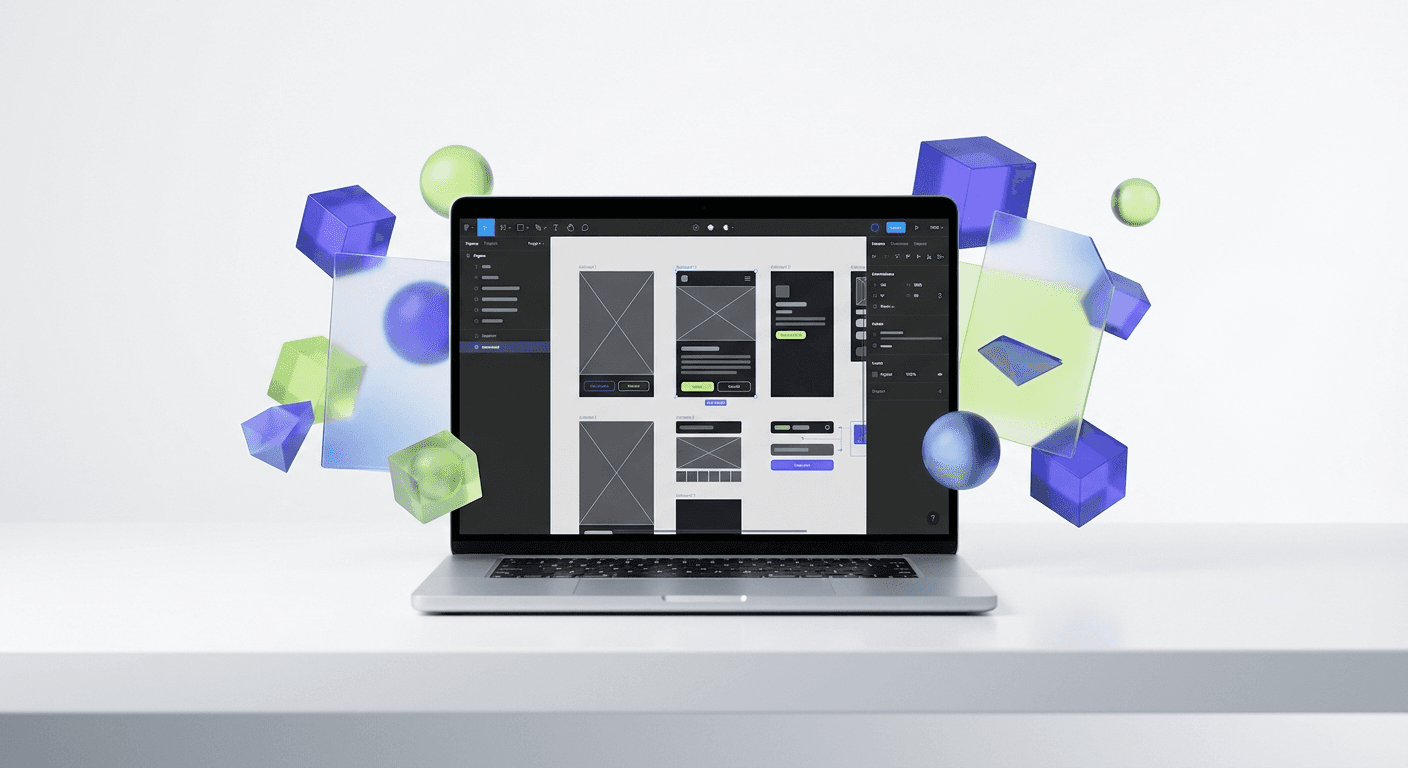
The best brand colors for linkedin posts in 2026 are high-contrast neon accents paired with deep charcoal or slate backgrounds. Moving away from native LinkedIn blue and using 'neo-minimalist' palettes like Electric Indigo or Cyber Lime increases visual prominence and stops users from scrolling past your content.
The best brand colors for linkedin posts are those that create an immediate visual break from the platform's native white and light grey interface. To stop a user from scrolling, your content needs a contrast ratio that demands attention without sacrificing professional credibility. In our experience, the most effective palettes for 2026 involve dark mode backgrounds combined with high-visibility accent colors that guide the eye toward your key message.
What are the best brand colors for linkedin posts in 2026?
The answer is a combination of deep, saturated dark tones and high-contrast neon highlights. While traditional B2B advice suggests using blue to signal trust, the modern LinkedIn feed is saturated with it. To stand out, you should adopt a 'neo-minimalist' approach: use a dark background like #121212 and a single, aggressive accent color like #CCFF00 (Cyber Lime) to highlight your most important data or call to action.
Standing out on a professional network requires a technical understanding of how color interacts with user behavior and platform UI. High-contrast color pairings are more than an aesthetic choice; they are a functional tool to combat 'scroll blindness' on mobile devices. According to research by Socialinsider, carousels and images that utilize high-contrast visual elements see significantly higher engagement rates than those using muted or native-matching palettes. This is because high-contrast designs create a physical 'stop' for the eye as the user moves through the predominantly light-grey LinkedIn feed. By implementing a palette that deviates from the standard professional blue, you signal to the reader that your content is different from the average corporate update, which is a critical first step in establishing a modern B2B brand identity.
Why does your linkedin color palette need to break the native UI?
Your linkedin color palette serves as a signal of premium quality. If your posts use the same white background and blue text as the LinkedIn interface, your content blends into the chrome of the app. We suggest using a background color that is either much darker or much bolder than #FFFFFF to create a clear container for your ideas.
Contrast is the most important factor in visual hierarchy. When you use colors that contrast sharply with the white space of the feed, you create a 'frame' around your content. This frame focuses the user's attention on your message. Many founders make the mistake of trying to 'fit in' with corporate colors, but the goal of social media marketing is to be noticed, not to be invisible. Use a dark background to make your text pop and your brand feel more established.
How does the psychology of color in b2b drive lead generation?
The psychology of color in b2b has shifted from 'safety' to 'authority and speed.' In a crowded market, trust is no longer built by simply looking like everyone else. Trust is built by showing that you are a modern, efficient, and results-oriented company. Colors like deep violet or obsidian suggest a premium, high-tech service, while bright accents suggest energy and innovation.
Color psychology is not a collection of rigid rules but a series of emotional triggers that you can deploy strategically. While blue remains a staple for traditional finance and legal sectors, SaaS companies and digital agencies are finding more success with 'disruptor' colors. For instance, using a deep emerald green suggests growth and stability, but when paired with a sharp white or a neon yellow, it communicates a sense of aggressive, tech-forward expansion. These psychological associations happen in milliseconds as a user scrolls. If your colors feel dated or generic, the user subconsciously assumes your product or service is also dated. By choosing a palette that feels contemporary, you position your brand as a leader in its field before the user even reads your first sentence. This immediate perception of authority is what converts a casual scroller into a high-quality lead.
Which high engagement linkedin colors perform best for carousels?
Data shows that high engagement linkedin colors are those that facilitate easy reading on mobile screens. Dark backgrounds with light text reduce eye strain and keep users engaged with long-form carousel content for longer periods. We recommend specific HEX codes that have been tested for legibility and visual impact across different device types.
Color Name | HEX Code | Best Use Case | Contrast Level |
|---|---|---|---|
Obsidian Black | #121212 | Carousel Background | Maximum |
Cyber Lime | #CCFF00 | Key Statistics / CTAs | High |
Electric Indigo | #4F46E5 | Section Headers | Medium-High |
Soft Slate | #F9FAFB | Body Text on Dark | High (Legibility) |
Using these colors correctly requires a balance of 90% neutral tones and 10% high-energy accents. If you use too much of a bright color, you will overwhelm the reader and look unprofessional. Use the accent color only for the things you want the user to remember. This creates a clear path for the eye to follow through your content cards.
How do you choose the right linkedin post background color?
Your linkedin post background color should always be chosen with accessibility in mind. The Web Content Accessibility Guidelines (WCAG) recommend a contrast ratio of at least 4.5:1 for normal text. To ensure your brand looks premium, we suggest going even higher, aiming for a 7:1 ratio to guarantee readability for all users.
Choosing the right background is a matter of technical performance. A dark background allows you to use a wider range of high-energy accent colors that would look 'cheap' on a white background. When you use a deep charcoal or navy, a bright purple or green looks like a sophisticated design choice. On a white background, those same colors can feel like a generic advertisement. We find that founders who use dark-mode carousels often report a more 'premium' feel in their brand feedback. To achieve this, we build our templates with highly customizable Figma-based design templates that allow you to swap background colors in seconds while maintaining perfect contrast levels. This ensures your content remains accessible while looking like it was produced by a high-end design agency.
What are the best b2b social media colors for SaaS and startups?
The most effective b2b social media colors for SaaS companies in 2026 focus on 'clean tech' aesthetics. This means using plenty of white space (or dark space) and a monochromatic palette with one distinct pop of color. This style reflects the minimalism of modern software interfaces, making your brand feel cohesive with the products you build.
SaaS branding is moving away from the 'tech blue' of the 2010s toward more sophisticated, muted primary colors. Think of deep teals, terracotta, or muted forest greens. These colors feel organic yet professional. When you use these in your social media content, you distance yourself from the 'spammy' look of many bottom-of-the-funnel ads. According to Sprout Social, 2026 design trends emphasize 'human-centric' palettes that use softer tones to build a more personal connection with the audience. This is especially important for founders building a personal brand, as it makes your content feel more approachable and less like a corporate broadcast. The goal is to balance the professionalism required for B2B with the visual interest required to survive the attention economy of social media.
How can you implement these colors efficiently in your workflow?
Speed is a competitive advantage in content marketing. You cannot spend hours adjusting colors for every post. The best way to maintain a consistent brand is to use a design system in Figma. Define your color tokens once and apply them to all your templates to ensure every post you publish is on-brand and optimized for engagement.
Start by creating a color palette in Figma using the 'Variables' feature. Create a 'Primary' color, a 'Background' color, and an 'Accent' color. Once these are set, you can swap the entire look of a 10-slide carousel by changing just three values. This technical approach saves you hours of manual work and prevents the 'amateur' look that comes from inconsistent branding. Consistent use of color is what builds brand recognition over time. If a user sees your specific shade of indigo three times a week, they will eventually start to recognize your content before they even see your name or logo.
What mistakes should you avoid with LinkedIn brand colors?
One common mistake is using low-contrast color pairings, such as light blue text on a white background. This is a common accessibility failure that makes your content unreadable for many users. Another mistake is using too many colors in a single post. A 'rainbow' effect looks disorganized and confuses the viewer's eye, leading them to keep scrolling.
Avoid using LinkedIn's own colors (Light Grey #F3F2EF and Blue #0A66C2) as your primary brand colors for social content. If you do, your post will look like a part of the platform's UI rather than a unique piece of content. This phenomenon, known as 'banner blindness,' causes users to skip over elements that look like standard interface components. Always aim for a palette that creates a clear 'object' in the feed. Finally, don't ignore the mobile experience. Colors that look great on a calibrated 27-inch monitor might look washed out on a smartphone at 50% brightness. Always test your color choices on a mobile device before finalizing your brand style guide.
Final checklist for your 2026 LinkedIn color strategy
Use a dark-mode background (#121212) to create a visual break from the native UI.
Select one high-contrast accent color (like Cyber Lime or Electric Indigo) for key data points.
Ensure all text has a contrast ratio of at least 4.5:1 for accessibility.
Limit your palette to 2-3 main colors per post to maintain a minimalist aesthetic.
Test your colors on a mobile device to ensure they pop at lower brightness levels.
Automate your branding using Figma components and color variables to save time.
By focusing on high-contrast, modern palettes, you position your brand as a premium leader in the LinkedIn feed. Choosing the best brand colors for linkedin posts is not just about looking good; it is about the technical optimization of your content for the 2026 attention economy. Implement these changes today to see an immediate impact on your engagement and lead generation efforts.



