Guide

Guide

Guide

How to Design Social Media Carousel Posts for Instagram, TikTok, and Linkedin

Discover how you can design social media carousel posts for Instagram, TikTok, and LinkedIn.

How to Design Social Media Posts

Designing social media content can be tough, since there are many factors that influence the performance.

  • Simplicity of the design.

  • Core message of the post.

  • Sustaining your brand values.

After generating 8,000,000 views we steamlined our content creation process.

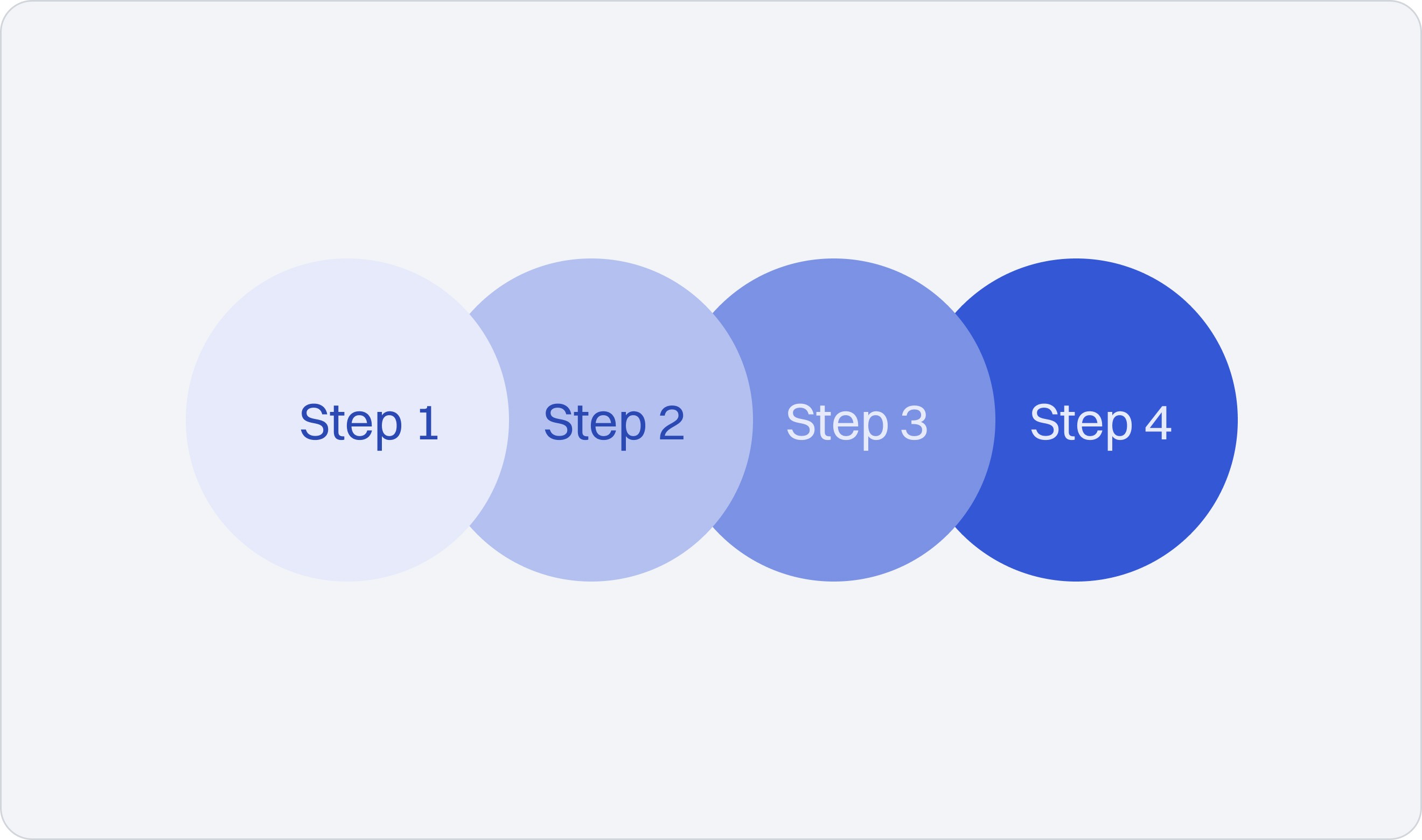
Discover how you can design high performing social media content using our step-by-step process.

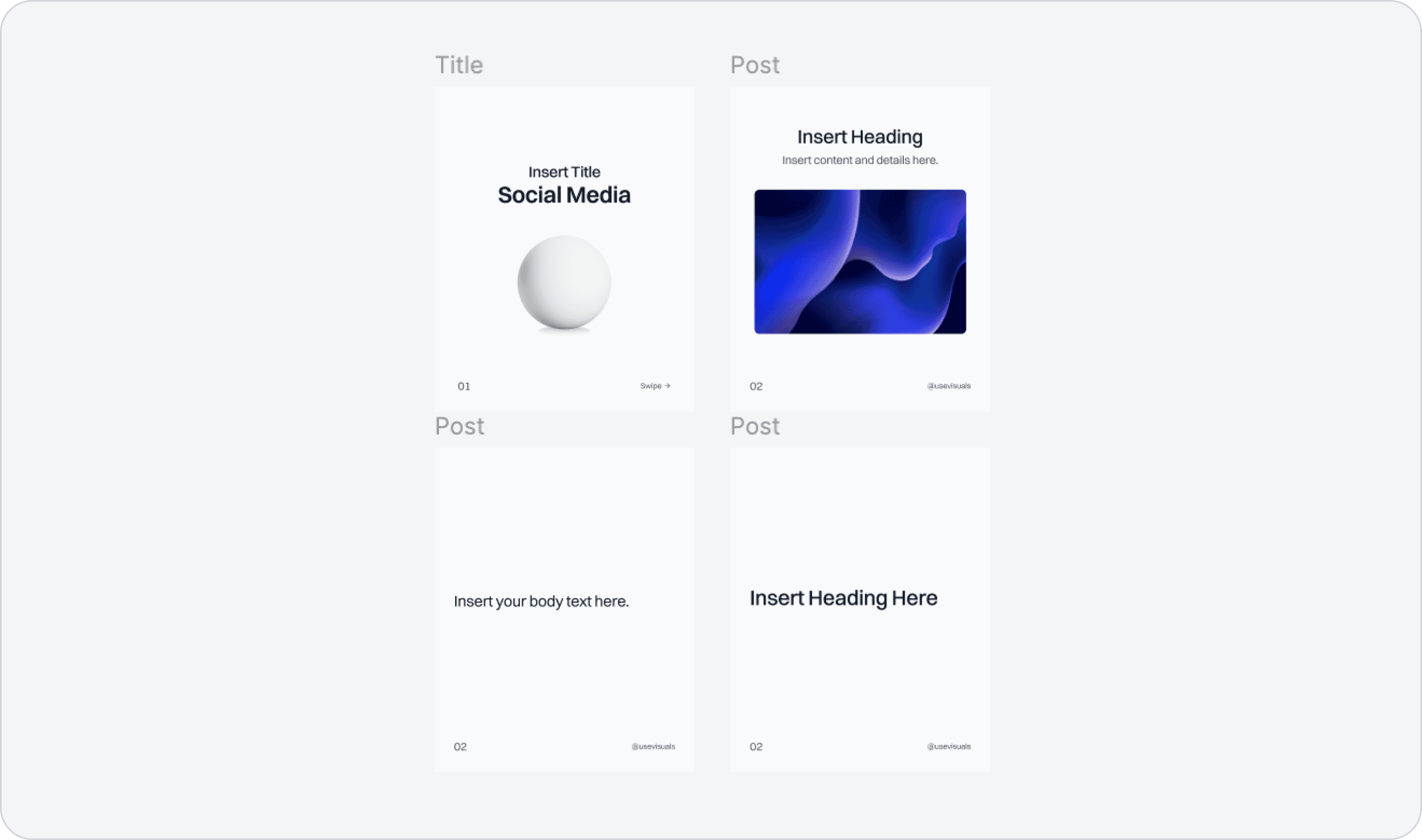
Step 1: Download Free Templates

Trust us on this one - after hundreds of hours creating content we refined our post designs and came up with these free templates.

  • Completley for free.

  • Edit in Figma.

  • Used by 25,000+ people.

Step 2: Edit Templates in Figma

Now edit the free templates you just downloaded.

  • Open the file after downloading.

  • Duplicate the file to make changes.

  • Use Figma as a powerful free editor.

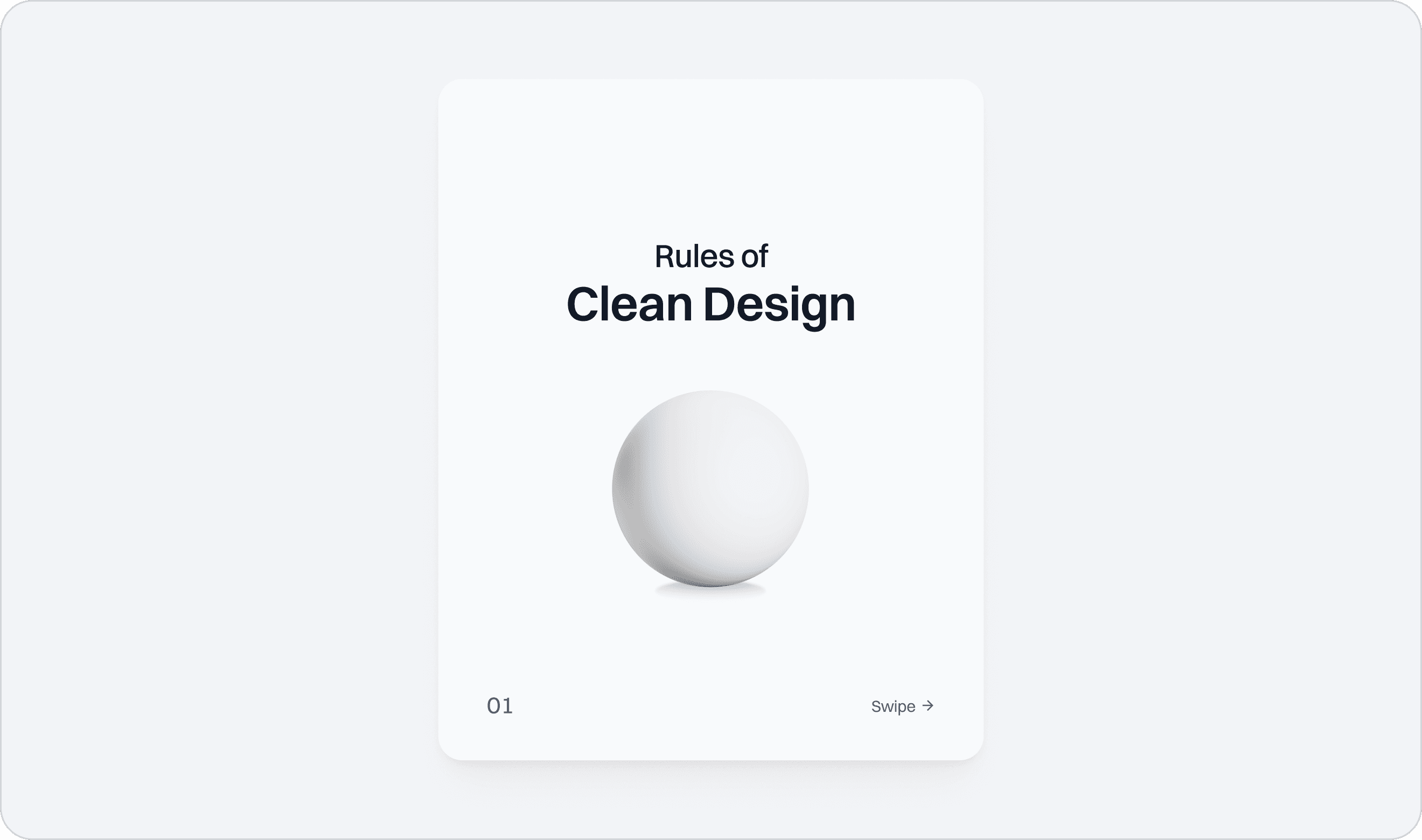
Step 3: Create Title Slide

The most important step of publishing effective content is to create an impactful title slide.

  • Edit the title template.

  • Keep it as simple as possible.

  • Catch attention with visuals.

Step 4: Structure Your Post

Try to keep your viewers watching your slideshow by creating an interesting structure.

  • Use visuals to catch attention.

  • Keep it as simple as possible.

  • Leave open questions.

PS: We know that visuals are a struggle to design every time. Luckily we included 1000+ example posts full of supporting visuals in our Social Media Kit.
Step 5: Insert Content

Choose the template for your preferred content type and insert the content.

  • Templates are suitable for many content types.

  • For example: listicle, guides, and resources.

  • Find more templates with lots of content types here.

Save Hours Creating Content with our Social Media Kit

Get access to optimized social media templates and generate millions of views for your brand.

  • 300+ templates

  • Content library

  • Free weekly updates

=> Click here to learn more.

GTM Agent Kit

Download a ready-to-use folder with agents for social posts, blog articles, newsletters, and lead magnets

Social Content Agent

Research content idea

Draft storyline

Design visual posts

Render and review

Blog agent

Find keyword angles

Build weekly content plan

Draft optimized articles

Export CMS files

Social Content Agent

Research content idea

Draft storyline

Design visual posts

Render and review

Blog agent

Find keyword angles

Build weekly content plan

Draft optimized articles

Export CMS files

Get access to GTM workflows for your AI agent

Download a ready-to-use folder with agents for social posts, blog articles, newsletters, and lead magnets.

Four GTM agents

Saves hours every week

Works with your AI agent

Ready for scheduled runs

Simple setup, no code

Minor updates included

Social Content Agent

Research content idea

Draft storyline

Design visual posts

Render and review

Blog agent

Find keyword angles

Build weekly content plan

Draft optimized articles

Export CMS files

Get access to GTM workflows for your AI agent

Download a ready-to-use folder with agents for social posts, blog articles, newsletters, and lead magnets.

Four GTM agents

Saves hours every week

Works with your AI agent

Ready for scheduled runs

Simple setup, no code

Minor updates included

© 2026 Halbritter Media

GTM Agent Kits. usevisuals.com is not affiliated with OpenAI, Anthropic, Cursor, or their teams, nor is it endorsed or sponsored by them.

Disclaimer: The content on usevisuals.com is provided for general informational purposes only. While we strive for accuracy, we make no representations as to the completeness or reliability of any information. Any action you take upon the information on this website is strictly at your own risk.

© 2026 Halbritter Media

GTM Agent Kits. usevisuals.com is not affiliated with OpenAI, Anthropic, Cursor, or their teams, nor is it endorsed or sponsored by them.

Disclaimer: The content on usevisuals.com is provided for general informational purposes only. While we strive for accuracy, we make no representations as to the completeness or reliability of any information. Any action you take upon the information on this website is strictly at your own risk.

© 2026 Halbritter Media

GTM Agent Kits. usevisuals.com is not affiliated with OpenAI, Anthropic, Cursor, or their teams, nor is it endorsed or sponsored by them.

Disclaimer: The content on usevisuals.com is provided for general informational purposes only. While we strive for accuracy, we make no representations as to the completeness or reliability of any information. Any action you take upon the information on this website is strictly at your own risk.