LinkedIn Slider Post Best Practices to Skyrocket Reach in 2026
Boost your authority with linkedin slider post best practices. Learn how to optimize PDF carousels for the 2026 algorithm and increase your mobile engagement.
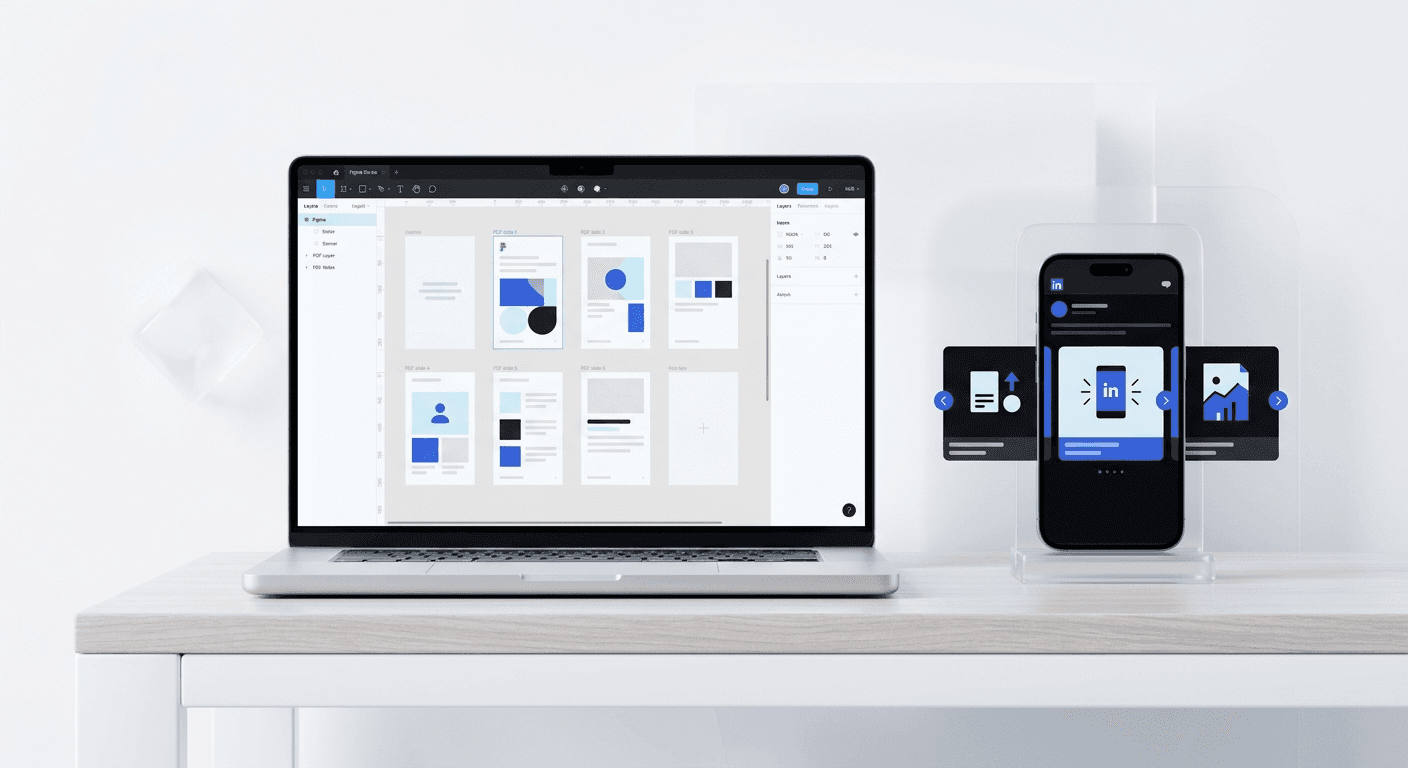
LinkedIn sliders are PDF-based document posts that allow users to swipe through multiple frames. In 2026, these posts remain the most effective format for increasing organic reach because they maximize dwell time and offer multiple interaction points per impression.
Following linkedin slider post best practices is the fastest way to turn a stagnant profile into a lead-generation machine. High-performing sliders rely on a mix of technical precision, mobile-first design, and psychological triggers. We use these principles daily to help founders look premium without hiring a full-time design team.
What are the current linkedin slider post best practices for 2026?
The core best practices for LinkedIn sliders center on the 4:5 vertical aspect ratio, high-contrast typography, and a maximum of 12 slides. Modern LinkedIn users are overwhelmed with content, so your slider must provide immediate value on the first frame to stop the scroll. We recommend a title slide that uses at least 30% of the screen area for a single, bold headline.
Success in 2026 requires moving away from generic templates. Your design must feel integrated into your brand identity. Use a consistent color palette and repeatable layout structures to build brand recognition. This consistency helps your audience identify your content before they even read the headline. Ensure your PDF files are optimized for fast loading by keeping them under 10 megabytes while maintaining sharp vector text.
Why do document posts outperform static images on LinkedIn?
Document posts outperform static images because they generate significantly higher engagement signals per user. While a static image offers one opportunity for a like or comment, a 10-page slider offers nine swiping actions. Each swipe tells the algorithm that the viewer finds the content interesting enough to continue, which exponentially increases the post's visibility in the feed.
Document posts, commonly known as sliders, are the most effective way to capture attention on a professional feed because they prioritize "dwell time." LinkedIn defines dwell time as the duration a user spends viewing a post or interacting with its elements. According to a Socialinsider 2024 study, carousels generate an average engagement rate of 4.41%, which is significantly higher than the 1.13% seen on single image posts. This performance gap exists because every slide click signals to the LinkedIn algorithm that the content is valuable. When a user swipes through ten slides, they provide ten distinct engagement signals. Consequently, the algorithm pushes the document to a wider audience than a static graphic. We focus on this format because it forces a linear narrative that keeps founders and prospects engaged for three to four times longer than a standard text-based update.
How do you optimize LinkedIn slider posts for mobile users?
The answer is verticality. Because over 57% of LinkedIn traffic comes from mobile devices according to Statista, mobile optimization linkedin is no longer optional. A square post is acceptable, but a portrait post (1080x1350 pixels) is superior. It occupies more vertical space, effectively pushing competing content off the screen and focusing the user's entire attention on your message.
Mobile optimization also applies to the placement of your content. Avoid placing text in the "safe zones" where LinkedIn overlays its native navigation icons. The top right corner and the bottom center of the slide are often covered by the page counter and the swiping arrows on mobile. We design our templates with a 50-pixel internal margin to ensure every word is legible. If a user has to squint or zoom to read your data, they will swipe past your post immediately. Test your PDFs on a physical device before publishing to verify that the thumb does not cover critical information while swiping.
What are the essential linkedin pdf format rules for 2026?
The primary rule is that your slider must be a PDF file, as LinkedIn does not support native image carousels for organic posts. Each page in your PDF becomes a single slide in the viewer's feed. To maintain clarity, export your designs directly from Figma or Canva using high-quality PDF settings. Avoid using screenshots or low-resolution JPG-to-PDF converters which blur the text.
The technical requirements for LinkedIn sliders are rigid but offer high rewards if followed correctly. Every slider must be uploaded as a PDF file to enable the native swiping functionality on both desktop and mobile devices. The official LinkedIn documentation specifies that files should not exceed 100MB in size or 300 pages in length. However, for marketing purposes, we suggest staying between 5 and 12 pages to maintain high completion rates. The aspect ratio is the most critical technical factor for visibility. While square (1080x1080) is common, the vertical portrait ratio (1080x1350) occupies roughly 25% more screen real estate on mobile devices. This extra space allows for larger headlines and clearer call-to-action buttons. We recommend exporting your Figma frames at 144 DPI to ensure that text remains crisp on high-resolution smartphone screens without creating a file that is too heavy to load.
Feature | Recommended Specification | Impact on Reach |
|---|---|---|
File Format | PDF (Standard or Print) | Enables swipe functionality |
Aspect Ratio | 4:5 (1080x1350px) | Increases screen real estate |
Slide Count | 7 to 11 Slides | Optimizes for dwell time |
File Size | Under 10MB | Ensures instant loading |
What is the ideal slider typography size for maximum readability?
The ideal slider typography size for a 1350px tall slide is 80-100 pixels for headlines and 36-40 pixels for body text. Readability is the single biggest factor in completion rates. If the font is too small, users will not put in the effort to read it. We recommend using a high-contrast ratio, such as black text on a light gray or white background, to reduce eye strain.
Typography is the foundation of a successful LinkedIn slider because most users browse in environments where they cannot or will not read small text. For a standard 1080x1350 pixel slide, your primary headline should never be smaller than 80 pixels. This ensures that the main hook is readable even when the user is scrolling rapidly through their feed. We use a hierarchy where the sub-headline sits at 50 pixels and body copy remains at a minimum of 36 pixels. According to accessibility research from the W3C Web Accessibility Initiative, maintaining a high contrast ratio between text and background is necessary for readability. Aim for a contrast ratio of at least 4.5:1. In our design workflow, we prioritize sans-serif fonts with open apertures, as these maintain legibility at smaller scales on mobile displays. Avoiding thin weights prevents text from disappearing on low-brightness screens.
How can you increase slider engagement linkedin through design?
To increase slider engagement linkedin, you must use visual cues that encourage swiping. Design elements like arrows, "swipe for more" text, or graphics that span across two slides create a psychological desire to see the rest of the image. This technique, known as a "panorama," is highly effective at increasing the percentage of users who reach the final slide.
We also suggest using a progress bar at the top or bottom of every slide. This gives the user a visual sense of where they are in the story and reduces the perceived effort required to finish the content. Use color strategically to highlight the most important data points. A splash of your brand's primary color on a specific number or keyword can guide the reader's eye exactly where you want it. Remember that the last slide is your most valuable asset. Use it for a clear, single call to action rather than a generic "thank you" page. Tell the user exactly what to do next: comment a keyword, click the link in your bio, or share the post.
Which document post tips 2026 drive the most leads?
The document post tips 2026 that drive the most leads involve transforming complex data into simple, actionable steps. Founders who share specific frameworks or "behind the scenes" processes see the highest conversion rates. Instead of talking about what you do, use the slider to show how you solve a specific problem for your target audience.
Identify a single, narrow problem your audience faces.
Break the solution into 5 distinct, numbered steps.
Use one slide per step to avoid information overload.
Include a "results" slide that shows a real-world outcome.
End with a direct offer to help the reader implement the solution.
Focusing on one concept per slide is essential. If you try to explain three different ideas on a single page, the reader will get confused and exit. We find that the best-performing lead magnets are those that feel like a mini-masterclass. By the time the user reaches slide 10, they have already received so much value that saying yes to your call to action feels natural. This approach builds trust faster than any traditional sales post.
How do you structure a high-converting 10-slide slider?
A high-converting slider follows a proven narrative structure: Hook, Problem, Solution, Evidence, and Call to Action. Slide 1 is your hook; it must be controversial, surprising, or deeply relatable. Slides 2 and 3 should expand on the pain point, making the reader feel understood. If you don't nail the problem early, the reader has no reason to care about your solution.
Slides 4 through 8 are where you deliver the value. This is the meat of your post. Each slide should contain one clear takeaway. Use icons and bullet points to make this section skimmable. Slide 9 should provide proof. This could be a testimonial, a screenshot of a result, or a graph showing growth. Finally, slide 10 is your closing. We recommend using a high-contrast button graphic on the final slide to make the call to action feel clickable, even though the PDF itself is not interactive. This visual metaphor increases the likelihood of the user taking the intended action in the comments or on your profile.
What common mistakes kill slider reach?
The most common mistake is using too much text. If your slide looks like a page from a textbook, your reach will tank. People use social media to consume information quickly, not to read long-form essays. Another common error is neglecting the post caption. While the slider is the main event, the first two lines of your caption are what convince people to click the slider in the first place.
Avoid using low-contrast color combinations like yellow text on a white background. This is a fast way to alienate mobile users who may be viewing your post in bright sunlight. Furthermore, do not ignore the technical aspect of file naming. When you upload a PDF to LinkedIn, the file name often becomes the title of the document post. Ensure your file is named something professional like "linkedin-slider-post-best-practices.pdf" rather than "final-v3-draft-revised.pdf". These small details contribute to the overall premium feel of your brand.
How do we simplify slider creation at usevisuals?
At usevisuals, we build Figma-based templates that allow you to implement these linkedin slider post best practices in seconds. We believe that founders should spend their time building products, not fighting with design software. Our templates are pre-configured with the correct aspect ratios, safe zones, and typography hierarchies needed for 2026 performance.
By using a system built on Figma's auto-layout, you can swap out text and images while the design adapts automatically. This ensures that your brand identity remains cohesive across every post. If you want to stop struggling with amateur-looking content and start generating professional reach, you can access our minimalist carousel templates to speed up your workflow. We handle the UI/UX details so you can focus on the strategy that grows your business.
Mastering linkedin slider post best practices is a marathon, not a sprint. The algorithm will continue to change, but the human desire for clean, valuable, and easy-to-consume content will remain constant. Focus on mobile optimization, technical PDF rules, and clear typography to ensure your message gets the attention it deserves. Start by auditing your next three posts and applying one new rule to each. You will see the difference in your engagement metrics almost immediately.



