Top 6 Methods to Scale Design Operations Startups in 2026
Discover the top methods to scale design operations startups. Learn how Figma variables and component libraries increase output without hiring more designers.
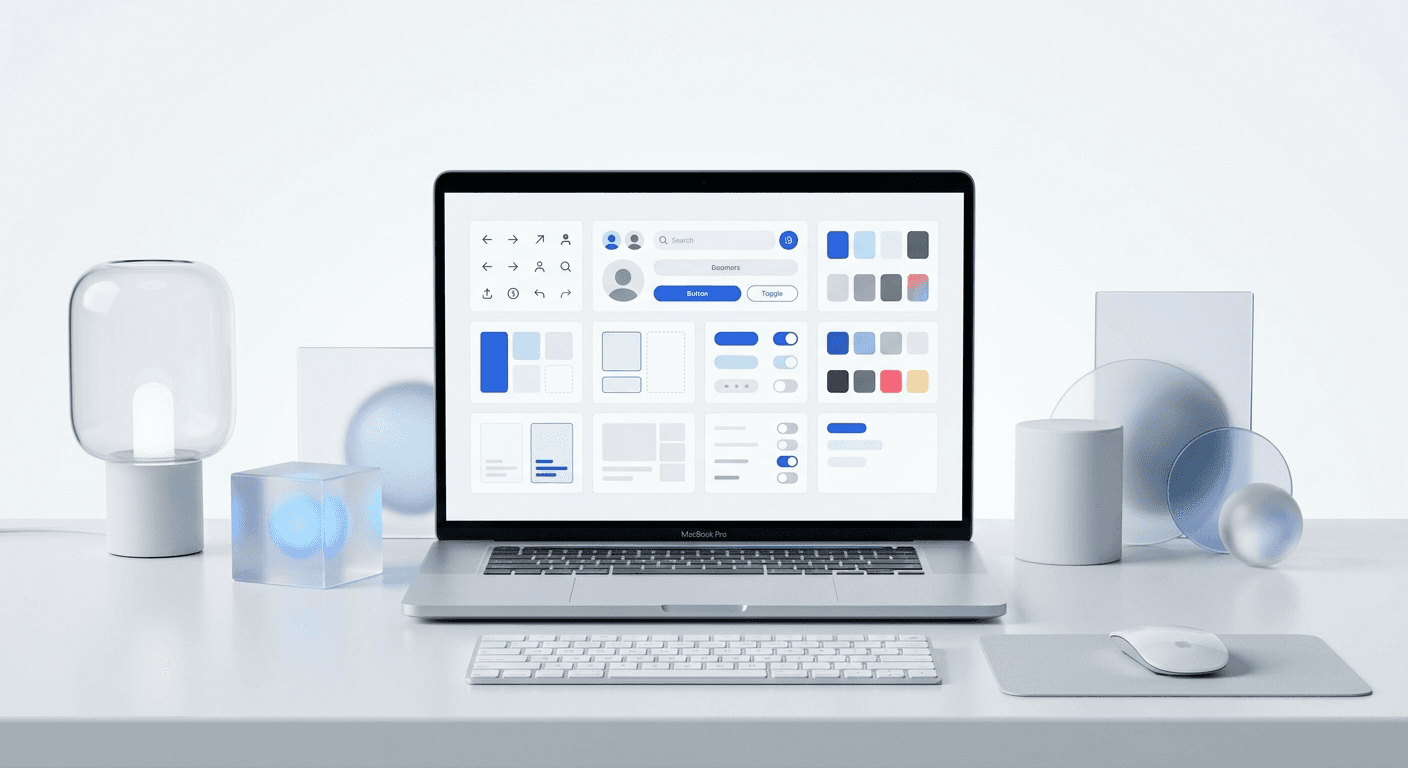
The top methods to scale design operations startups focus on transitioning from manual, bespoke creation to automated, systematic production. By implementing Figma variables, component libraries, and rigid template constraints, marketing teams can produce 10x more visual content while maintaining premium brand standards.
What are the top methods to scale design operations startups?
The top methods to scale design operations startups involve shifting the focus from individual file creation to building a scalable infrastructure that anyone on the team can use. This means moving away from a world where a designer manually moves pixels for every social media post and toward a system where marketing assets are generated from pre-approved components. Successful DesignOps centers on three core pillars: standardization of assets, automation of repetitive tasks, and documentation of design rules.
DesignOps is the practice of optimizing people, processes, and craft to amplify design’s value and impact within an organization. For a startup, this is not about adding layers of management. It is about removing friction. According to research by Nielsen Norman Group, DesignOps focuses on how we work together, how we get work done, and how our work creates impact. By standardizing these elements early, a startup avoids the technical and design debt that usually slows down growth as the team expands from one designer to ten. Implementing a structured workflow ensures that the brand remains cohesive even when non-designers are the ones executing the final assets.
We see companies struggle because they treat design as a service desk rather than a product. To scale, you must treat your design system as the product itself. The best designops strategies 2026 prioritize the creation of a "single source of truth" where every marketing asset originates from the same master file. This approach eliminates the need for constant back-and-forth communication between founders and designers. When the rules are baked into the tools, the output scales naturally.
How do Figma variables reduce design debt?
Figma variables are a feature that allows designers to store reusable values for colors, numbers, strings, and booleans that can be applied across a design system. They function as design tokens, meaning a single change to a variable updates every instance of that value throughout your entire project. This prevents the need to manually hunt through hundreds of frames to change a specific shade of blue or a corner radius.
The use of variables is one of the most effective ways to manage figma design system management at scale. When you define a brand color as a variable, you create a system that is resilient to change. If you decide to rebrand, you update the variable value once, and your entire library of social media templates, website mockups, and pitch decks reflects that change immediately. This level of control is essential for B2B SaaS companies that need to maintain a premium, professional appearance across multiple platforms simultaneously. It reduces the risk of "brand drift," where old assets and new assets look like they belong to different companies.
A recent study by Figma highlights that variables allow teams to switch between themes, such as light and dark modes, with a single click. For a startup, this means you can create one set of social media assets and instantly generate a "dark mode" version for different platforms or audiences. This technical depth allows your team to focus on the message rather than the hex code. By reducing the number of manual decisions a designer has to make, you speed up the production cycle and ensure that every asset produced meets the exact specifications of your brand identity.
Why are component libraries necessary for startup growth?
A component library is a collection of pre-built, reusable UI elements like buttons, cards, and headers that serve as the building blocks for all visual content. Instead of building a layout from scratch, you pull components from the library and assemble them. This method ensures that every piece of content follows the same structural logic and aesthetic rules, regardless of who is building it.
Building a robust component library is a core part of how to manage a growing design team effectively. As you hire more people, you cannot rely on tribal knowledge to maintain design quality. The library acts as a visual manual. If a new marketer needs to create a LinkedIn post, they do not need to know the specific margin size or font weight. They simply grab the "LinkedIn Card" component, which already has those rules locked in. This democratization of design allows founders and marketers to move faster without breaking the brand.
Efficiency in design operations is often measured by the speed of execution and the reduction of rework. In many high-growth environments, the ratio of designers to engineers is often 1:8 or higher, putting immense pressure on the design team to keep up with marketing and product demands (InVision). A component-based workflow allows a small team to punch above its weight by creating a library that handles the heavy lifting. When 80% of the work is already done in the component library, the designer can spend their time on the 20% that requires deep creative thinking. This shift is what separates stagnant startups from those that achieve viral visual growth.
How do template constraints speed up visual content creation?
Template constraints are the hard boundaries set within a design file that prevent users from making mistakes, such as using the wrong font size or overlapping elements. By using Figma features like Auto Layout and absolute positioning, you can build templates that behave like software. These constraints allow content to reflow automatically when text is added, maintaining the visual balance without manual adjustment.
To scale visual content creation, you must remove the possibility of design errors. We build our systems with fixed padding and rigid text styles so that even if a founder swaps out a headline, the spacing remains perfect. This "fail-safe" design approach means you no longer need a senior designer to review every single social media tile before it goes live. The system enforces the quality control for you. This is why many agencies and startups now use Figma-based design templates to bypass the initial design phase and go straight to content production.
Workflow Feature | Manual Design | Systematic Design (DesignOps) |
|---|---|---|
Color Updates | Manual change per slide | Global change via Variables |
Text Reflow | Manual resizing of boxes | Automatic via Auto Layout |
Brand Consistency | Depends on designer's memory | Enforced by Component Library |
Production Speed | Hours per carousel | Minutes per carousel |
Data from Socialinsider shows that carousels remain the highest-engaging post type on LinkedIn and Instagram, with an average engagement rate of 1.92%. However, most startups fail to post them consistently because they are too difficult to design from scratch. By using a constrained template system, you eliminate the "blank canvas" problem. You turn the design process into a data-entry task, which is far easier to scale than a creative task. This allows your marketing team to focus on the copy and strategy while the templates handle the professional aesthetics.
How do you standardize top workflows for b2b saas marketing?
Standardizing top workflows for b2b saas marketing involves creating a clear path from a content idea to a published asset. This typically includes a standardized request form, a specific Figma file structure, and an automated handoff process. When everyone knows exactly where to find the latest assets and how to request new ones, the entire marketing engine runs smoother.
We recommend a three-step workflow for all visual marketing. First, the content lead drafts the copy in a structured document. Second, a marketing specialist or designer pulls that copy into a pre-built Figma template. Third, the asset is exported using a standardized naming convention and uploaded to a shared content calendar. This linear process prevents the "where is the latest version?" confusion that plagues many startups. Documentation of this process is as important as the design itself.
Consistency in B2B marketing is a signal of company maturity. According to industry reports, consistent brand presentation across all platforms can increase revenue by up to 23%. For a SaaS company, looking like a premium, established entity is vital for closing enterprise deals. When your social media presence, pitch decks, and product UI all share the same design DNA, you build trust with your audience. A standardized workflow ensures this consistency is maintained even during high-pressure launch periods when corners are usually cut. Scaling design operations is ultimately about ensuring that quality does not drop as volume increases.
What is the best way to manage a growing design team?
Managing a growing design team requires a shift from managing people to managing systems. Instead of reviewing individual files, design leaders should focus on improving the library and the tools the team uses. The goal is to create an environment where the most talented designers are building the components that the rest of the team uses to execute the daily work.
One of the most effective best designops strategies 2026 is the "Internal Tooling" approach. In this model, your senior designers act as product managers for your internal design system. They interview the marketing and product teams to find out where the design process is slowing down. If the marketing team is struggling to create carousels quickly, the design lead builds a better carousel component. This feedback loop ensures that the design operations are always serving the business goals, not just making things look pretty.
Hire systems-thinkers who enjoy building libraries over individual layouts.
Use a centralized task manager like Linear or Notion to track design requests.
Audit your component library once a month to remove unused or redundant parts.
Record Loom videos for every new template so the team knows how to use it.
Scaling a team successfully means that the output of the group is greater than the sum of the individuals. If adding a second designer only increases your output by 50%, your operations are failing. In a well-scaled system, the second designer should be able to produce 2x more than the first because the foundation is already built. Focus on building that foundation first. Use the top methods to scale design operations startups mentioned here to ensure your design team remains a growth lever rather than a bottleneck.
What are the common pitfalls in DesignOps scaling?
The most common pitfall in scaling design operations is over-complicating the system too early. Startups often try to build a massive, all-encompassing design system before they have found product-market fit or established their core brand voice. This leads to a rigid system that is hard to change and expensive to maintain. Start with the basics: a few core colors, two font styles, and a handful of social media components.
Another mistake is failing to document how the system works. A component library is useless if the marketing team doesn't know it exists or how to use it. Simple documentation, such as a "Read Me" page inside Figma or a few short videos, can save dozens of hours in training. We prefer a "just-in-time" documentation style where you only document the parts of the system that are currently in use. This keeps the workload manageable while still providing the necessary guidance for the team.
Finally, avoid the trap of hiring too many designers too fast. Scaling your design output should not always mean scaling your payroll. By using the top methods to scale design operations startups like Figma variables and automated templates, you can often double your visual output with your existing team. Only hire when the system itself is optimized and you have reached the physical limit of what your current team can manage with the tools provided. Efficiency is the ultimate competitive advantage in the SaaS world.



