Typography Hierarchy For Social Media Posts: The 3-Tier System
Master the typography hierarchy for social media posts with our 3-tier mobile-first system. Improve readability, stop the scroll, and boost your brand identity.
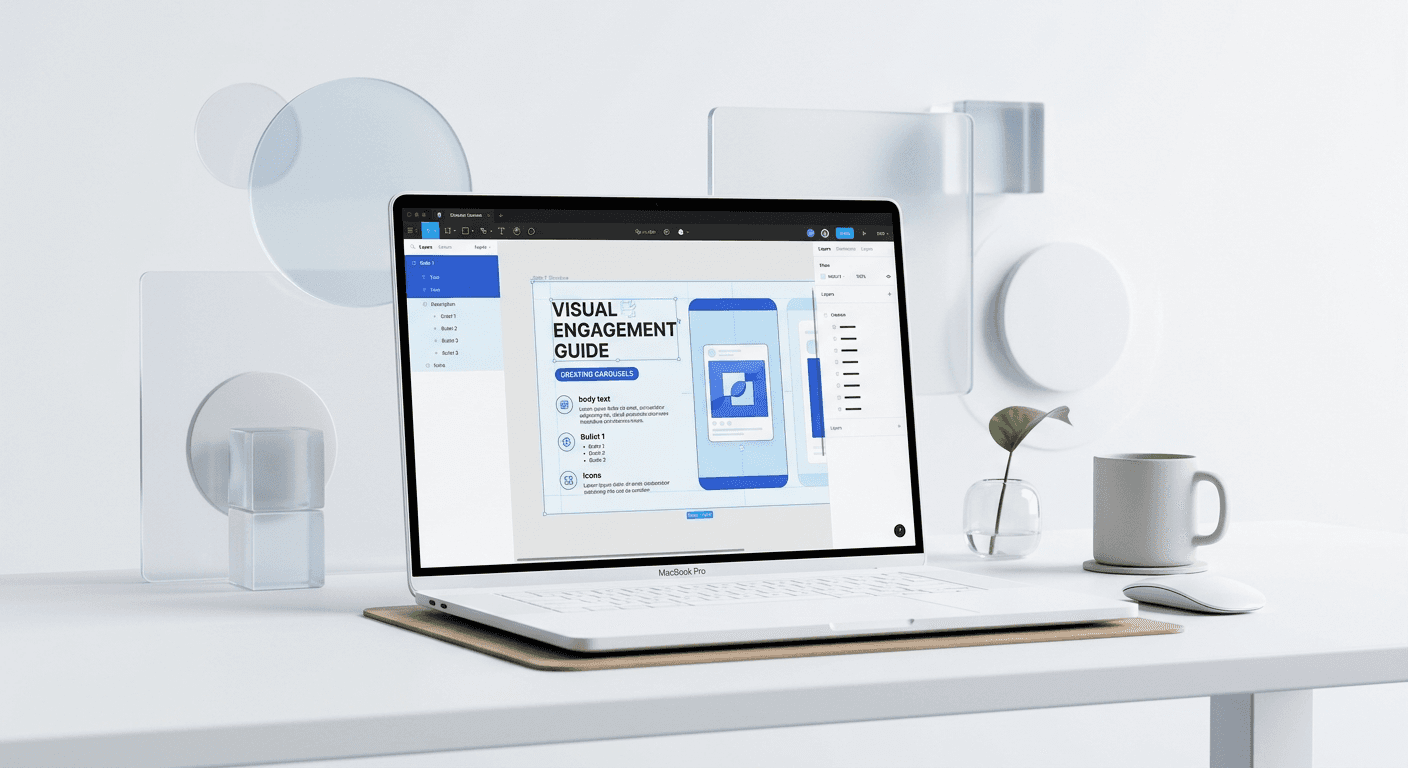
Typography hierarchy for social media posts is a visual system that organizes text by importance to ensure mobile users can process information quickly. By using a 3-tier structure consisting of a Hook, Body, and CTA, creators can improve readability and engagement on platforms like LinkedIn and Instagram.
What is typography hierarchy for social media posts?
Typography hierarchy for social media posts is the strategic arrangement of text elements to guide the viewer’s eye through a design in a specific order. This system uses variations in size, weight, color, and spacing to signal which information is most important. Without a clear hierarchy, users face a wall of text that is difficult to scan on mobile devices, leading to lower engagement and lost leads.
Typography hierarchy for social media posts is a visual system used to organize text elements so readers can quickly distinguish between headlines, subheadings, and body copy. By varying font weight, size, and color, designers create a clear path for the eye to follow. According to a 2024 study by Socialinsider, carousel posts with high-contrast typography see up to 1.92% higher engagement rates compared to text-heavy, unformatted posts (Socialinsider, 2024). This hierarchy is essential because mobile users scroll quickly and only stop for content that is immediately legible. Without a clear structure, even high-quality information is often ignored. We use these principles in our design workflow to ensure every slide has a focal point. Effective hierarchy reduces the cognitive load on the viewer, allowing them to process the core message in under three seconds. This speed of comprehension is the primary driver of content virality in modern social feeds.
We recommend starting with a single bold font for your primary message. This creates an immediate focal point that anchors the rest of the design. Once the primary level is established, you can add secondary and tertiary levels to provide context and drive action.
How do you structure a 3-tier hierarchy for mobile feeds?
The most effective structure for mobile typography is a 3-tier system: the Hook, the Body, and the Call to Action (CTA). The Hook captures attention, the Body provides the value or evidence, and the CTA directs the user to the next step. This system mirrors the natural reading pattern of users who are scrolling through a crowded feed and looking for quick answers.
Tier 1 is the Hook. This text should be the largest element on the slide, often using a heavy weight like Bold or Black. Its purpose is to stop the scroll by promising a benefit or stating a provocative fact. If the Hook is not legible from the main feed view, the user will never read the rest of your content. Tier 2 is the Body. This text supports the Hook with 2-3 short sentences. Tier 3 is the CTA, which is usually a button-like element or a small line of text at the bottom. We find that founders who stick to this 3-tier system produce content that looks more professional and trustworthy.
Consistency is the goal here. If you change the sizes or positions of these tiers on every slide, you force the user to relearn how to read your post. Keep the Hook in the same relative position on every slide of your carousel to maintain a smooth reading rhythm. This predictability allows the user to focus on your message rather than the layout itself.
What are the optimal social media font sizes for readability?
The answer is that social media font sizes must be significantly larger than print or web sizes because they are viewed on small screens. For a standard 1080x1350 pixel portrait post, your headline should never be smaller than 80 pixels. Body text should stay between 32 and 48 pixels to ensure it remains legible even when the user is not zooming in.
Element | Recommended Size (1080px Frame) | Recommended Font Weight |
|---|---|---|
Tier 1: Hook / Headline | 80px - 120px | Bold or Extra Bold |
Tier 2: Subheadline | 50px - 65px | Medium or Semibold |
Tier 3: Body Text | 32px - 45px | Regular or Medium |
Tier 4: Captions / CTA | 24px - 36px | Semibold |
Choosing the right social media font sizes is a technical requirement for accessibility and user retention on mobile devices. Because most social media consumption happens on screens smaller than six inches, typography must be larger than standard web or print sizes. In our experience building Figma templates, we recommend a minimum body text size of 32 pixels for a 1080px square frame to ensure readability without zooming. A report by the Nielsen Norman Group confirms that users typically read only about 20% of the text on a page, making large, scannable headlines vital for capturing attention (Nielsen Norman Group, 2024). When font sizes are too small, users experience eye strain and are more likely to swipe past the post. Maintaining a significant size difference between your primary hook and supporting details creates a visual anchor. This anchor keeps the user engaged with the slide long enough to register the brand identity.
Always test your designs on a real device before publishing. What looks large on a 27-inch monitor often becomes unreadable on an iPhone screen. We suggest using Figma Mirror to preview your layouts in real-time to catch these sizing issues before they reach your audience.
Why is readable mobile typography the most critical factor for engagement?
Readable mobile typography is critical because social media is a mobile-first environment where attention is the scarcest resource. If a user cannot read your text within the first 50 milliseconds, they will continue scrolling. High legibility signals quality and authority, while poor typography suggests a lack of professionalism that can damage your brand credibility.
We see many founders spend hours on their copywriting only to hide it behind small, low-contrast fonts. This is a mistake. Your design is the vehicle for your message. If the vehicle is broken, the message never arrives. Using readable mobile typography means prioritizing high-contrast color palettes, such as black text on a light gray background, and avoiding decorative fonts that are difficult to decode at small sizes. We prefer sans-serif fonts like Inter or Helvetica for their clarity and modern feel.
According to research from the University of Missouri, visual complexity negatively affects a user's first impression of a brand within 50 milliseconds (University of Missouri, 2012). By using consistent margins and avoiding "walls of text," you signal that your brand is premium and organized. We build our frames with a 48px to 80px "safe zone" on all sides to account for platform UI elements like the "like" heart or "save" icon. These layout constraints ensure that your message is never obscured by the social media app interface. Using professional Figma templates allows you to maintain these safe zones automatically without manual adjustment.
How do you balance headline vs body text size in a carousel?
The balance of headline vs body text size is achieved by maintaining a minimum 2:1 ratio between the two elements. If your headline is 90px, your body text should be no larger than 45px. This dramatic difference creates clear visual contrast, which helps the brain categorize information and decide what to read first.
When the headline vs body text size is too similar, the layout feels flat and uninteresting. This is known as a "lack of contrast," and it is one of the most common design errors. To fix this, we recommend making the headline significantly bolder and larger. You can also use color to separate the two. For example, a bright brand color for the headline and a dark gray for the body text creates a clear distinction without being overwhelming.
In our experience, founders often try to make everything big. When everything is big, nothing stands out. You must be disciplined about what qualifies as Tier 1 information. Choose one main idea for the headline and move everything else to the body text or the next slide. This focus is what makes a carousel easy to consume and share.
Which typography layout rules prevent cluttered designs?
The most important typography layout rules for social media include using left-alignment, generous line spacing, and consistent margins. Left-aligned text is easier to read because the human eye naturally returns to a consistent starting point on the left side of the screen. Avoid center-alignment for any block of text longer than three lines, as it creates jagged edges that slow down reading speed.
Implementing typography layout rules involves more than just picking a font; it requires managing whitespace and line height to create a professional appearance. For social media posts, we suggest a line height of 1.2 to 1.4 times the font size to prevent overlapping characters. Proper spacing is a core design principle for non designers that prevents layouts from feeling cluttered. When lines of text are too close together, they appear as a solid block, which is intimidating to the reader. By increasing the "leading" or line height, you give the text room to breathe, making the entire slide feel more premium and modern.
We also suggest using a grid system. A simple 4-column or 8-column grid in Figma helps you align your text boxes with other elements like icons or images. Consistency in alignment across a 10-slide carousel creates a sense of cohesion that makes your brand look established and trustworthy. This is the difference between an amateur post and a professional content strategy.
What are the best design principles for non designers to follow?
The best design principles for non designers focus on simplicity: limit yourself to two fonts, use high contrast, and embrace whitespace. Most design problems are solved by removing elements rather than adding them. If a slide feels "off," try increasing the font size of the headline and adding more empty space around the body text.
Limit font pairings: Use one serif and one sans-serif, or stick to a single font family with multiple weights.
Prioritize contrast: Ensure there is a high brightness difference between your text and background.
Avoid pure black: Use a very dark gray (#1A1A1A) instead of #000000 for a softer, more premium look.
Use Auto Layout: This Figma feature ensures your spacing remains consistent as you change your text.
These design principles for non designers are meant to provide a safety net. You do not need to be an expert to produce high-quality visuals; you just need to follow a proven system. We find that when founders stop trying to be "creative" and start being consistent, their engagement metrics improve. Design on social media is a tool for communication, not an art project. The goal is clarity.
Another principle is the use of visual cues. Small arrows, progress bars, or "swipe" prompts should use Tier 4 typography. These are functional elements that guide the user through the carousel without competing with your main message. Keeping these elements small and subtle ensures they don't distract from the core value you are providing.
What are the common typography mistakes on social media?
Common mistakes include using too many fonts, small font sizes that require zooming, and poor contrast between text and background. Another frequent error is ignoring the "safe zones" of the social platform, leading to text being covered by the app’s interface. Avoiding these pitfalls is the fastest way to improve your content quality.
One of the most damaging mistakes is using typography layout rules that work for print but fail on mobile. For example, justified text creates "rivers" of whitespace that are distracting on narrow mobile screens. Similarly, using light-weight fonts on dark backgrounds can cause a "haloing" effect that makes the text look blurry to some users. We suggest sticking to medium weights for white-on-dark layouts to maintain sharpness.
Pro tip: If you have to squint to read your post on your phone, your audience will simply swipe past it. Readability is the foundation of reach.
Finally, avoid using text as an image whenever possible. While carousels are images, the text within them should be crisp. If you export your designs at low resolution, the typography will pixelate, making your brand look cheap. We recommend exporting at 2x resolution (2160x2700 pixels) to ensure your typography remains sharp on high-density Retina displays.
Summary of the typography hierarchy system
Mastering typography hierarchy for social media posts is the most efficient way to turn casual scrollers into engaged followers. By implementing a 3-tier system and sticking to proven social media font sizes, you remove the friction between your ideas and your audience. Remember to prioritize readable mobile typography and follow typography layout rules that emphasize whitespace and contrast. These design principles for non designers allow you to build a premium brand identity without needing a full-time designer.



